This site uses cookies to enhance your user experience. By clicking any link on this site you are giving your consent to our cookie policy. Read more
Reject
Accept All

Advertiser and Editorial Disclosures

Live Weather&Local Weather

Live Weather&Local Weather

verified

Weather Widget Theme Dev Team

4.2
Rating
5,000,000+ Downloads
16.6.0.6365_50208 Version
  • category

    Category: Weather

  • price

    Price: free

  • age rating

    Age Rating: Everyone

  • rating

    Rating: 4.2

  • available on

    Available on: /

  • updated on

    Updated on: Nov 11, 2025

Screenshot 1
Screenshot 2
Screenshot 3
Screenshot 4
Screenshot 5
Screenshot 6
Screenshot 7
Screenshot 8
Screenshot 9
Screenshot 10
Screenshot 11
Screenshot 12
Screenshot 13
Screenshot 14
Screenshot 15

Features & Highlights

Interactive Radar Maps

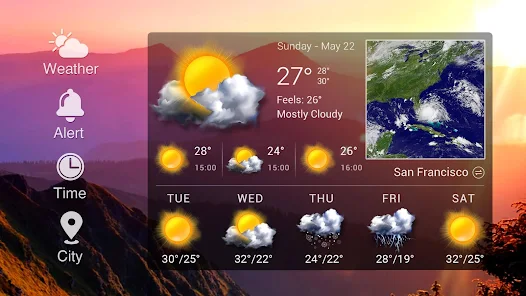
Explore interactive radar maps that provide a visual representation of current weather patterns. With easy-to-use zoom and pan features, you can track storms, rainfall, and other weather phenomena in real-time, ensuring you’re always one step ahead of the elements.

Localized Forecasts

Get hyper-localized weather forecasts tailored to your specific location. The app analyzes data from nearby weather stations, ensuring that you receive the most accurate information, whether you’re at home or traveling, so you can plan your day with confidence.

Real-Time Updates

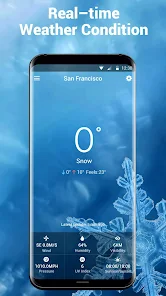
Stay informed with real-time weather updates that keep you ahead of the changing conditions. Whether you're planning a day out or just curious about the forecast, you'll get instant notifications on severe weather alerts and changes right at your fingertips.

User-Friendly Interface

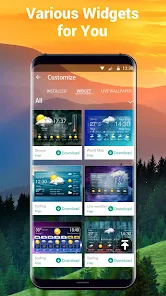
Navigate the app effortlessly with its intuitive user interface designed for all ages. The clean layout and straightforward navigation make it easy to access all essential weather information quickly, so you can focus more on enjoying your day rather than searching for data.

Pros & Cons

Pros
  • Live Weather offers real-time updates for immediate planning needs.
  • Local Weather provides tailored forecasts for your specific area.
  • Live Weather alerts you to severe conditions to ensure safety.
  • Local Weather helps you prepare for daily activities with accurate data.
  • Live Weather enhances travel experiences by predicting changing conditions.
Cons
  • Live Weather can be unpredictable, leading to sudden changes in forecasts.
  • Local Weather may lack comprehensive data for broader climate patterns.
  • Both can be influenced by localized anomalies, affecting accuracy.

Real Experience Using Live Weather&Local Weather

Application Scenarios

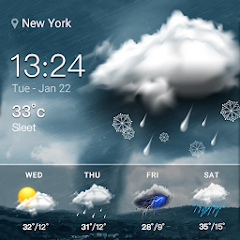
The Live Weather & Local Weather app is designed to cater to a variety of users, making it a versatile tool for anyone seeking accurate weather information. Whether you are planning a weekend getaway, preparing for your daily commute, or monitoring severe weather alerts, this app provides tailored forecasts that are localized to your exact location. For outdoor enthusiasts, the app is particularly beneficial as it allows users to check for real-time weather updates before engaging in activities such as hiking, biking, or camping. Additionally, travelers can utilize the app to get insights into weather conditions at their destination, ensuring they pack appropriately for their trip. Homeowners can also benefit from the app's alerts on severe weather events, giving them ample time to prepare and secure their properties.

User Experience

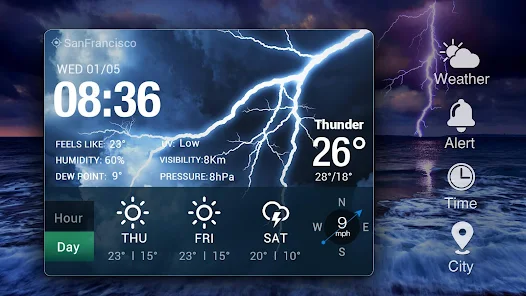
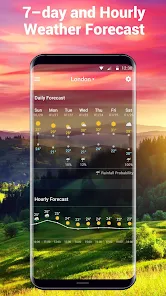
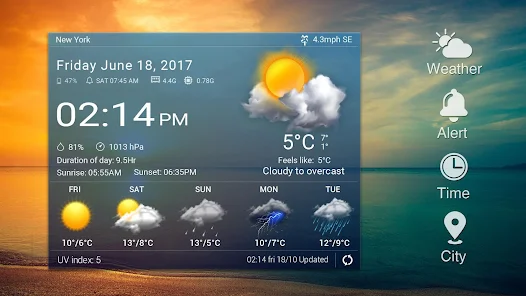
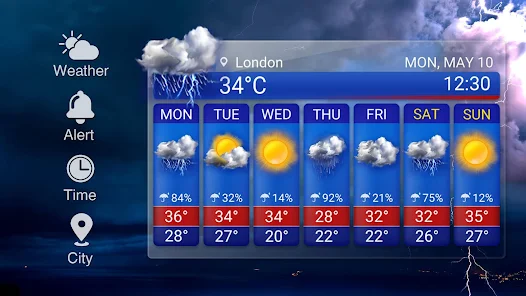
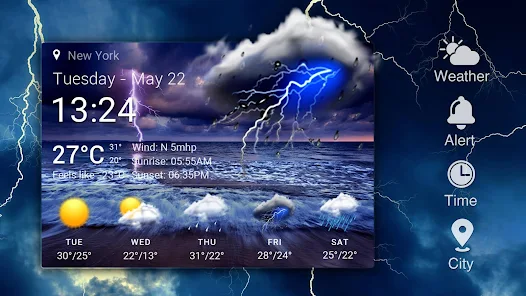
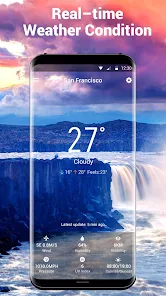
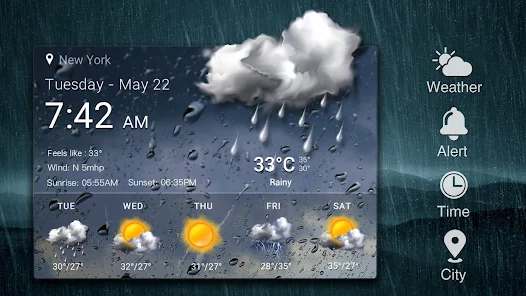
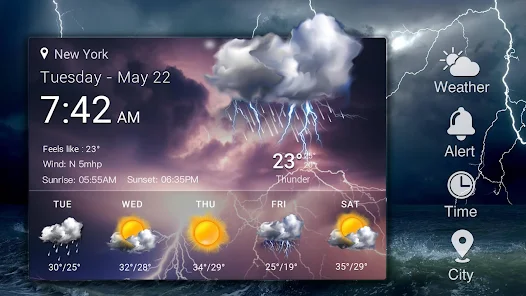
The user experience of Live Weather & Local Weather is largely commendable. The interface is clean and intuitive, making it easy for users of all ages to navigate. Upon launching the app, users are greeted with a current weather snapshot, including temperature, humidity, and wind speed, presented in a visually appealing manner. The ability to switch between hourly and daily forecasts enhances the overall usability, allowing users to plan their day or week accordingly. Furthermore, the app's interactive map feature provides a detailed view of weather patterns, including radar images and storm tracking, which adds an extra layer of functionality. Notifications for severe weather alerts are timely and informative, ensuring users remain safe during adverse conditions. Overall, the app delivers a seamless experience that prioritizes user needs and preferences.

Pricing

The Live Weather & Local Weather app follows a freemium model, allowing users to download and utilize the basic features at no cost. However, for those seeking an ad-free experience and access to premium features—such as advanced radar maps, extended forecasts, and personalized weather alerts—a subscription is required. The pricing is competitive with similar applications in the market, making it an attractive option for users who desire enhanced functionality without breaking the bank. Monthly and yearly subscription plans are available, giving users the flexibility to choose what works best for them.

Updates & Support

The developers of Live Weather & Local Weather are committed to providing regular updates that enhance app performance and introduce new features. User feedback is taken seriously, and updates often reflect community requests, resulting in an app that evolves based on user needs. Support options are readily available, with a dedicated help center that addresses common issues and FAQs. For more personalized assistance, users can reach out via email or through the app's support feature, where they can receive prompt help from the support team. This dedication to maintaining an up-to-date and user-friendly app ensures that Live Weather & Local Weather remains a reliable choice for weather forecasts.

verified Security & Privacy Review

The Live Weather & Local Weather app prioritizes user security and privacy, implementing various measures to protect sensitive information. The app collects minimal data necessary for providing accurate weather forecasts, which includes location data. Users are informed of the data collection methods through a clear privacy policy, ensuring transparency in how their information is utilized. Permissions requested by the app are primarily location-based, allowing users to receive localized weather updates. While this enhances user experience, it is essential for users to be aware of the extent of the permissions granted. Users can manage these permissions through their device settings, providing control over their data. The app employs encryption protocols to safeguard data during transmission, ensuring that personal information remains secure. However, users should remain vigilant about sharing their location and other personal data, as with any app. Regular updates and security patches are released to address potential vulnerabilities, contributing to a safer user experience.

User Reviews

  • A Google user
    2018/10/21

    Was working fine, but has stopped working, and I can't get it to work anymore. There is a bug in the app and widget causing this problem. I tried clearing the cache and data, that didn't work. I tried uninstalling and reinstalling, but that failed to fix the problem. No good. Bad. Uninstalled. REJECTED!!

  • A Google user
    2019/10/25

    Good , but constantly gibe errors I have just installed the updates for the app, because of the errors I was receiving . Big mistake!!! It is full of adds. You cannot remove them, unless you pay, of course :). Nice trap, guys! So my advice is: stick to the older version as long as possible- it looked a lot more better (specially the air quality section) and has no adds!

  • A Google user
    2019/04/04

    Way too many ads. Everytime I charge my phone an ad pops up, once I close that one a whole screen ad pops up and you can't close it for ten seconds. I can understand having ads in the app but it's unacceptable to have them take over my phone when I'm not even using it. I liked the widget but it started not updating on a regular basis. I had to uninstall this app. there are too many weather apps to use one that is more if an inconvenience than it is helpful.

  • Katherine X
    2020/06/09

    Has everything I want, except way too many pop up, intrusive ads. They want you to pay for a premium, ad free version, which is fine, but I don't want to be bullied into it. And I'll be damned if I allow ads to auto-play in my face at full volume first thing in the morning. Banners are fine, not noisy animated bits.

  • A Google user
    2019/12/11

    I understand this is a free version and ad supported. But wow the ad pop ups are to much and worst part is the app is sending me notifications of ads.. Too frequently. Installed and used within an hour I was so annoyed I had to un install. The app it self is ok but not what I'm looking for.

Review Source: Google Play store public user reviews.

FAQ

1

Can I submit suggestions or feedback to Live Weather&Local Weather?

Yes, users are encouraged to submit feedback and suggestions through the app's support section or by contacting customer service for improvements and feature requests.

2

Does Live Weather&Local Weather collect my personal data?

The app may collect certain data to enhance user experience, but it is committed to protecting user privacy and complies with relevant data protection regulations.

3

Does Live Weather&Local Weather support offline use?

Yes, Live Weather&Local Weather allows users to access previously downloaded weather data even when offline, although real-time updates require an internet connection.

4

How do I cancel my Live Weather&Local Weather subscription?

Users can cancel their subscription through their device's app store settings or directly within the app's subscription management section.

5

How much does a subscription to Live Weather&Local Weather cost?

Subscription pricing varies based on the plan selected, with options for monthly or yearly subscriptions available at competitive rates.

How to use Live Weather&Local Weather

1

Can I change my customer number if I lose it?

Unfortunately, customer numbers cannot be changed. If you lose it, please contact customer service for help recovering your account.

2

How can I contact customer service for Live Weather?

You can reach customer service by calling the customer number provided in the app or visiting our website for support options.

3

How can I log in if I don't remember my customer number?

If you can't remember your customer number, please reach out to customer service for assistance in retrieving it.

4

How do I activate my account for Local Weather?

To activate your account, enter your customer number in the activation section of the app and follow the prompts.

5

I forgot my password. How can I log in?

Use the 'Forgot Password?' link on the login page to receive a reset email and regain access to your account.

Editor's Choice