This site uses cookies to enhance your user experience. By clicking any link on this site you are giving your consent to our cookie policy. Read more
Reject
Accept All

Advertiser and Editorial Disclosures

Live Weather: Weather Forecast

Live Weather: Weather Forecast

verified Verified App

Developer: Weather Forecast - WaiWao Studio

  • category

    Category: Weather

  • price

    Price: 0

  • age rating

    Age Rating: Everyone

  • rating

    Rating: 4.9

  • download

    Downloads: /

  • version

    Version: 1.1.36

Screenshot 1
Screenshot 2
Screenshot 3
Screenshot 4
Screenshot 5
Screenshot 6
Screenshot 7
Screenshot 8

Features & Highlights

Customizable Alerts

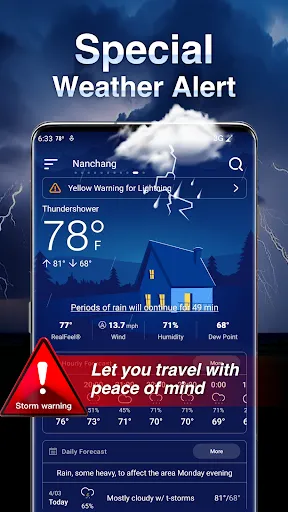
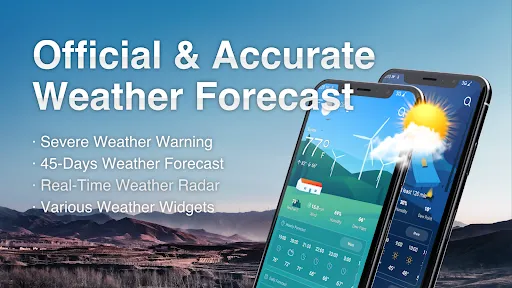
Receive personalized weather alerts tailored to your specific preferences, whether it’s severe weather warnings or daily forecasts. This feature ensures you never miss important updates, allowing you to plan your day with confidence and peace of mind.

Detailed Forecasts

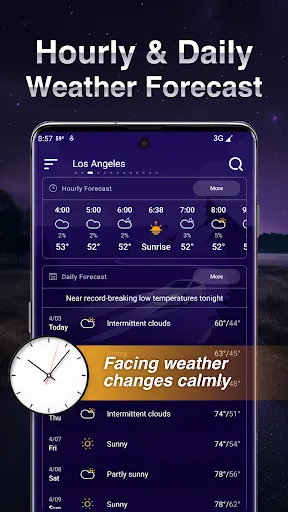
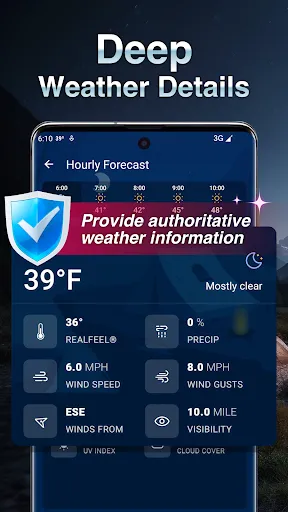
Get comprehensive weather forecasts that cover everything from temperature and humidity to wind speed and UV index. With detailed insights for the next few days, you can prepare for any weather scenario, ensuring you’re always ready for what Mother Nature has in store.

Interactive Radar Maps

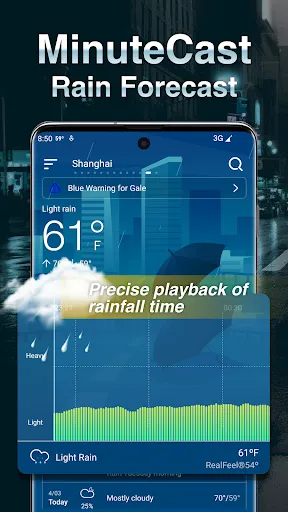
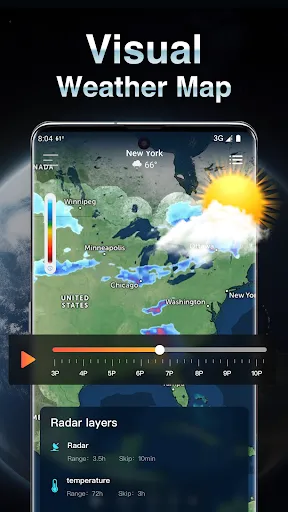
Explore dynamic radar maps that provide a visual representation of weather patterns in your area. With easy-to-navigate controls, you can zoom in and out to view localized conditions or broader systems, making it easy to track storms and precipitation as they develop.

Real-Time Updates

Stay informed with real-time weather updates that keep you in the loop about changing conditions. Whether you’re planning a trip or just heading out for a walk, this feature ensures you have the latest information at your fingertips to make the best decisions.

Pros & Cons

Pros
  • Stay updated with real-time weather changes for better planning.
  • Access accurate forecasts tailored to your location effortlessly.
  • Receive alerts for severe weather, ensuring safety and preparedness.
  • Enjoy user-friendly features for quick navigation and information retrieval.
  • Utilize historical data to understand weather patterns and trends.
Cons
  • Live Weather can be unpredictable, leading to inaccurate forecasts.
  • Real-time updates may overwhelm users with excessive data.
  • Reliance on technology can result in missed alerts during outages.

Real Experience Using Live Weather: Weather Forecast

Application Scenarios

The Live Weather: Weather Forecast app is designed for a variety of users who require timely and accurate weather information. Whether you're a traveler planning a trip, an outdoor enthusiast checking conditions for hiking or camping, or simply someone who wants to stay updated on daily weather changes, this app caters to all. Users can benefit from precise forecasts for different locations, making it ideal for those who frequently move between cities or countries. The app also provides alerts for severe weather, which is crucial for individuals living in areas prone to storms or extreme conditions. Additionally, farmers and gardeners can utilize the app’s forecasts to make informed decisions about planting and harvesting times, ensuring they maximize their yield and protect their crops.

User Experience

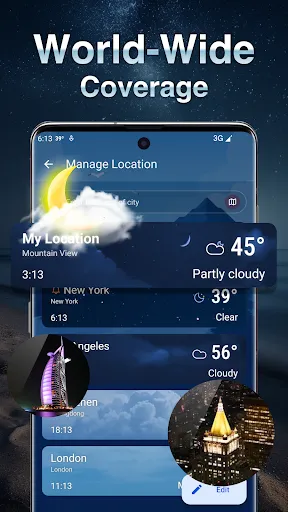
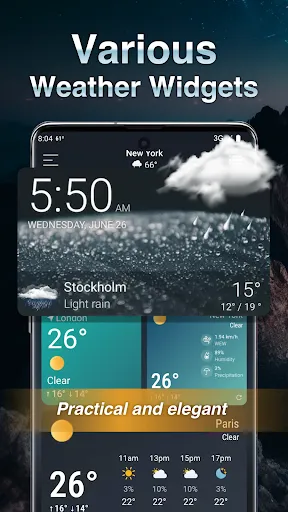
The user experience of Live Weather is intuitive and straightforward. Upon opening the app, users are greeted with a clean interface that displays the current weather conditions along with a detailed hourly and weekly forecast. The design is visually appealing, featuring vibrant graphics that enhance the overall experience. Navigating through the app is seamless, with quick access to features such as radar maps, temperature trends, and air quality index. Personalization options allow users to set their preferred locations, ensuring that the most relevant data is always at their fingertips. Furthermore, the app provides widgets for easy access to weather updates directly from the home screen, making it convenient for users to check the forecast at a glance. Overall, the user experience is enhanced by smooth performance and minimal loading times, contributing to a satisfying interaction.

Pricing

Live Weather: Weather Forecast operates on a freemium model, allowing users to access a significant portion of its features for free. This free version includes basic weather information, forecasts, and alerts. However, for those seeking an ad-free experience or advanced features such as detailed radar imagery and extended forecasts, a premium subscription is available. The pricing is competitive, often providing monthly and yearly subscription options that offer savings for long-term users. The value offered by the premium version justifies its cost, particularly for users who rely heavily on weather data for their daily activities or professional needs.

Updates & Support

The developers of Live Weather are committed to continuous improvement, regularly releasing updates that enhance functionality and user experience. These updates often include new features, bug fixes, and performance improvements based on user feedback. Users can expect timely updates that keep the app in line with the latest technological advancements and weather tracking methodologies. Moreover, customer support is readily available, with a dedicated help section within the app. Users can reach out via email or through the app’s feedback feature for assistance with any issues or inquiries. The responsive support team plays a crucial role in maintaining user satisfaction, ensuring that any concerns are addressed promptly and effectively.

verified Security & Privacy Review

In today's digital landscape, the security and privacy of user data is paramount, and the Live Weather: Weather Forecast app takes this responsibility seriously. The app requires certain permissions to function effectively, including access to location services, which is essential for providing accurate weather forecasts tailored to the user's area. However, users should be mindful of granting location access, as it involves sharing personal data with the app. Live Weather employs industry-standard encryption to protect user data during transmission, ensuring that sensitive information remains secure. The app's privacy policy outlines its practices regarding data collection, usage, and sharing, giving users transparency about how their information is handled. It is crucial for users to review these policies to understand what data is collected and how it may be used. Additionally, the app offers options for users to manage their privacy settings, allowing them to limit data sharing. Overall, while Live Weather: Weather Forecast takes necessary precautions to safeguard user data, it is essential for users to remain vigilant and informed about the permissions they grant and the information they share.

Reviews

4.9

“Accurate forecasts, very reliable app!”

“User-friendly interface, easy to navigate.”

“Great for real-time weather updates.”

“Notifications are timely and helpful.”

“Love the detailed radar maps!”

Compare APP

FAQ

1

Can I submit suggestions or feedback to Live Weather: Weather Forecast?

Yes, users can submit suggestions or feedback through the app’s support section or via the official website.

2

Does Live Weather: Weather Forecast collect my personal data?

The app may collect some personal data such as location information to provide accurate weather forecasts, but it typically adheres to privacy policies to protect user information.

3

Does Live Weather: Weather Forecast support offline use?

Yes, Live Weather: Weather Forecast allows users to access certain features, such as previously loaded weather data, even when offline.

4

How do I cancel my Live Weather: Weather Forecast subscription?

You can cancel your subscription by going to your account settings in the app store where you purchased it and following the cancellation process.

5

How much does a subscription to Live Weather: Weather Forecast cost?

The subscription cost for Live Weather: Weather Forecast may vary depending on the plan chosen, with options for monthly or yearly subscriptions available.

How to use Live Weather: Weather Forecast

1

Can I log in to my Live Weather account on multiple devices?

Yes, you can log in to your account on multiple devices using the same credentials. Just remember to log out on devices you no longer use.

2

Can I reset my password if I can't log in?

Yes, you can reset your password by clicking the "Forgot Password" link on the login page. Follow the instructions sent to your email to regain access.

3

How can I contact customer service for help with my Live Weather account?

You can reach our customer service team via the "Contact Us" section in the app or through our website. We're here to assist you!

4

How can I reach customer service if I have a billing question?

For billing inquiries, contact customer service through the app or website. Our team is ready to help you with any billing questions you may have.

5

How do I activate my Live Weather account after signing up?

To activate your account, check your email for an activation link. Click on it to complete the activation process. If you didn't receive it, please contact customer service.

Editor's Choice