This site uses cookies to enhance your user experience. By clicking any link on this site you are giving your consent to our cookie policy. Read more
Reject
Accept All

Advertiser and Editorial Disclosures

Garmin Pilot

Garmin Pilot

verified Verified App

Developer: Garmin

  • category

    Category: Weather

  • price

    Price: free

  • age rating

    Age Rating: Everyone

  • rating

    Rating: 2.7

  • download

    Downloads: 500,000+

  • version

    Version: 26.1.0

Screenshot 1
Screenshot 2
Screenshot 3
Screenshot 4
Screenshot 5
Screenshot 6
Screenshot 7
Screenshot 8
Screenshot 9
Screenshot 10
Screenshot 11
Screenshot 12
Screenshot 13
Screenshot 14
Screenshot 15
Screenshot 16
Screenshot 17
Screenshot 18
Screenshot 19
Screenshot 20
Screenshot 21
Screenshot 22
Screenshot 23
Screenshot 24

Features & Highlights

Flight Planning

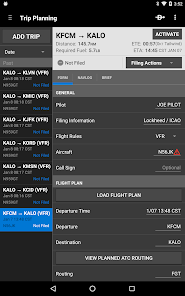
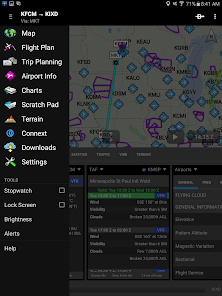
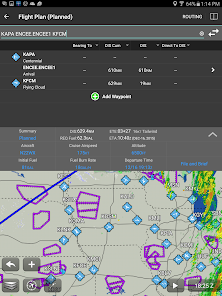
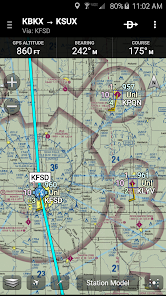
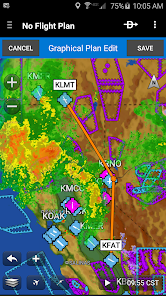
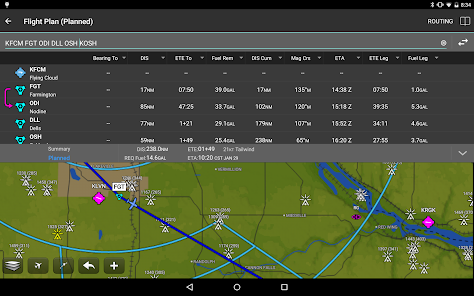
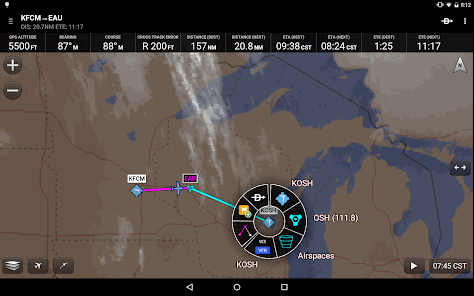
Garmin Pilot offers a robust flight planning tool that allows users to create detailed flight routes with ease. It integrates real-time weather data and airspace information, ensuring pilots can make informed decisions while on the go. This feature streamlines the planning process, making it intuitive and efficient for all levels of aviators.

Logbook Management

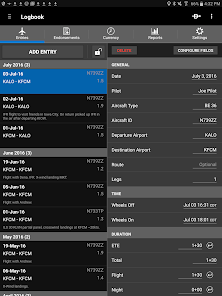
The app simplifies logbook management by allowing pilots to easily track flight hours, landings, and other important metrics. With Garmin Pilot, you can generate detailed reports and keep your logbook updated effortlessly, giving you more time to focus on flying and less on paperwork.

Navigation Tools

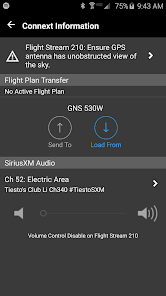
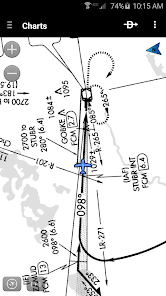
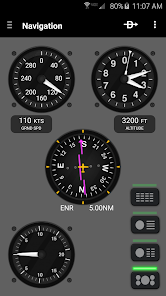
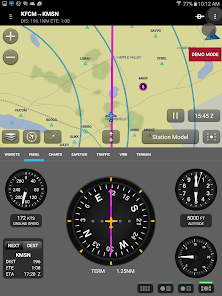
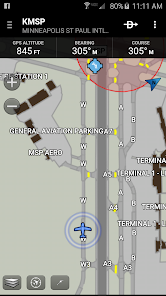
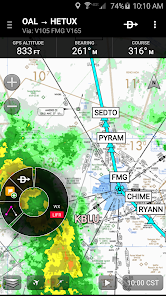
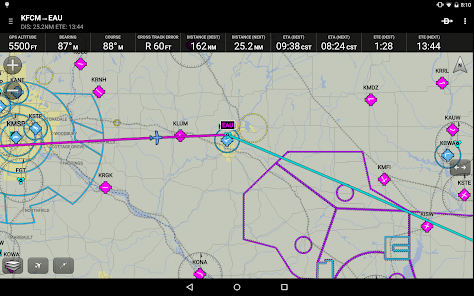
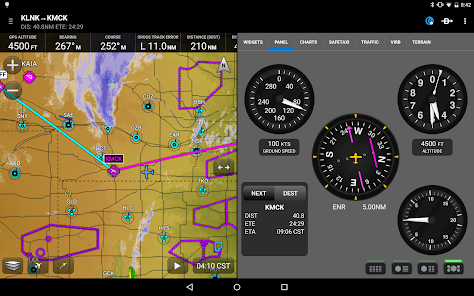
Garmin Pilot provides an array of navigation tools, including GPS, VFR, and IFR navigation charts, to ensure you never lose your way. The app supports seamless integration with Garmin's avionics and offers a user-friendly interface, making it easy to access critical navigation information right when you need it.

Weather Awareness

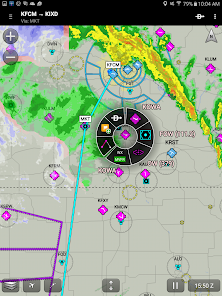
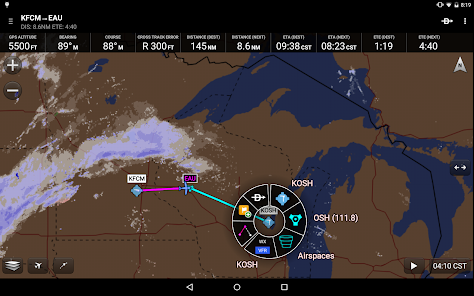
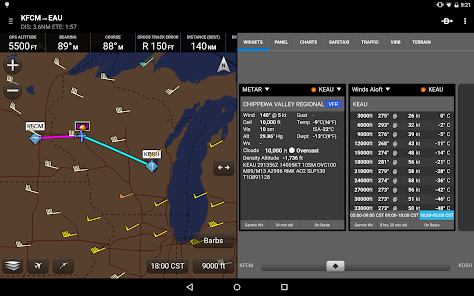
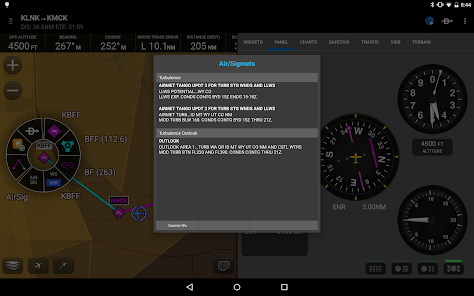
Stay ahead of changing conditions with Garmin Pilot's advanced weather features. Users can access live weather radar, NEXRAD overlays, and METAR/TAF reports, all designed to enhance situational awareness in the cockpit. This ensures you have the latest information to make safe flying decisions, no matter where your journey takes you.

Pros & Cons

Pros
  • Intuitive interface for easy navigation and operation.
  • Comprehensive flight planning tools enhance safety and efficiency.
  • Real-time weather updates for informed decision-making.
  • Seamless integration with various Garmin devices and apps.
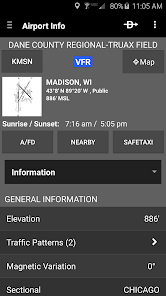
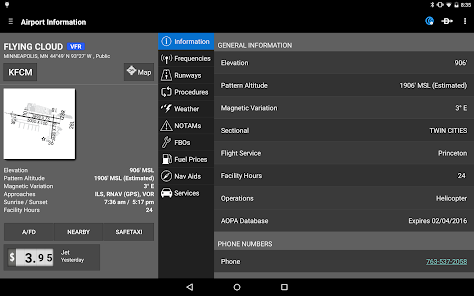
  • Robust database of airports and airspace information.
Cons
  • Limited offline functionality for flight planning
  • High subscription costs for premium features
  • User interface can be complex for beginners
  • Frequent updates may disrupt workflow

Real Experience Using Garmin Pilot

Application Scenarios

Garmin Pilot is designed primarily for aviation enthusiasts, including both professional pilots and hobbyists. The app serves as a comprehensive flight planning tool, allowing users to access a plethora of aviation charts, weather data, and navigation aids. Whether you’re a student pilot preparing for your first solo flight or a seasoned aviator planning cross-country trips, Garmin Pilot provides essential features tailored to various flight scenarios. Users can easily create flight plans, review airspace classifications, and utilize the built-in moving map feature for real-time navigation. Additionally, the app supports multiple aircraft profiles, making it suitable for a wide range of flying experiences—from small general aviation aircraft to larger commercial planes.

User Experience

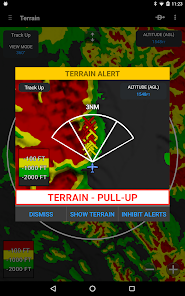
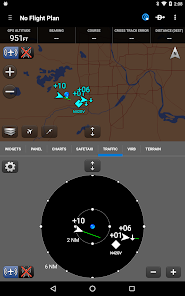
The user experience with Garmin Pilot is generally positive, thanks to its intuitive interface and robust functionality. Upon launching the app, users are greeted with a well-organized dashboard that makes navigation seamless. The ability to customize the dashboard according to personal preferences allows for a more personalized experience. The app provides an array of features, including synthetic vision, terrain awareness, and real-time weather radar, all of which contribute to enhanced situational awareness during flights. Furthermore, the integration with Garmin’s other products, such as the GPSMAP series, enables effortless data synchronization across devices. While some users have reported a learning curve associated with the app’s extensive features, the comprehensive tutorials and user guides help ease this transition.

Pricing

Garmin Pilot operates on a subscription-based pricing model, offering various tiers to accommodate different users’ needs. The monthly subscription is priced competitively, making it accessible for casual users, while the annual plan provides a discount for those who are committed to long-term use. Additionally, Garmin often provides a free trial period for new users, allowing them to explore the app's features before making a financial commitment. This tiered pricing strategy ensures that both casual and serious pilots can find an option that suits their budget and usage frequency.

Updates & Support

Garmin is known for maintaining its software with regular updates that enhance functionality and user experience. Garmin Pilot receives frequent updates that introduce new features, improve existing ones, and address any bugs reported by users. The app's support is robust, with a dedicated customer service team available through multiple channels, including email and phone support. Additionally, Garmin offers an extensive knowledge base and community forums, where users can find answers to common questions or share experiences with fellow pilots. Overall, the commitment to ongoing support and updates makes Garmin Pilot a reliable choice for aviation navigation and planning.

verified Security & Privacy Review

Garmin Pilot prioritizes user security and privacy through robust data protection measures. The app employs encryption protocols to safeguard sensitive information during transmission, ensuring that user data remains confidential. Garmin is committed to transparency regarding its data handling practices, providing users with clear information on what data is collected and how it is used. When installing Garmin Pilot, users are prompted to grant permissions for accessing location services, contacts, and storage. These permissions are essential for the app’s functionality, such as real-time navigation and flight planning. However, users are encouraged to review these permissions and adjust settings according to their comfort level. Garmin’s privacy policy outlines the types of data collected, which may include flight logs, preferences, and device information. Users have the option to manage their data sharing settings within the app, offering a degree of control over personal information. Overall, Garmin Pilot demonstrates a strong commitment to user privacy and data security, making it a reliable choice for aviation enthusiasts.

Reviews

2.7

“Great for flight planning and navigation accuracy”

“User-friendly interface with powerful features”

“Excellent charts and weather updates”

“Reliable performance in the cockpit”

“Syncs seamlessly with other Garmin devices”

FAQ

1

Are there tutorials available for using Garmin Pilot?

Yes, Garmin provides various resources, including tutorials, webinars, and user guides, to help users learn how to effectively use the Garmin Pilot app. These resources are valuable for both new and experienced pilots looking to maximize the app's capabilities.

2

Can Garmin Pilot be used for international flights?

Yes, Garmin Pilot can be used for international flights. The app includes access to global charts and navigation data, making it suitable for pilots flying in various airspaces around the world. However, users should ensure they have the necessary charts and regulations for the regions they plan to fly into.

3

Can Garmin Pilot be used on multiple devices?

Yes, Garmin Pilot can be installed on multiple devices, and your subscription can be accessed across those devices. However, synchronization of data may vary, so it’s advisable to ensure that all devices have the latest updates and data for consistency in usage.

4

Can I import flight plans into Garmin Pilot?

Yes, Garmin Pilot allows users to import flight plans from various sources, including other flight planning software and GPS devices. This feature makes it easy to transfer plans and ensures that pilots can access their intended routes quickly and efficiently.

5

Can I use Garmin Pilot without an internet connection?

Yes, Garmin Pilot can be used offline, but some features require an internet connection for the most up-to-date information, such as real-time weather updates. Pilots should download necessary charts and data while connected to the internet to ensure they have access to essential information during flight.

How to use Garmin Pilot

1

Can I use Garmin Pilot without an internet connection?

Yes, certain features are available offline, but you will need an internet connection for updates and some data services.

2

How can I contact Garmin Pilot customer service?

You can contact Garmin Pilot customer service by visiting their official website and using the support section or calling their customer support number listed there.

3

How do I log in to my Garmin Pilot account?

Open the Garmin Pilot app, select 'Sign In,' and enter your email and password associated with your account.

4

How do I reset my Garmin Pilot password?

To reset your password, go to the login screen, select 'Forgot Password,' and follow the instructions sent to your registered email.

5

How do I update the Garmin Pilot app?

Update the Garmin Pilot app through the App Store or Google Play Store by selecting 'Update' if it's available.

Editor's Choice