This site uses cookies to enhance your user experience. By clicking any link on this site you are giving your consent to our cookie policy. Read more
Reject
Accept All

Advertiser and Editorial Disclosures

Chordify: Song Chords & Tuner

Chordify: Song Chords & Tuner

verified Verified App

Developer: Chordify B.V.

  • category

    Category: Music & Audio

  • price

    Price: free

  • age rating

    Age Rating: Everyone

  • rating

    Rating: 4.1

  • download

    Downloads: 5,000,000+

  • version

    Version: 1995

Screenshot 1
Screenshot 2
Screenshot 3
Screenshot 4
Screenshot 5
Screenshot 6
Screenshot 7
Screenshot 8
Screenshot 9
Screenshot 10
Screenshot 11
Screenshot 12
Screenshot 13
Screenshot 14
Screenshot 15
Screenshot 16
Screenshot 17
Screenshot 18

Features & Highlights

Chord Recognition

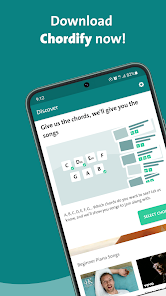
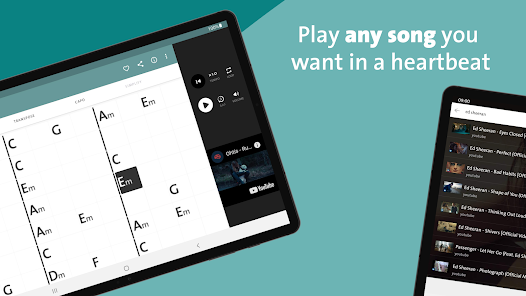
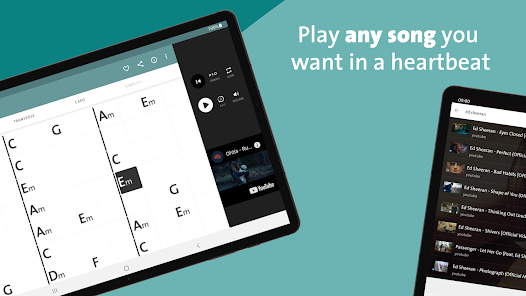
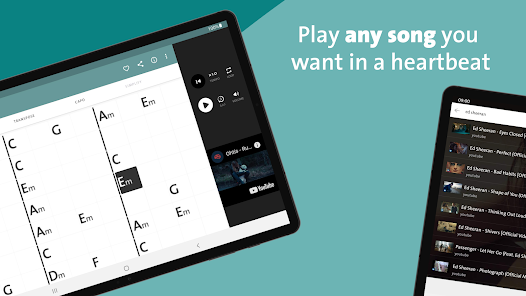
Chordify's advanced chord recognition technology automatically detects chords from any song, allowing musicians to play along effortlessly. Just upload a track or select one from the library, and you'll receive an accurate chord progression that makes learning new songs a breeze.

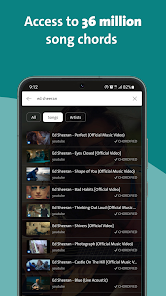
Song Library Access

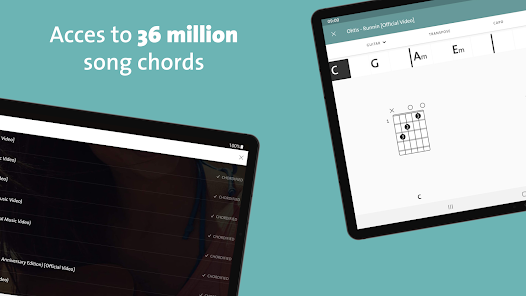
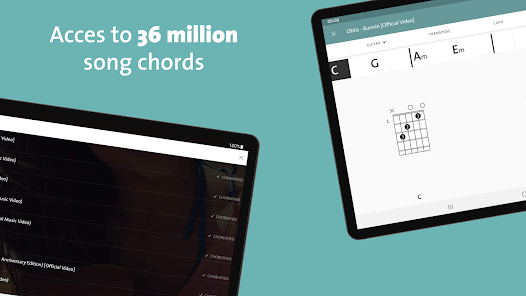
With a vast library of songs across various genres, Chordify allows users to explore and discover new music. The app regularly updates its collection, ensuring you'll always have fresh material to practice and enjoy.

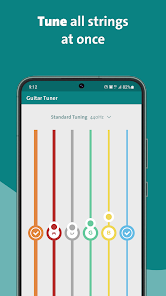
Tuner Tool

The built-in tuner is perfect for ensuring your instrument is always in pitch. It provides accurate readings for various instruments, making it easy to keep your guitar, ukulele, or other string instruments perfectly tuned and ready to play.

User-Friendly Interface

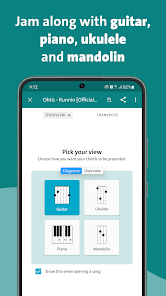
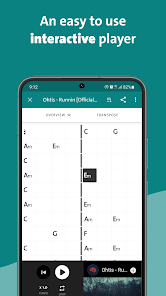
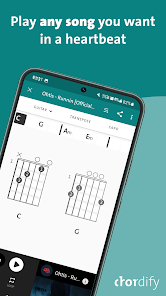
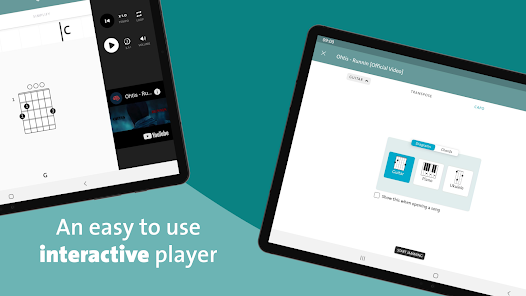
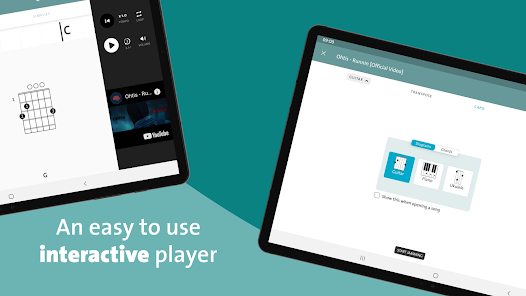
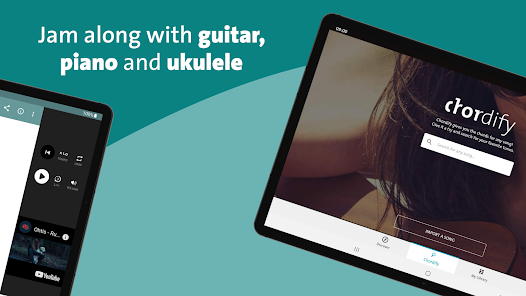
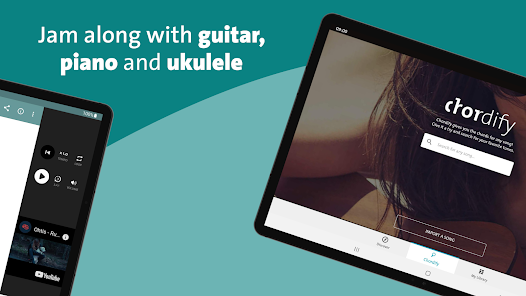
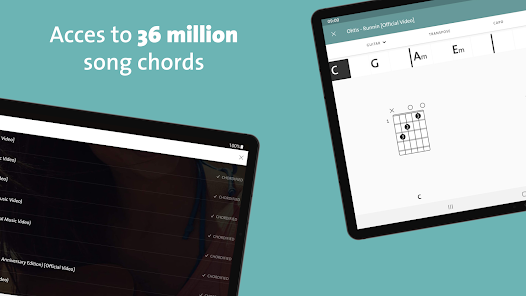
Chordify features a clean and intuitive interface that makes navigating through songs and chords simple. With easy access to song libraries and chord diagrams, musicians of all skill levels can find what they need without any hassle.

Pros & Cons

Pros
  • Easily access chords for thousands of songs in seconds
  • User-friendly interface makes learning simple and enjoyable
  • Built-in tuner ensures your instrument is always perfectly tuned
  • Play along with real-time chord changes for better practice
  • Create custom playlists to organize your favorite songs effortlessly
Cons
  • Limited song selection reduces user options for diverse music exploration
  • Audio quality may not meet professional standards for serious musicians
  • Chord recognition can be inaccurate, leading to frustrating playing experiences

Real Experience Using Chordify: Song Chords & Tuner

Application Scenarios

Chordify is a versatile application that caters to musicians of all skill levels, making it an essential tool for anyone looking to play their favorite songs. Whether you're a beginner trying to learn the basics of guitar or an advanced player seeking to expand your repertoire, Chordify offers a comprehensive platform. The app is particularly useful for jam sessions, where users can quickly access chords for popular songs. Additionally, it serves as a great resource for music teachers who want to provide students with easy-to-follow chord progressions. With its ability to recognize songs from various genres, Chordify allows users to practice in diverse musical contexts, enhancing their overall musicianship.

User Experience

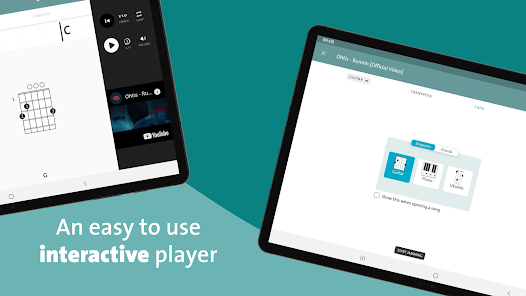
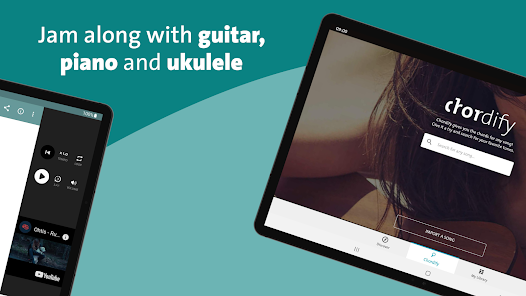
The user interface of Chordify is intuitive and user-friendly, making navigation a breeze. Upon launching the app, users are greeted with a clean layout that allows them to easily search for songs by title or artist. The chord diagrams are clear and well-organized, making it simple for beginners to grasp chord shapes and transitions. One standout feature is the ability to play along with the original track while displaying the chords in real-time, which enhances the learning experience. Furthermore, the app offers a “slow down” feature, allowing users to practice difficult sections at a manageable pace. This thoughtful design, combined with a vast library of songs, creates a satisfying and engaging experience for all users.

Pricing

Chordify operates on a freemium model, giving users access to basic features at no cost. However, for those looking for a more comprehensive experience, a premium subscription is available. The premium plan unlocks additional features such as offline access, chord transposition, and the ability to upload personal tracks for chord analysis. The pricing is competitive compared to similar apps, making it a worthwhile investment for avid musicians. Users often find that the premium features greatly enhance their practice sessions, justifying the monthly or yearly subscription fee.

Updates & Support

Chordify frequently updates its platform to improve usability and expand its song library. The development team actively listens to user feedback, incorporating suggestions and fixing bugs promptly. Support is readily available through the app, with a dedicated FAQ section and a responsive customer service team. Users can reach out for assistance via email or through social media, ensuring that any issues are addressed in a timely manner. This commitment to continuous improvement and user support builds trust and satisfaction among the Chordify community, further solidifying its reputation as a leading app in the music education space.

verified Security & Privacy Review

Chordify: Song Chords & Tuner places a strong emphasis on user security and privacy. The app operates under a transparent privacy policy that outlines how user data is collected, used, and protected. Data encryption is implemented to safeguard sensitive information from unauthorized access. When it comes to permissions, Chordify requests access to certain device features, such as microphone and storage, to enhance user experience. Users are informed about these permissions and are given the choice to accept or decline them. This practice reflects the app's commitment to user autonomy and informed consent. The app does not share personal data with third parties without explicit user consent, ensuring that user information remains confidential. Regular updates are provided to address any potential security vulnerabilities, reinforcing the app’s dedication to maintaining a secure environment. Overall, Chordify demonstrates a proactive approach to data security and privacy, making it a trustworthy choice for users seeking a reliable platform for music chords and tuning.

Reviews

4.1

“Great for learning songs quickly and easily!”

“User-friendly interface makes tuning simple.”

“Extensive library of chords for popular songs.”

“Helps me improve my guitar skills significantly.”

“Occasional ads can be distracting during usage.”

FAQ

1

Can I submit suggestions or feedback to Chordify: Song Chords & Tuner?

Yes, users can submit suggestions or feedback through the app or by visiting the Chordify website to contact their support team.

2

Does Chordify: Song Chords & Tuner collect my personal data?

Chordify: Song Chords & Tuner may collect personal data as outlined in their privacy policy, but users can manage their privacy settings within the app.

3

Does Chordify: Song Chords & Tuner support offline use?

Yes, Chordify: Song Chords & Tuner allows users to download songs for offline use, enabling them to practice without an internet connection.

4

How do I cancel my Chordify: Song Chords & Tuner subscription?

Users can cancel their subscription through their account settings in the app or via the platform they subscribed through, such as the App Store or Google Play.

5

How much does a subscription to Chordify: Song Chords & Tuner cost?

Subscription pricing for Chordify: Song Chords & Tuner varies based on the plan selected, typically offering monthly and annual options.

How to use Chordify: Song Chords & Tuner

1

Can I change my customer number if I need to?

Unfortunately, customer numbers are unique and cannot be changed. If you have concerns, please contact customer service for assistance.

2

Can I log in to my account on multiple devices?

Yes, you can log in to your Chordify account on multiple devices using the same credentials. Just ensure you’re connected to the internet.

3

How can I contact customer service for help with my account?

You can reach customer service through the support section in the app or by emailing support

4

How do I activate my Chordify account after signing up?

After signing up, check your email for an activation link. Click on it to activate your account and start using Chordify.

5

How do I update my customer service contact information?

To update your contact information for customer service, log into your account and navigate to the settings section, where you can edit your details.

Editor's Choice