This site uses cookies to enhance your user experience. By clicking any link on this site you are giving your consent to our cookie policy. Read more
Reject
Accept All

Advertiser and Editorial Disclosures

Audio Evolution Mobile Studio

Audio Evolution Mobile Studio

verified Verified App

Developer: eXtream Software Development

  • category

    Category: Music & Audio

  • price

    Price: $11.99

  • age rating

    Age Rating: Everyone

  • rating

    Rating: 4.3

  • download

    Downloads: 100,000+

  • version

    Version: 5.5.5.6

Screenshot 1
Screenshot 2
Screenshot 3
Screenshot 4
Screenshot 5
Screenshot 6
Screenshot 7
Screenshot 8
Screenshot 9
Screenshot 10
Screenshot 11
Screenshot 12
Screenshot 13
Screenshot 14
Screenshot 15
Screenshot 16
Screenshot 17
Screenshot 18
Screenshot 19
Screenshot 20
Screenshot 21
Screenshot 22
Screenshot 23
Screenshot 24

Features & Highlights

Built-In Effects

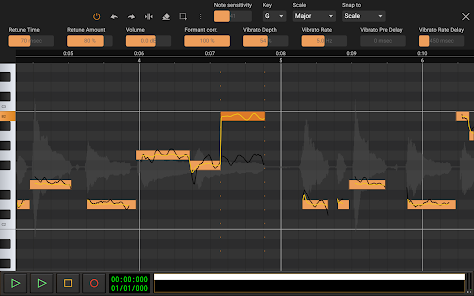
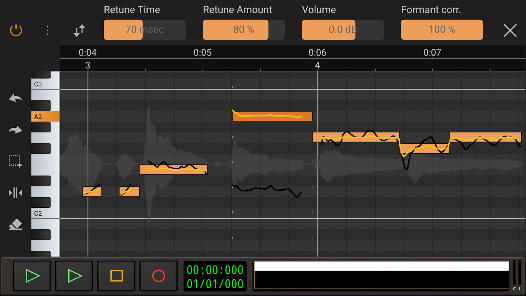
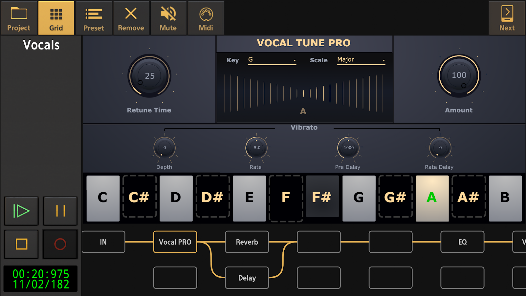
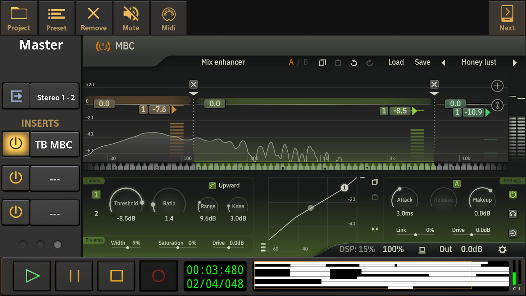
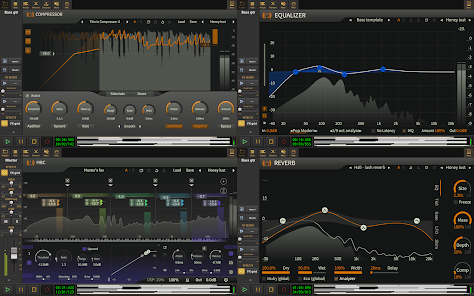
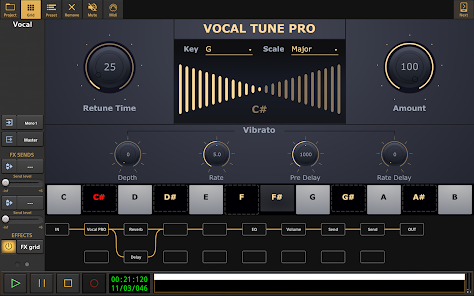
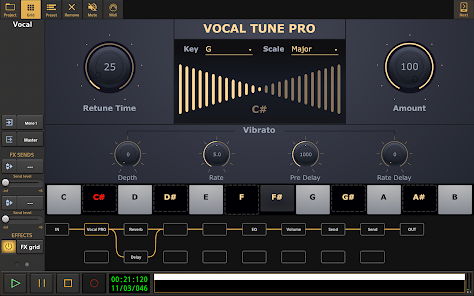
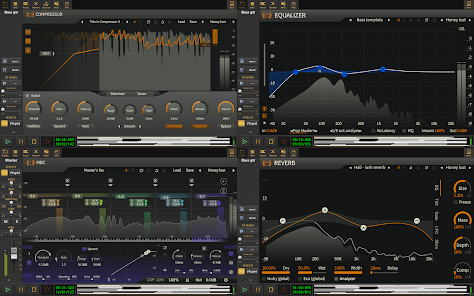
The app comes with a variety of built-in effects that help enhance your recordings, including reverb, delay, and EQ. These effects can be applied in real-time, allowing you to experiment and refine your sound as you go, ensuring your tracks always have that polished finish.

MIDI Support

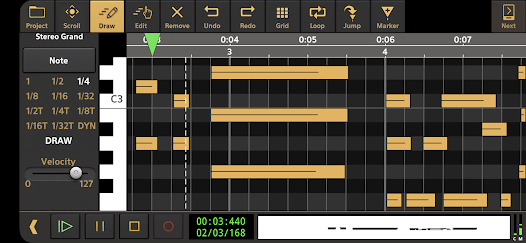
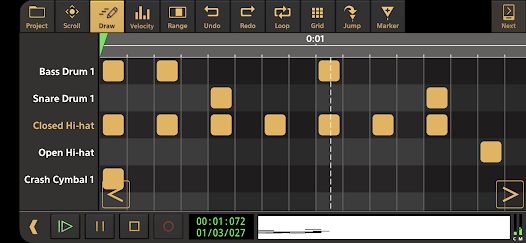
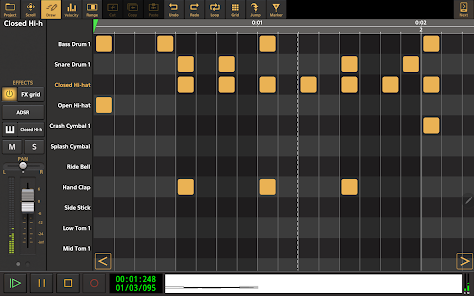
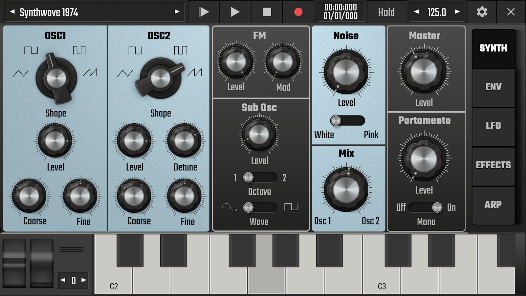
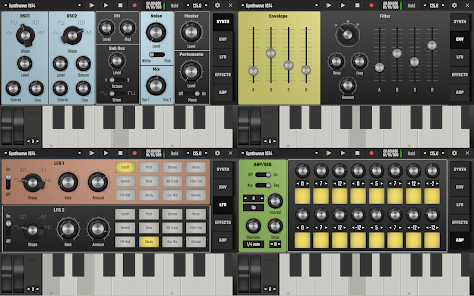
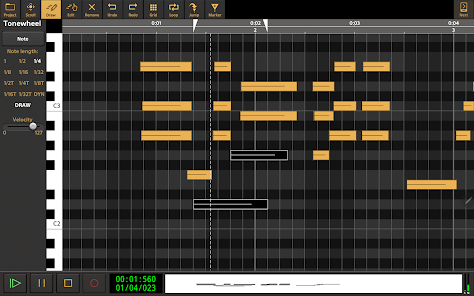
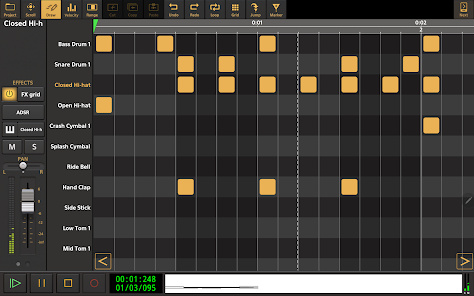
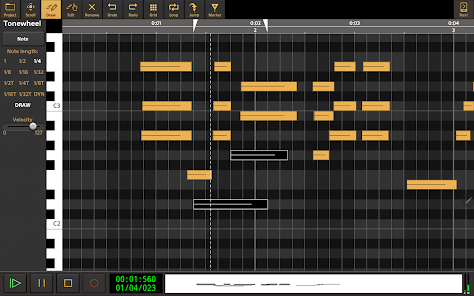
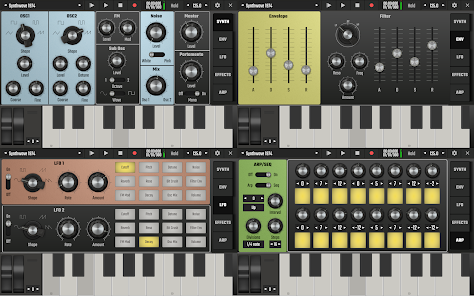
Audio Evolution Mobile Studio supports MIDI recording and editing, giving you the ability to integrate virtual instruments effortlessly. This feature opens up a world of creative possibilities, allowing you to compose and arrange music with precision and ease, all within a mobile environment.

Multitrack Recording

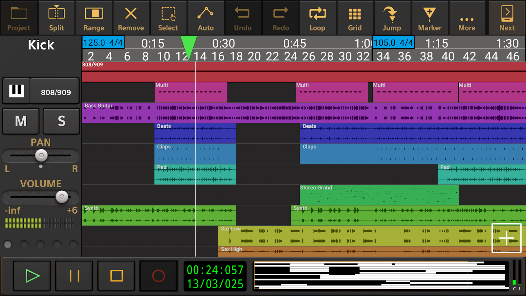
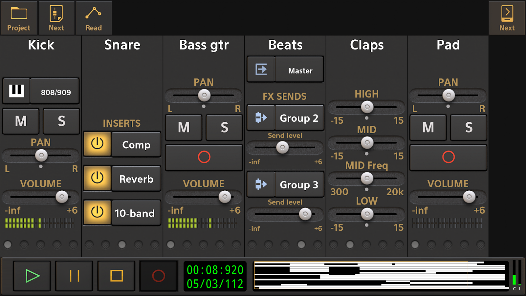
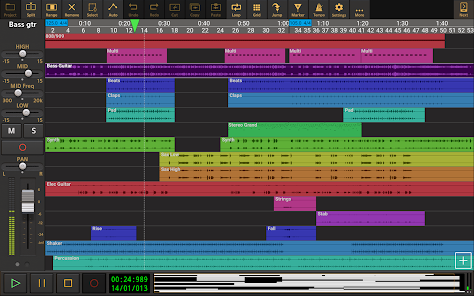
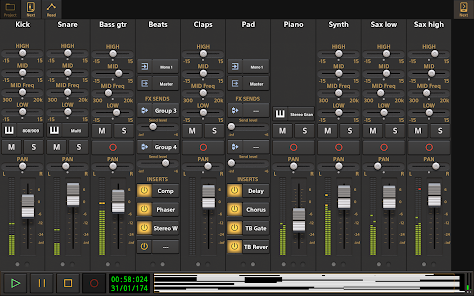
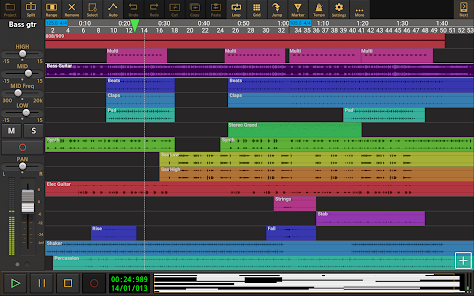
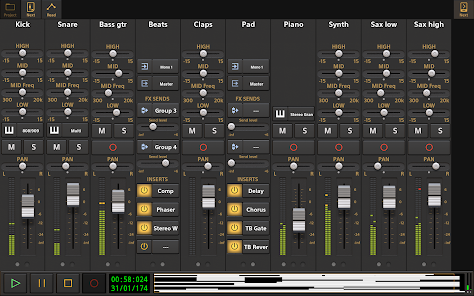
Audio Evolution Mobile Studio allows users to record multiple audio tracks simultaneously, offering flexibility for musicians and producers alike. With its intuitive interface, you can easily manage your recordings, making it simple to layer sounds and create complex compositions right from your mobile device.

User-Friendly Interface

Designed with usability in mind, the app features a clean and intuitive interface that makes navigation a breeze for both beginners and experienced users. You'll find tools and options easily accessible, allowing you to focus on your creativity without getting bogged down by technical details.

Pros & Cons

Pros
  • User-friendly interface makes music creation accessible for all levels of expertise.
  • Multi-track recording allows for complex compositions and rich sound layering.
  • Built-in effects and instruments enhance creativity without needing additional software.
  • Seamless integration with external MIDI devices expands production capabilities.
  • Portability enables music production anywhere, perfect for on-the-go artists.
Cons
  • Limited MIDI functionality restricts complex music creation.
  • Audio quality may not meet professional standards.
  • User interface can be overwhelming for beginners.

Real Experience Using Audio Evolution Mobile Studio

Application Scenarios

Audio Evolution Mobile Studio is a versatile audio recording and editing app suitable for a wide range of scenarios. Musicians can use it to capture their songwriting ideas on the go, laying down tracks with multiple instruments and vocals. Podcasters can benefit from its multi-track capabilities, allowing for seamless editing and mixing of interviews and sound effects. Additionally, sound designers can utilize the app to create soundscapes, making it a valuable tool for video editors and game developers. Whether you are in a home studio or out in the field, this app provides the flexibility needed to bring your audio projects to life.

User Experience

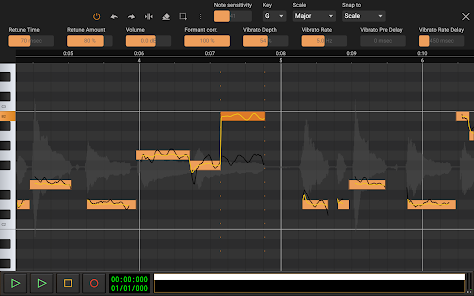
The user experience of Audio Evolution Mobile Studio is intuitive, making it accessible for both beginners and seasoned audio professionals. The interface is well-organized, with clear icons and a straightforward layout that enables users to navigate through various functions easily. Recording is as simple as hitting the record button, while the editing tools offer a wealth of options like cutting, copying, and pasting audio clips. The app supports MIDI recording and playback, giving musicians the ability to integrate virtual instruments seamlessly. Users have reported that the app's stability is impressive, with minimal crashes or glitches, allowing for uninterrupted creativity. The built-in tutorials are a helpful touch, providing guidance for those new to the app’s extensive features.

Pricing

Audio Evolution Mobile Studio offers a competitive pricing model that appeals to a broad audience. The app is available for a one-time purchase, which includes a robust set of features right out of the gate. There are also optional in-app purchases that allow users to unlock additional features, such as advanced effects and virtual instruments, thereby customizing their experience based on their specific needs. This pricing strategy ensures that the app remains accessible while also providing opportunities for users to expand their toolkit as they grow in their audio production journey.

Updates & Support

The development team behind Audio Evolution Mobile Studio is committed to providing regular updates and robust support for its users. Frequent updates introduce new features, bug fixes, and enhancements, ensuring the app remains competitive in an evolving market. The support system is responsive, with users able to access a comprehensive FAQ section and community forums where they can share tips and troubleshoot issues. For more personalized assistance, users can reach out directly to the support team, who are known for their helpfulness and expertise. This dedication to user satisfaction makes Audio Evolution Mobile Studio a reliable choice for anyone looking to dive into mobile audio production.

verified Security & Privacy Review

The Audio Evolution Mobile Studio app prioritizes user security and privacy, implementing several measures to protect sensitive information. The app requires minimal permissions, primarily accessing the microphone and storage, which are essential for its core functionality. Users can rest assured that no unnecessary data is collected, as the app does not require location services or access to personal contacts. Audio Evolution Mobile Studio adheres to best practices in data handling, ensuring that any user-generated content remains local unless explicitly shared by the user. The developers are transparent about their data usage policies, and the app does not engage in selling user data to third parties. In terms of data encryption, while specific details are not disclosed, the app maintains a commitment to safeguarding user information against unauthorized access. Overall, Audio Evolution Mobile Studio demonstrates a responsible approach to security and privacy, allowing users to focus on their audio projects without concerns about their personal data being compromised.

Reviews

4.3

“Great for mobile music production on the go!”

“Intuitive interface, easy to learn and use.”

“High-quality recording features, love the flexibility!”

“Solid app, perfect for quick audio edits.”

“Fantastic support and regular updates enhance experience.”

FAQ

1

Can I submit suggestions or feedback to Audio Evolution Mobile Studio?

Yes, users are encouraged to submit suggestions and feedback through the app's support channels or official website, helping to improve future versions.

2

Does Audio Evolution Mobile Studio collect my personal data?

The app has privacy measures in place, and while it may collect some data for functionality and improvement, it typically does not collect sensitive personal data without user consent.

3

Does Audio Evolution Mobile Studio support offline use?

Yes, Audio Evolution Mobile Studio can be used offline, allowing users to work on their projects without an internet connection.

4

How do I cancel my Audio Evolution Mobile Studio subscription?

Users can cancel their subscription through their device's app store settings, following the prompts for managing subscriptions.

5

How much does a subscription to Audio Evolution Mobile Studio cost?

The subscription cost can vary based on the plan selected, but it generally offers monthly and yearly options for users seeking full access to all features.

How to use Audio Evolution Mobile Studio

1

Can I change my customer number after I've registered?

Unfortunately, customer numbers cannot be changed. If you have issues, please reach out to customer service for help.

2

Can customer service help me if I can't activate my account?

Yes, customer service can assist you with account activation issues. Please reach out for support.

3

How can I contact customer service for Audio Evolution Mobile Studio?

You can reach customer service through the app's support section or visit our website for contact details.

4

How can I find my customer number in the app?

Your customer number can be found in the account settings section of the app.

5

How do I activate my account after purchasing Audio Evolution Mobile Studio?

After purchase, check your email for an activation link. Click the link to activate your account or contact customer service if you need help.

Editor's Choice