This site uses cookies to enhance your user experience. By clicking any link on this site you are giving your consent to our cookie policy. Read more
Reject
Accept All

Advertiser and Editorial Disclosures

Voice changer with effects

Voice changer with effects

verified

Baviux

4.6
Rating
100,000,000+ Downloads
4.3.3 Version
  • category

    Category: Entertainment

  • price

    Price: free

  • age rating

    Age Rating: Everyone

  • rating

    Rating: 4.6

  • available on

    Available on: /

  • updated on

    Updated on: Jun 10, 2026

Screenshot 1
Screenshot 2
Screenshot 3
Screenshot 4
Screenshot 5
Screenshot 6
Screenshot 7
Screenshot 8
Screenshot 9
Screenshot 10
Screenshot 11
Screenshot 12
Screenshot 13
Screenshot 14
Screenshot 15
Screenshot 16
Screenshot 17
Screenshot 18
Screenshot 19
Screenshot 20
Screenshot 21
Screenshot 22
Screenshot 23
Screenshot 24

Features & Highlights

Customizable Settings

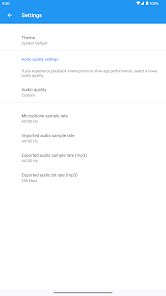
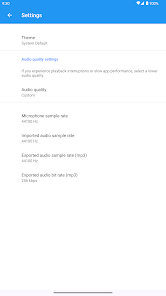
Fine-tune your voice transformations with adjustable settings to match your preferences. This feature allows you to change pitch, speed, and modulation, offering a personalized experience that can be tailored for different situations, whether it's for pranks, storytelling, or just having fun with friends.

Easy Sharing Options

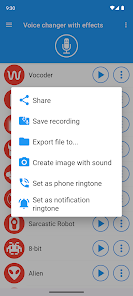
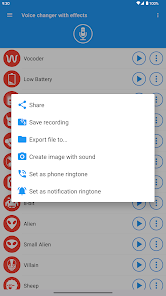
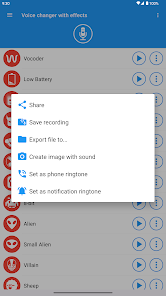
Once you've created your unique voice effects, easily share them with friends and family through social media or messaging apps. The seamless sharing capabilities make it simple to showcase your creativity and entertain others, ensuring your voice changes reach a wider audience.

Realistic Voice Effects

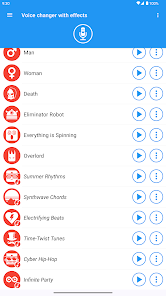
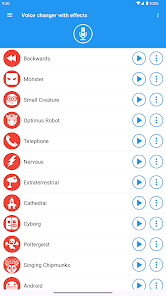
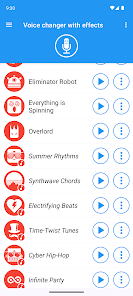
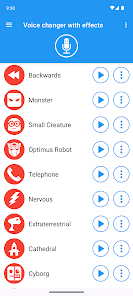
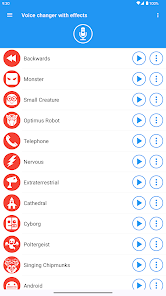
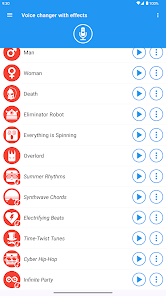
Transform your voice with a variety of realistic effects that range from funny to eerie. Whether you want to sound like a robot, a monster, or even a famous character, the app provides high-quality audio modifications that are sure to entertain and surprise everyone around you.

User-Friendly Interface

Navigating the app is a breeze, thanks to its intuitive design that caters to users of all ages. With straightforward controls and a clean layout, you can quickly access features and start experimenting with your voice without any hassle, making it accessible for everyone.

Pros & Cons

Pros
  • Enhances creativity in audio projects with unique effects
  • Offers anonymity for privacy during voice calls
  • Provides fun entertainment for gaming and social interactions
  • Easily adjusts tone and pitch for diverse characters
  • Streamlines content creation with professional voice modulation
Cons
  • May distort voice quality excessively
  • Can cause communication misunderstandings
  • Often requires technical knowledge to use effectively
  • Limited compatibility with various devices and platforms

Real Experience Using Voice changer with effects

Application Scenarios

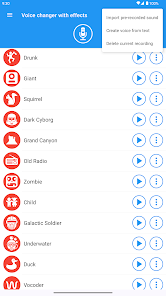
The "Voice Changer with Effects" app is a versatile tool that caters to a variety of scenarios. Whether you’re looking to prank your friends with a silly voice at a party, add unique audio effects to your gaming streams, or create entertaining content for social media, this app has got you covered. Users can record their voices and apply a wide range of effects, including robot, alien, and echo, transforming the ordinary into something extraordinary. It is particularly popular among content creators who seek to add a fun twist to their videos and audio clips. Additionally, the app is an excellent choice for those wanting to experiment with different voice effects for artistic projects, podcasts, or even storytelling. Its user-friendly interface ensures that anyone can easily navigate through the various features, making it suitable for both casual users and professionals alike.

User Experience

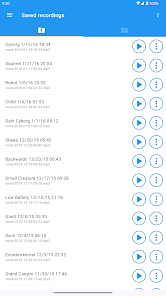
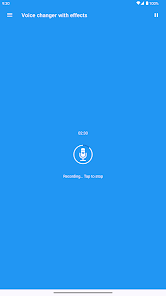
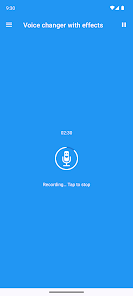
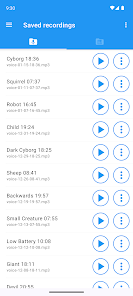
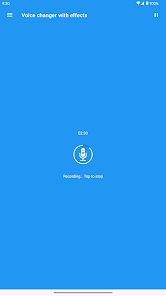
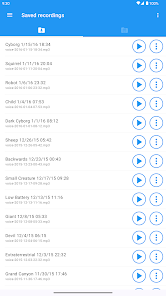
The user experience of "Voice Changer with Effects" is generally positive, thanks to its intuitive design and smooth functionality. Upon launching the app, users are greeted with a clean and well-organized interface that allows for easy navigation. Recording voice clips is straightforward, with a simple tap of a button to start and stop recording. The app provides numerous effects to choose from, and users can preview these effects in real-time, allowing for immediate feedback on their voice modifications. However, some users have noted that while the basic effects work flawlessly, a few advanced features might require some time to master. The app also supports saving and sharing recordings directly to social media platforms, enhancing user convenience. Overall, the engaging features and ease of use make it an enjoyable experience for users of all ages.

Pricing

Updates & Support The developers of "Voice Changer with Effects" are committed to maintaining the app with regular updates that enhance its functionality and fix any bugs. Users can expect periodic improvements that introduce new voice effects and features, keeping the app fresh and engaging. Additionally, customer support is readily available, with a dedicated help section within the app that addresses common questions and issues. Users can also reach out through email for more specific queries, ensuring they receive the assistance they need promptly. This level of support and commitment to updates significantly enhances the overall user experience, making it a reliable choice for anyone looking to have fun with their voice.

verified Security & Privacy Review

The “Voice Changer with Effects” app prioritizes user security and privacy while providing a fun and engaging experience. Upon installation, the app requests several permissions, including access to the microphone and storage. These permissions are essential for recording and saving audio files, but users should be mindful of granting them. The app’s privacy policy outlines its data handling practices, emphasizing that personal data is not collected or shared with third parties without user consent. However, users are encouraged to review the policy to understand how their data may be utilized. Additionally, the app employs industry-standard encryption protocols to safeguard recorded audio and any saved settings. Users can delete their recordings at any time, ensuring they have control over their data. Overall, “Voice Changer with Effects” demonstrates a commitment to maintaining user privacy while delivering its services, making it a reliable choice for those looking to have fun with voice modulation without compromising their security.

User Reviews

  • Jack Senyk
    2026/06/23

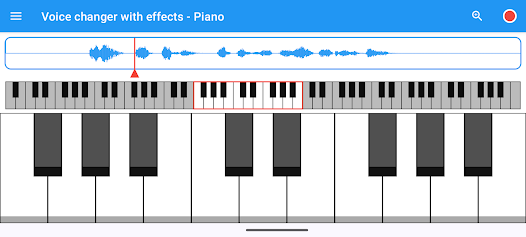
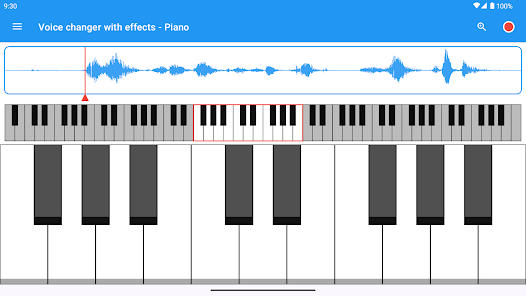
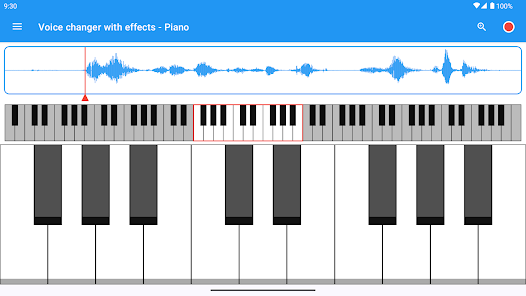
    this app is alot of fun. I especially like the idea of having a piano so you can make your own recordings into songs and you could also save alot of recordings too, but don't save like 500 recordings cause then this app will start misbehaving. my only complaint about this app is that there are a lot of ads and too "ad" to it i keep getting the same one over and over again. anyways I really enjoy using this app it's alot of fun but a lot of ads.

  • Zach Pearce
    2026/01/30

    Easy to use, no extra fluff. Gets right down to business with all sorts of voice changing options. Simple to use and really easy to save (name) any and all the recordings you want to. Plus you can save the same recording in multiple voices, including your own, the original one which you can use again later. Definitely recommend.

  • Hilde Festerling
    2026/06/06

    this is one of the coolest and best apps I've experienced. there are so many good sounds. I actually have used it in my work as a podcaster/sound artist because it is a fantastic shortcut with decent quality. one of the really nice features is that you can easily download the sounds right onto your phone, or email or text them straight from inside the app.

  • Harley Edwards
    2025/05/13

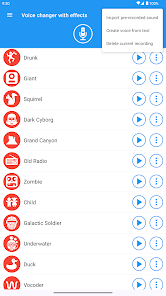
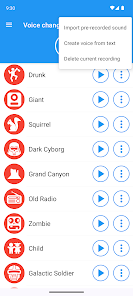
    Amazing app, you can record any sound and use filters to listen to it underwater or megaphone, you can also create your own sounds by either creating a voice from text or equip a pre-recorded sound, go to the piano and reduce the speed. But there is a problem, (from my understanding) there is a offer to get free filters if you watch ads, but when I press the button it to activate it a box appears saying "unable to load video".

  • Alex Weeks
    2021/02/03

    Really good. I just want it to be louder so I don't have to either A: scream into the mic, B: turn it up to full max and get my ears blasted off from the ads, or C: waste my time making videos where I can double the volume like five times before I can go insert it into the video. It would be really nice and convenient. This way I can make more songs for my channel even sooner, and this review will be five stars, and then we all will be happy.

Review Source: Google Play store public user reviews.

FAQ

1

Does Voice changer with effects collect my personal data?

Voice Changer with Effects respects user privacy and typically does not collect personal data unless explicitly authorized by the user for specific features. Always check the privacy policy for detailed information.

2

Does Voice changer with effects offer a free trial or free version?

Yes, Voice Changer with Effects offers a free version with basic features, while additional effects and functionalities may be available through in-app purchases.

3

Does Voice changer with effects require an internet connection?

No, Voice Changer with Effects can be used offline; however, some features, such as sharing your recordings, may require an internet connection.

4

How can I contact support or send feedback for Voice changer with effects?

For support or feedback, you can typically reach out through the app's settings or help section, which may provide an email address or support link for direct communication.

5

How do I manage or cancel my Voice changer with effects subscription?

You can manage or cancel your subscription through your device's app store settings, where you can view your subscriptions and make changes as needed.

How to use Voice changer with effects

1

Can I reset my password for the Voice Changer with Effects app?

Yes, you can reset your password by selecting the "Forgot Password" option on the login screen.

2

How can I contact customer service for the Voice Changer with Effects app?

You can contact customer service through the app’s settings or visit the official website for support options.

3

How can I provide feedback about the Voice Changer with Effects app?

You can provide feedback through the app’s feedback section or leave a review on the app store.

4

How do I activate premium features in the Voice Changer with Effects app?

To activate premium features, go to the settings menu and select the subscription option to complete the purchase.

5

How do I log in to the Voice Changer with Effects app?

You can log in using your email and password, or through social media accounts if supported.

What's New

• Fixed scrolling issues when editing text on the "Text to Speech" screen.• Fixed an issue where importing pre-recorded audio could require a second attempt.• Added 2 new voice effects.

Editor's Choice