This site uses cookies to enhance your user experience. By clicking any link on this site you are giving your consent to our cookie policy. Read more
Reject
Accept All
Twitch: Live Streaming

Twitch: Live Streaming

verified Verified App

Developer: Twitch Interactive, Inc.

  • category

    Category: Entertainment

  • price

    Price: 0

  • age rating

    Age Rating: Teen

  • rating

    Rating: 4

  • download

    Downloads: /

  • version

    Version: 45612

Screenshot 1
Screenshot 2
Screenshot 3
Screenshot 4
Screenshot 5
Screenshot 6
Screenshot 7
Screenshot 8

Features & Highlights

Customizable Stream Layouts

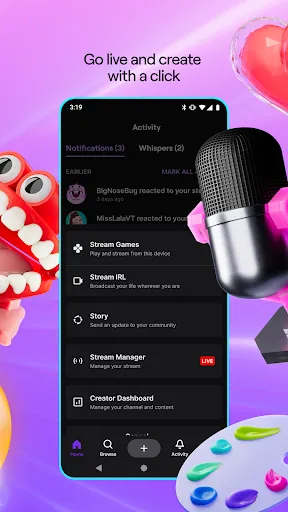
Twitch offers a variety of customizable stream layouts that let creators personalize their broadcasts to reflect their unique style. Streamers can add overlays, alerts, and widgets, making their streams visually appealing and engaging, which helps attract and retain viewers.

Live Chat Interaction

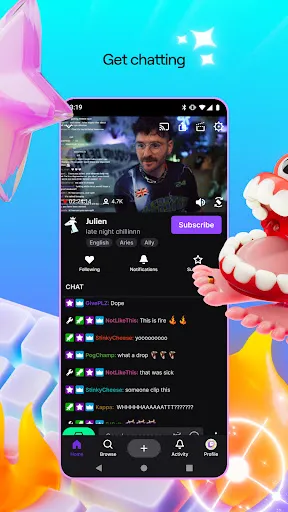
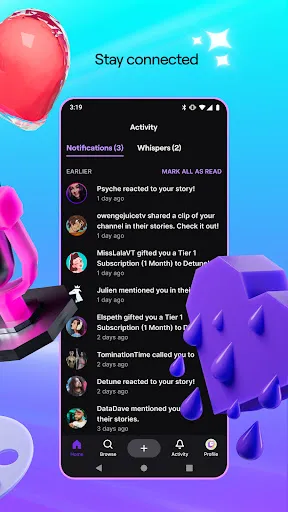
Engage with your audience in real-time through Twitch's live chat feature, enabling seamless communication between streamers and viewers. This interactive element fosters a sense of community, allowing fans to ask questions, share reactions, and build connections during live broadcasts, enhancing the overall viewing experience.

Multi-Platform Accessibility

Stream on Twitch from various devices including desktops, consoles, and mobile devices, ensuring flexibility for both streamers and viewers. This multi-platform approach allows users to enjoy content anytime, anywhere, making it easier than ever to connect with favorite streamers and discover new ones.

Vibrant Community Features

Twitch is not just about streaming; it’s about community. With features like follower notifications, subscriptions, and channel points, streamers can cultivate loyal followings while fans can support their favorite creators, participate in exclusive events, and enjoy a more interactive viewing experience.

Pros & Cons

Pros
  • Engage with a global audience in real-time
  • Build a community around shared interests and passions
  • Monetize content through subscriptions and donations
  • Access interactive features like chat and polls
  • Showcase creativity with diverse streaming formats
Cons
  • High competition makes visibility challenging for new streamers
  • Monetization often requires significant viewer engagement
  • Toxicity and harassment can deter potential users
  • Limited discoverability for niche content creators

Real Experience Using Twitch: Live Streaming

Application Scenarios

Twitch: Live Streaming is a versatile platform that caters to a wide variety of users. Gamers often find it to be an essential tool for broadcasting their gameplay to a global audience, creating interactive environments where viewers can engage through chat. Beyond gaming, Twitch has expanded into other realms, including art, music, and cooking streams. This makes it a go-to application for content creators of all genres looking to share their passions live. With community events, eSports tournaments, and even educational streams, Twitch serves as a hub for both entertainment and learning. Whether you're a casual viewer or a dedicated streamer, the app provides endless opportunities to connect with like-minded individuals.

User Experience

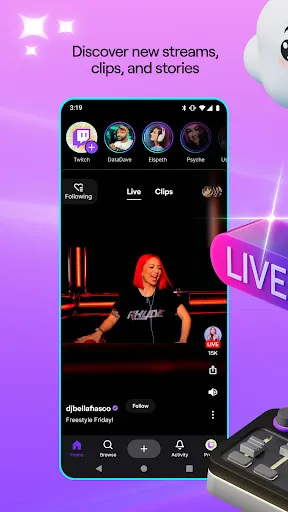
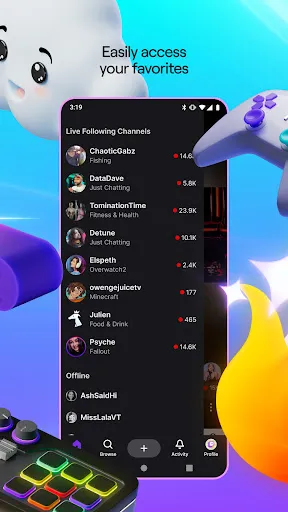
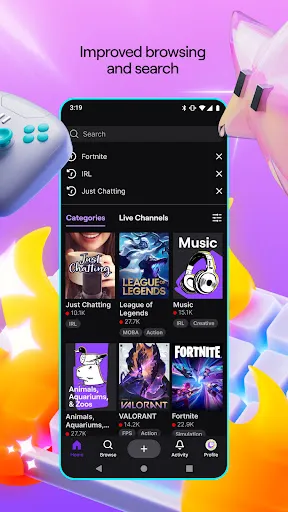
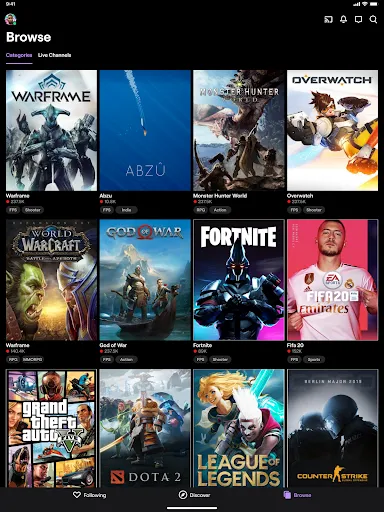
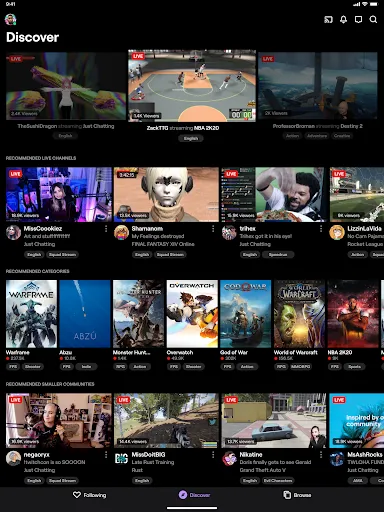
The user interface of Twitch is designed for ease of use, making navigation straightforward for both newcomers and seasoned users. Streamers can set up their channels in a matter of minutes, customizing profiles with banners and logos to reflect their personal brand. The chat feature enhances the interactive experience, allowing real-time communication between streamers and viewers. However, some users have reported occasional lag during streams, particularly in high-traffic channels. Despite this, the overall experience remains engaging, with features like subscriptions, donations, and emotes enriching the community interaction. The discovery algorithm also helps users find new content tailored to their interests, ensuring that the streaming experience is both personalized and dynamic.

Pricing

Twitch is free to download and use, which makes it accessible to anyone interested in streaming or watching live content. While basic features are available at no cost, Twitch also offers a subscription model for viewers who want to support their favorite streamers. Subscriptions come with benefits like ad-free viewing, exclusive emotes, and chat privileges. Additionally, Twitch Prime offers premium features for Amazon Prime members, including free monthly subscriptions to channels. While the app is free, users should be aware of potential costs associated with in-app purchases and subscriptions, which can enhance their overall experience but are not mandatory.

Updates & Support

Twitch regularly rolls out updates to improve functionality and user experience. These updates often include new features, bug fixes, and enhancements tailored to community feedback. Users can expect periodic improvements that keep the app running smoothly and introduce innovative tools for content creation. Customer support is accessible through the app and website, offering resources like FAQs and community forums for immediate assistance. Although response times can vary, Twitch is committed to addressing user concerns and continuously improving the platform. This dedication to user experience, combined with an ever-evolving feature set, ensures that Twitch remains a leading choice in the live streaming space.

verified Security & Privacy Review

The security and privacy of users on Twitch: Live Streaming are taken seriously, with several measures in place to protect personal information. Twitch utilizes encryption protocols to secure data transmission, ensuring that user interactions remain confidential. The app requires certain permissions, including access to the device's camera and microphone for streaming and chat functionalities. Users are informed about these permissions, and consent is required before activation. Twitch's privacy policy outlines how user data is collected, used, and shared. Information such as account details, viewing habits, and interactions may be stored to enhance user experience and provide personalized content. Users have control over their privacy settings, allowing them to manage their visibility and data sharing preferences with other users. While Twitch makes efforts to safeguard user data, it is important for users to remain vigilant and practice good security habits, such as using strong passwords and enabling two-factor authentication. Overall, Twitch demonstrates a commitment to user privacy and data protection, but users should always be aware of the information they share on the platform.

Reviews

4

“Great platform for connecting with gamers globally!”

“User interface is intuitive and easy to navigate.”

“Streaming quality is consistently high and reliable.”

“Community engagement is fantastic, love the chat features.”

“Too many ads interrupt the viewing experience.”

Editor's Choice