This site uses cookies to enhance your user experience. By clicking any link on this site you are giving your consent to our cookie policy. Read more
Reject
Accept All
YouTube Kids

YouTube Kids

verified Verified App

Developer: Google LLC

  • category

    Category: Entertainment

  • price

    Price: free

  • age rating

    Age Rating: Everyone

  • rating

    Rating: 4.2

  • download

    Downloads: 500,000,000+

  • version

    Version: /

Screenshot 1
Screenshot 2
Screenshot 3
Screenshot 4
Screenshot 5
Screenshot 6
Screenshot 7
Screenshot 8
Screenshot 9
Screenshot 10
Screenshot 11
Screenshot 12
Screenshot 13
Screenshot 14
Screenshot 15

Features & Highlights

Curated Content Library

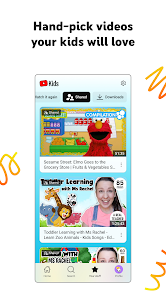
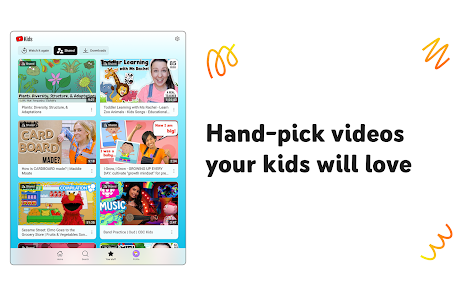
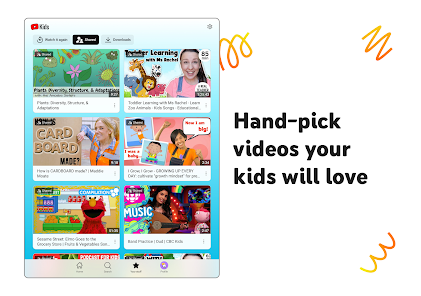
YouTube Kids offers a vast library of curated content specifically designed for children. Each video is carefully selected to ensure it is age-appropriate, educational, and entertaining, giving parents peace of mind while their kids explore. This helps foster a safe and engaging viewing experience tailored to young audiences.

Customizable Profile Settings

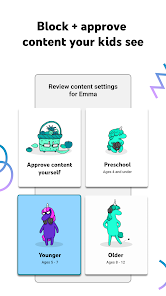
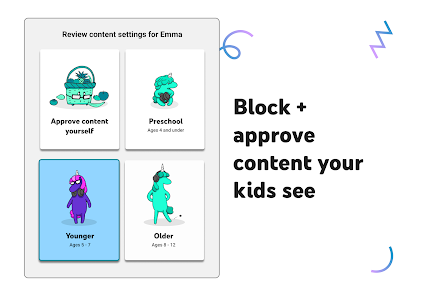
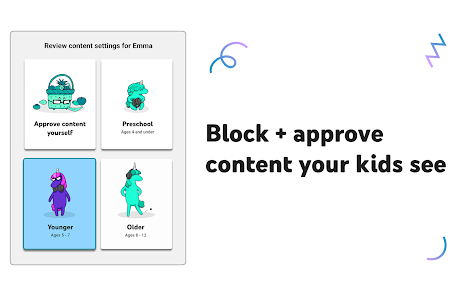
Parents can create multiple profiles for their children, allowing for personalized viewing experiences. By setting age ranges, preferences, and content restrictions, parents can tailor the app to suit their child's interests and maturity level, ensuring they only access suitable content.

Kid-Friendly Interface

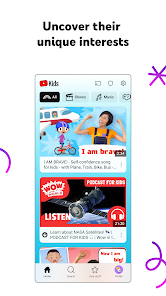
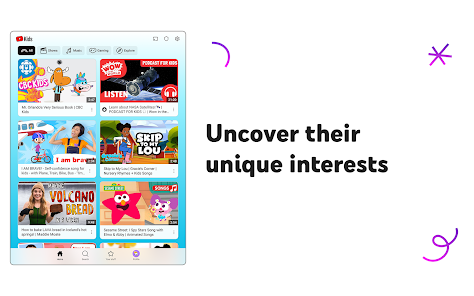
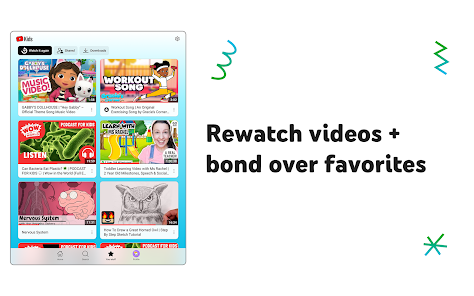
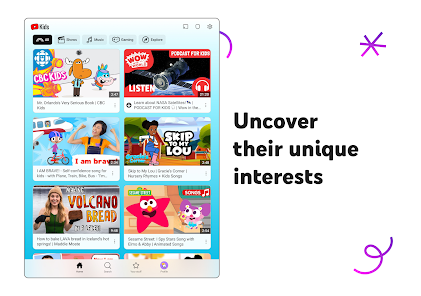
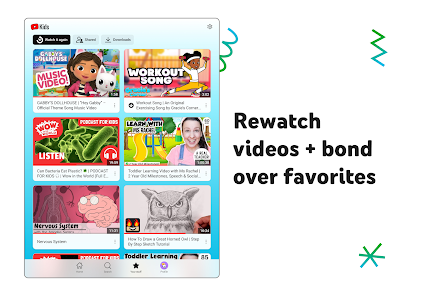
The app features a vibrant and intuitive interface designed for young users. With large icons, easy navigation, and engaging visuals, children can effortlessly browse through videos, making it simple for them to discover new favorites while developing their independence.

Parental Control Features

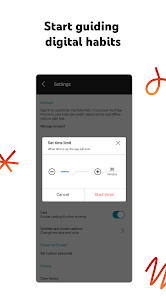
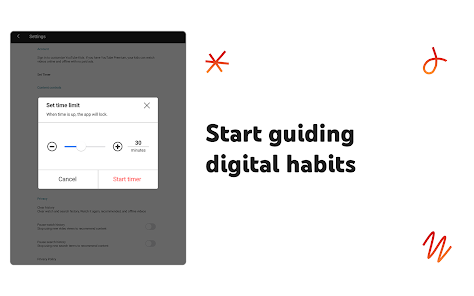
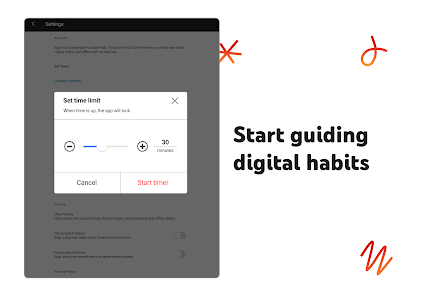
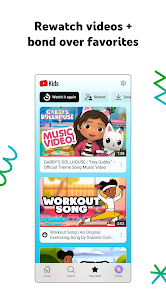
YouTube Kids includes robust parental control options to help manage your child's viewing habits. Parents can set timers, block specific content, and review watch history, empowering them to monitor and guide their child's interactions with the app effectively.

Pros & Cons

Pros
  • Safe environment for children’s viewing habits
  • Age-appropriate content tailored for young audiences
  • Parental controls for personalized experience
  • Educational videos that promote learning and creativity
  • Engaging animations that capture children's attention
Cons
  • Limited content variety for older children
  • Ads may still be present
  • Lack of rigorous content moderation
  • Inadequate parental control features

Real Experience Using YouTube Kids

Application Scenarios

YouTube Kids is designed to provide a safe and engaging platform for children to explore a world of videos. Parents can use the app in various scenarios, such as during family road trips, while waiting in a doctor's office, or simply as a way to entertain kids during playtime. The app is particularly useful for parents who want to give their children access to educational content without worrying about inappropriate material. With a diverse range of categories including cartoons, DIY crafts, and educational videos, YouTube Kids caters to different interests and age groups, making it an ideal choice for families with multiple children.

User Experience

The user interface of YouTube Kids is intuitive and visually appealing, designed specifically for younger audiences. The vibrant colors and large icons make navigation easy for children, allowing them to quickly find their favorite shows or discover new content. Parents have the ability to customize the experience by selecting age-appropriate content, which enhances the overall user experience. The app also features parental controls that enable adults to set time limits and monitor what their children are watching, providing peace of mind. Despite the numerous benefits, some users have reported occasional glitches or slow loading times, which can disrupt the viewing experience. However, updates are regularly rolled out to address these issues, ensuring a smoother experience over time.

Pricing

YouTube Kids is free to download and use, making it an accessible option for families. While the app is ad-supported, the advertisements are generally tailored to be more child-friendly, minimizing the risk of exposure to inappropriate content. There is also an option for parents to subscribe to YouTube Premium, which removes ads entirely and allows for offline viewing. This additional feature can be particularly appealing for families who want to provide an uninterrupted experience for their children, especially during travel or in situations with limited internet access.

Updates & Support

The development team behind YouTube Kids is committed to providing regular updates to enhance functionality and improve user experience. Updates often include new features, bug fixes, and content moderation enhancements to ensure that the platform remains safe for children. For parents seeking assistance, the app offers a comprehensive support section with FAQs and troubleshooting tips. Additionally, users can easily report inappropriate content, giving parents a voice in maintaining the safety and quality of the app. Overall, YouTube Kids continues to evolve, making it a valuable tool for families looking to navigate the digital landscape together.

verified Security & Privacy Review

YouTube Kids prioritizes security and privacy, ensuring a safer viewing experience for children. The app requires minimal permissions, primarily for functionalities such as video playback and parental controls. It does not ask for unnecessary access to sensitive data, which helps limit potential privacy risks. Data collection practices are designed with children's privacy in mind. YouTube Kids collects data to improve user experience and provide tailored content; however, it adheres to strict guidelines under the Children's Online Privacy Protection Act (COPPA). Parental controls allow caregivers to manage content access and viewing time, fostering a secure environment. The app offers options for parents to create profiles, enabling customized content filtering based on age and preferences. Additionally, YouTube Kids does not display ads, which reduces exposure to inappropriate marketing. Regular updates and monitoring help maintain the app's security and address any vulnerabilities. Overall, YouTube Kids demonstrates a commitment to safeguarding user data and ensuring a child-friendly interface.

Reviews

4.2

“Great content variety for kids of all ages”

“User-friendly interface for children”

“Parental controls are very helpful”

“Keeps kids engaged and learning”

“Ads can be intrusive sometimes”

Editor's Choice