This site uses cookies to enhance your user experience. By clicking any link on this site you are giving your consent to our cookie policy. Read more
Reject
Accept All
thinkorswim Mobile: Trading

thinkorswim Mobile: Trading

verified Verified App

Developer: The Charles Schwab Corporation

  • category

    Category: Finance

  • price

    Price: free

  • age rating

    Age Rating: Everyone

  • rating

    Rating: 2.6

  • download

    Downloads: 1,000,000+

  • version

    Version: 119.0

Screenshot 1
Screenshot 2
Screenshot 3
Screenshot 4
Screenshot 5
Screenshot 6
Screenshot 7
Screenshot 8
Screenshot 9
Screenshot 10
Screenshot 11
Screenshot 12
Screenshot 13
Screenshot 14
Screenshot 15
Screenshot 16
Screenshot 17
Screenshot 18
Screenshot 19
Screenshot 20
Screenshot 21
Screenshot 22
Screenshot 23
Screenshot 24

Features & Highlights

Advanced Charting Tools

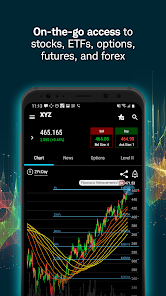
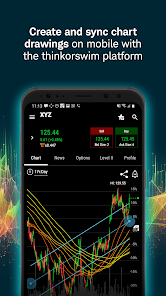
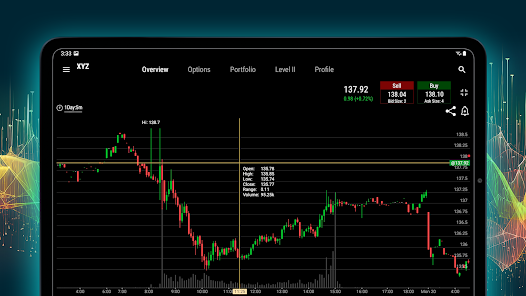
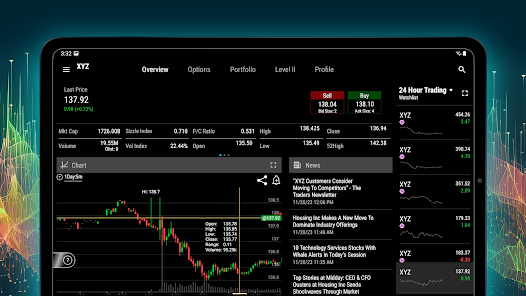
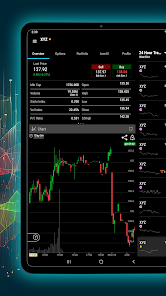
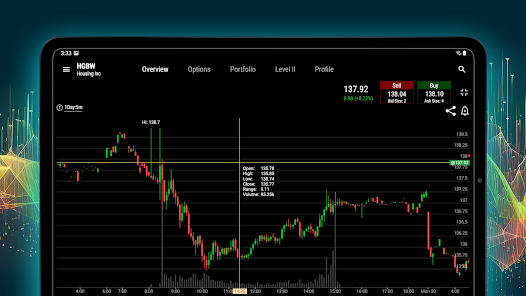
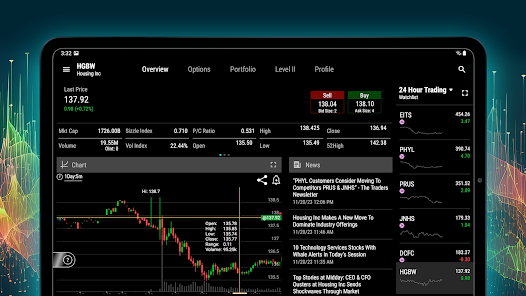
With customizable charts and a wide array of technical indicators, thinkorswim Mobile empowers traders to analyze market trends effectively. Users can easily switch between different time frames and chart types, making it simple to spot opportunities in real time.

In-Depth Research Tools

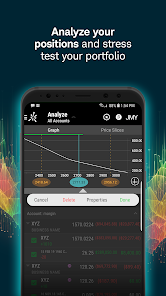
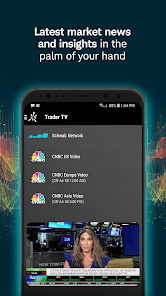
Access comprehensive research and analysis tools right from your mobile device. With detailed reports, expert insights, and market news, thinkorswim Mobile gives you the necessary resources to make informed trading decisions, enhancing your overall trading experience.

Intuitive Trade Execution

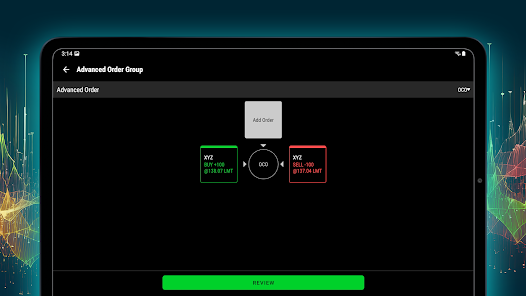
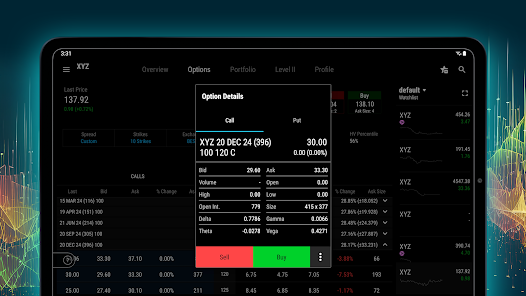
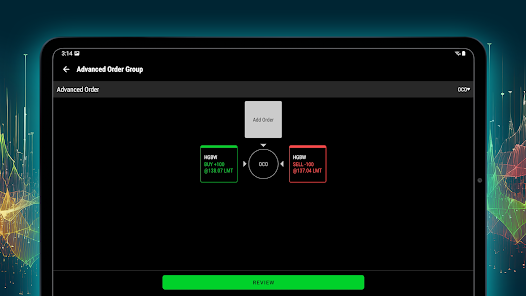
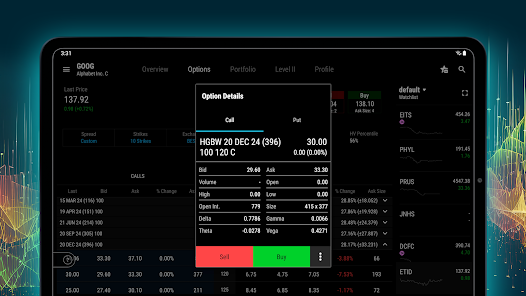
Executing trades is seamless and user-friendly, with options to trade stocks, options, and ETFs at your fingertips. The app's intuitive interface simplifies the trading process, helping you to manage your portfolio effectively without any hassle.

Real-Time Data & Alerts

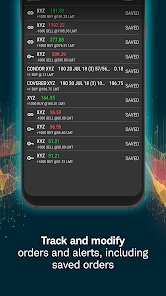
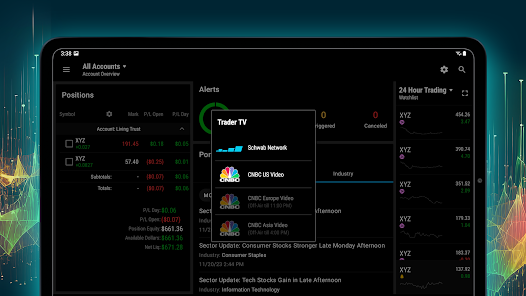
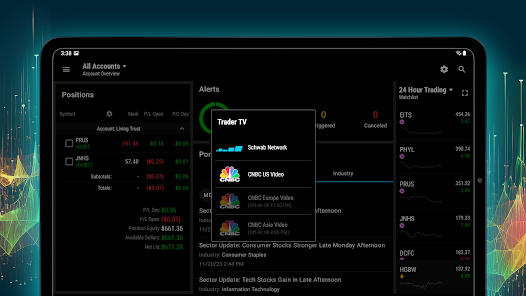
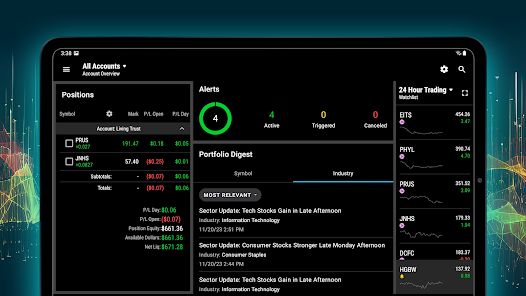
Stay ahead of the curve with real-time market data and customizable alerts that notify you of significant price movements or news updates. This feature ensures you never miss a trading opportunity, allowing you to act swiftly on your strategies and insights.

Pros & Cons

Pros
  • Intuitive interface for seamless trading experience
  • Real-time market data at your fingertips
  • Advanced charting tools for informed decisions
  • Custom alerts keep you updated on market changes
  • Secure transactions ensure peace of mind
Cons
  • Limited functionalities compared to desktop version
  • User interface can be overwhelming for beginners
  • Data refresh delays may occur during high volatility
  • Customization options are somewhat restricted on mobile

Real Experience Using thinkorswim Mobile: Trading

Application Scenarios

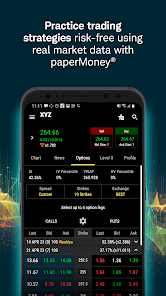
The thinkorswim Mobile app is designed for both novice and experienced traders, providing a comprehensive platform for trading stocks, options, futures, and forex. Whether you are looking to execute day trades or long-term investments, this app caters to various trading styles and strategies. Users can take advantage of real-time market data, customizable watchlists, and advanced charting tools, making it an ideal choice for on-the-go trading. The app is particularly beneficial during earnings season or major market events, where traders can react swiftly to price movements and news updates. Additionally, educational resources and tutorials are available for those who wish to enhance their trading knowledge and skills.

User Experience

The user interface of the thinkorswim Mobile app is intuitive and well-organized, allowing users to navigate effortlessly through different sections. The customization options enable users to tailor their trading experience, creating personalized dashboards and alerts that suit their specific preferences. The app's performance is generally smooth, with fast loading times and minimal lag, even when handling complex trading tasks. However, some users have reported occasional glitches, particularly during peak trading hours. The app's integration with TD Ameritrade’s brokerage services ensures a seamless experience for account management and fund transfers. Furthermore, the educational features, including video tutorials and articles, enhance the overall user experience by providing valuable insights for traders at all levels.

Pricing

Thinkorswim Mobile is free to download and use, making it accessible to a wide audience. However, users should be aware that while there are no commissions for stock and ETF trades, options trading can incur fees based on the volume of trades. Additionally, certain premium features and tools may come with costs, particularly for advanced charting or data analytics. Overall, the app offers a competitive pricing structure compared to other trading platforms, particularly for active traders who can benefit from commission-free transactions on various asset classes.

Updates & Support

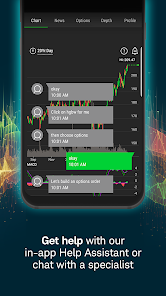
The developers of thinkorswim Mobile are committed to regular updates, ensuring that the app remains compatible with the latest smartphone operating systems and incorporates user feedback for enhancements. Users can expect periodic improvements in functionality, security, and performance. For support, the app offers a comprehensive help section, including FAQs and troubleshooting tips. Additionally, users can reach out to TD Ameritrade's customer service via phone or chat for personalized assistance. This level of support is crucial for traders who may face challenges or have questions about their accounts or trades.

verified Security & Privacy Review

The thinkorswim Mobile app prioritizes user security and privacy, employing robust encryption protocols to protect sensitive financial data during transactions and communications. Users' personal information is safeguarded through advanced security measures, including multi-factor authentication, which adds an extra layer of protection against unauthorized access. The app is transparent about its data handling practices, clearly outlining the types of information collected, which may include personal identification details, trading history, and usage patterns. This data is primarily utilized to enhance user experience and improve app functionality. Users are provided with options to manage their privacy settings, allowing them to control what information is shared. In terms of permissions, the app requests access to essential features needed for optimal performance, such as device storage and network connectivity. Users are encouraged to review these permissions carefully to ensure they align with their comfort levels regarding data sharing. Overall, thinkorswim Mobile demonstrates a commitment to maintaining user privacy and securing sensitive information, instilling confidence in its trading platform.

Reviews

2.6

“User-friendly interface, great for on-the-go trading”

“Powerful tools for serious investors”

“Occasional bugs, but overall reliable”

“Excellent research features and market insights”

“Responsive customer support when needed”

Editor's Choice