This site uses cookies to enhance your user experience. By clicking any link on this site you are giving your consent to our cookie policy. Read more
Reject
Accept All

Advertiser and Editorial Disclosures

Sling: Live TV + Freestream

Sling: Live TV + Freestream

verified Verified App

Developer: Sling TV, L.L.C.

  • category

    Category: Entertainment

  • price

    Price: free

  • age rating

    Age Rating: Teen

  • rating

    Rating: 3.0

  • download

    Downloads: 10,000,000+

  • version

    Version: 9.5.28

Screenshot 1
Screenshot 2
Screenshot 3
Screenshot 4
Screenshot 5
Screenshot 6
Screenshot 7
Screenshot 8
Screenshot 9
Screenshot 10
Screenshot 11
Screenshot 12
Screenshot 13
Screenshot 14
Screenshot 15
Screenshot 16
Screenshot 17
Screenshot 18
Screenshot 19
Screenshot 20
Screenshot 21
Screenshot 22
Screenshot 23
Screenshot 24

Features & Highlights

Cloud DVR Functionality

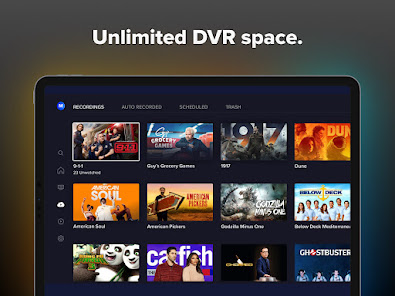
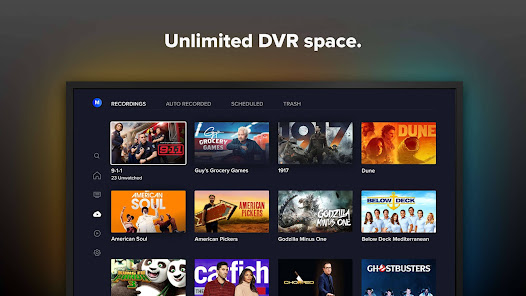
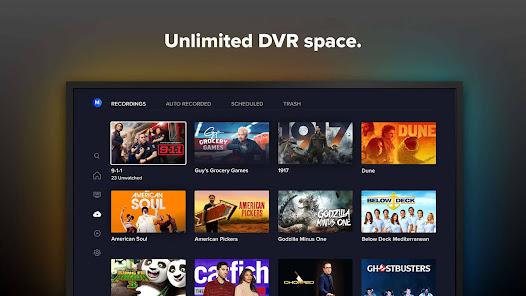
Sling provides cloud DVR capabilities, enabling you to record your favorite shows and movies for later viewing. With the ability to store your recordings in the cloud, you can access them anytime, anywhere, making it easy to catch up on missed episodes at your convenience.

Freestream Access

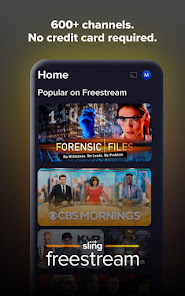
With Sling's Freestream feature, you can enjoy a variety of free on-demand content and live channels without any subscription. This gives users a taste of what Sling has to offer, making it easy to discover new shows and movies without any financial commitment.

Live TV Streaming

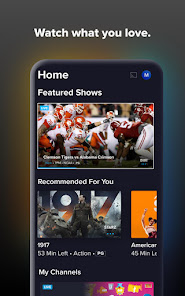
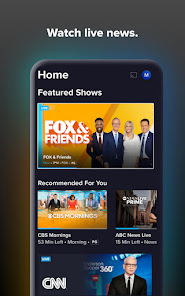
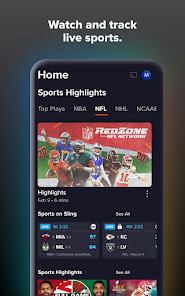
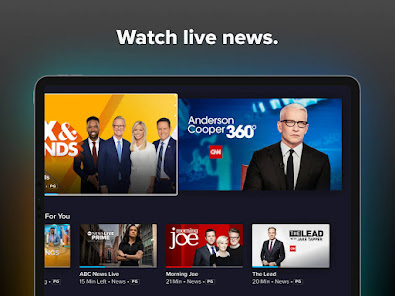
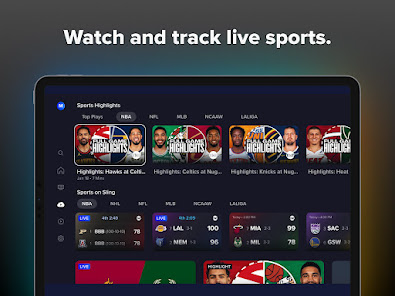
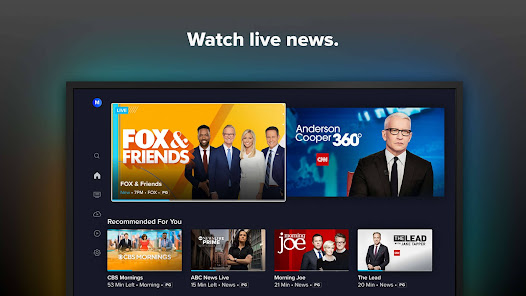
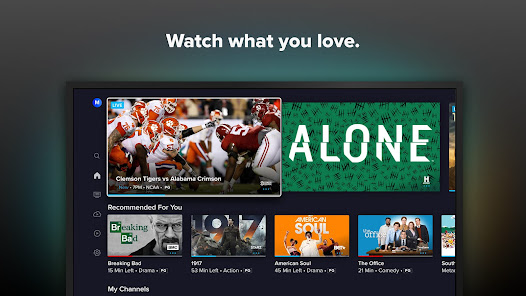
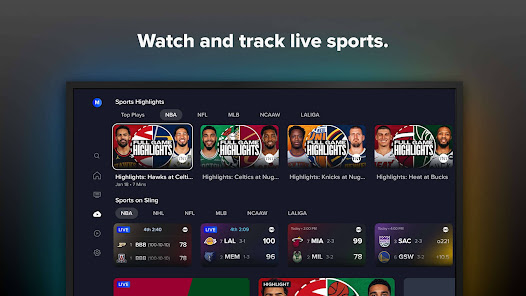
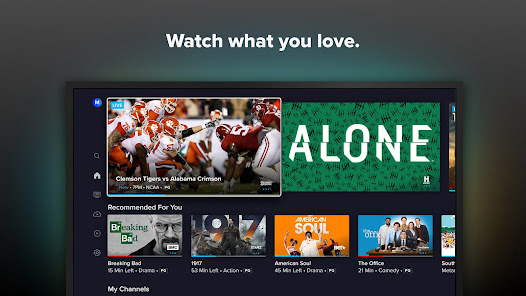
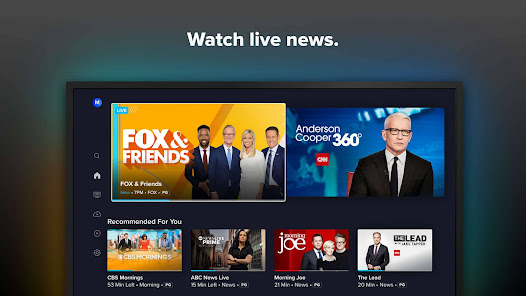
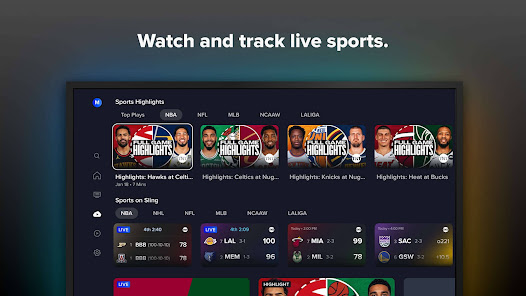
Sling offers an extensive selection of live TV channels, allowing you to catch your favorite shows, sports, and news in real-time. With customizable channel packages, you can tailor your viewing experience to suit your needs, ensuring you never miss out on the content you love.

Multi-Device Compatibility

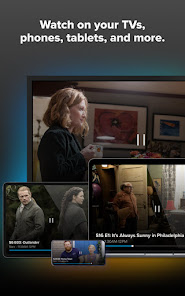
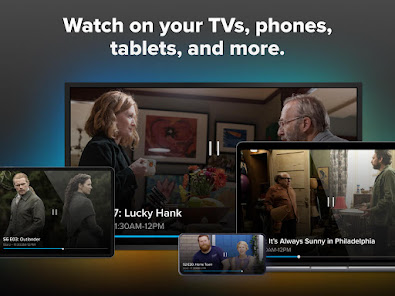
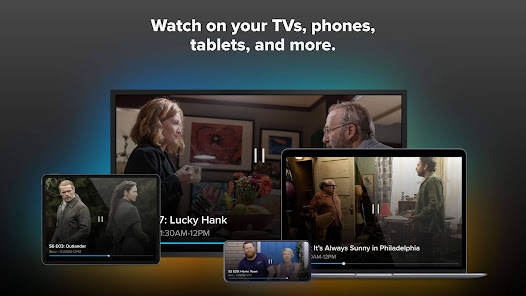
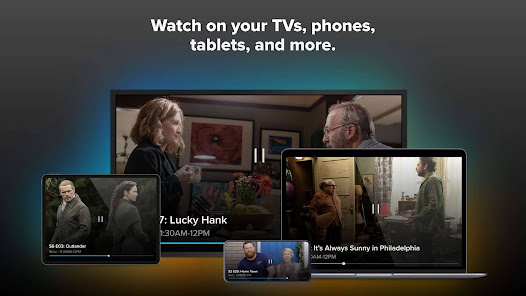
Sling supports streaming on multiple devices, from smartphones and tablets to smart TVs and streaming sticks. This versatility allows you to watch your favorite content wherever you are, making it a great choice for those who are always on the go.

Pros & Cons

Pros
  • Enjoy a wide variety of live channels for diverse viewing options.
  • Access thousands of on-demand titles for endless entertainment choices.
  • Watch your favorite shows anytime with cloud DVR storage included.
  • Stream on multiple devices for flexibility and convenience anywhere.
  • No long-term contracts mean freedom to change or cancel anytime.
Cons
  • Limited local channels may restrict regional sports and news access.
  • Streaming quality can fluctuate based on internet speed and congestion.
  • The interface can be confusing, making navigation less user-friendly.

Real Experience Using Sling: Live TV + Freestream

Application Scenarios

Sling: Live TV + Freestream is designed to cater to a wide range of viewing preferences, making it suitable for various scenarios. Whether you are at home, commuting, or traveling, Sling allows you to enjoy live TV and on-demand content seamlessly. Users can tune into their favorite channels for live sports, news, and entertainment shows from any device, including smartphones, tablets, and smart TVs. This versatility is particularly beneficial for families with diverse entertainment needs, ensuring that everyone can find something to watch. Additionally, Sling’s Freestream feature makes it easy for users to discover new content, providing an avenue for exploring shows and movies outside of their usual preferences. This flexibility makes Sling a strong contender for anyone looking for a comprehensive streaming solution.

User Experience

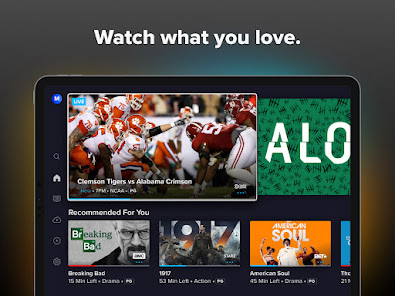
The user experience on Sling is generally intuitive and user-friendly. Upon launching the app, users are greeted with a clean interface that highlights trending shows and live channels. The navigation is straightforward, allowing users to easily browse through categories, access their favorite channels, and find on-demand content. The search function is efficient, enabling quick access to specific shows or movies. However, some users have noted that occasional buffering issues can disrupt the viewing experience, particularly during peak hours. Despite this minor setback, Sling’s personalized recommendations and customizable channel packages enhance user engagement, allowing for a tailored viewing experience that can adapt to individual preferences.

Pricing

Sling offers a flexible pricing model that accommodates different budgets and viewing habits. With multiple subscription tiers, users can choose between Sling Orange, Sling Blue, or a combination of both at a discounted rate. The base packages provide access to a variety of channels, including popular networks like ESPN, CNN, and AMC. For those looking for additional content, Sling offers optional add-ons for premium channels and international packages. This tiered pricing structure allows users to customize their subscriptions based on their viewing preferences, making it an attractive option for budget-conscious consumers who still want a rich selection of content.

Updates & Support

Sling regularly updates its app to enhance functionality and improve user experience. Recent updates have introduced new features such as improved search capabilities and enhanced streaming quality, addressing user feedback effectively. The support system is robust, with a comprehensive FAQ section, live chat support, and a dedicated customer service team available to assist with technical issues or account inquiries. Users can easily access support through the app, ensuring that any problems are quickly resolved. Overall, Sling demonstrates a commitment to continuous improvement and customer satisfaction, making it a reliable choice for live TV streaming.

verified Security & Privacy Review

The Sling: Live TV + Freestream app prioritizes user security and privacy through its robust data handling practices. The app collects essential user information, such as email addresses and location data, to enhance personalized viewing experiences. However, it ensures that this data is encrypted both in transit and at rest, safeguarding against unauthorized access. Permissions requested by the app include access to location services and storage, which are necessary for providing localized content and caching media. Users are informed of these permissions during the installation process, allowing for informed consent. Sling adheres to industry standards in data protection and complies with relevant privacy regulations, such as GDPR and CCPA, ensuring users have rights over their data. Additionally, the app includes options for users to manage their privacy settings, including the ability to opt-out of targeted advertising. Regular updates are provided to address potential vulnerabilities, making Sling a secure choice for streaming live TV while maintaining user privacy.

Reviews

3.0

“Great channel selection at an affordable price!”

“User-friendly interface makes streaming easy.”

“Live TV options are fantastic for sports lovers.”

“Freestream is a game changer for free content.”

“Occasional buffering issues, but overall solid experience.”

Compare APP

FAQ

1

Can I submit suggestions or feedback to Sling: Live TV + Freestream?

Yes, users can submit suggestions or feedback through the app or the official Sling website, where customer support can direct inquiries appropriately.

2

Does Sling: Live TV + Freestream collect my personal data?

Yes, Sling: Live TV + Freestream collects personal data to provide services, improve user experience, and for marketing purposes, as outlined in their privacy policy.

3

Does Sling: Live TV + Freestream support offline use?

Sling: Live TV + Freestream does not currently support offline viewing; users need an internet connection to stream content.

4

How do I cancel my Sling: Live TV + Freestream subscription?

You can cancel your Sling: Live TV + Freestream subscription through your account settings on the app or website, or by contacting customer support.

5

How much does a subscription to Sling: Live TV + Freestream cost?

Subscription costs for Sling: Live TV + Freestream vary based on the chosen package, but generally start at a low monthly fee with options for add-ons.

How to use Sling: Live TV + Freestream

1

Can I change my customer service contact number?

Yes, you can update your contact number in your account settings after logging into your Sling account.

2

Can I find my customer service number in the app?

Yes, you can find the customer service number in the help section of the Sling app after logging in.

3

How can I contact customer service for Sling?

You can reach Sling customer service via their support page, where you can chat, email, or find their customer service number.

4

How do I activate my Sling account?

To activate your Sling account, log in with your credentials and follow the prompts to complete the activation process.

5

How do I log in to my Sling account on a new device?

Download the Sling app, open it, and log in using your existing credentials to access your account.

Editor's Choice