This site uses cookies to enhance your user experience. By clicking any link on this site you are giving your consent to our cookie policy. Read more
Reject
Accept All
Procreate

Procreate

verified Verified App

Developer: Savage Interactive Pty Ltd

  • category

    Category: Graphics & Design

  • price

    Price: 12.99 USD

  • age rating

    Age Rating: /

  • rating

    Rating: 4.4

  • download

    Downloads: /

  • version

    Version: 5.4.8

Screenshot 1
Screenshot 2
Screenshot 3
Screenshot 4
Screenshot 5
Screenshot 6
Screenshot 7
Screenshot 8
Screenshot 9
Screenshot 10
Screenshot 11
Screenshot 12
Screenshot 13
Screenshot 14
Screenshot 15
Screenshot 16
Screenshot 17
Screenshot 18
Screenshot 19
Screenshot 20
Screenshot 21
Screenshot 22
Screenshot 23
Screenshot 24
Screenshot 25
Screenshot 26
Screenshot 27
Screenshot 28
Screenshot 29
Screenshot 30
Screenshot 31
Screenshot 32
Screenshot 33
Screenshot 34
Screenshot 35
Screenshot 36

Features & Highlights

Animation Assist

With Animation Assist, Procreate makes it easy to create stunning animations frame by frame. This feature provides a simple timeline interface, onion skinning, and adjustable playback speed, letting you bring your illustrations to life without the need for complex software.

Brush Customization

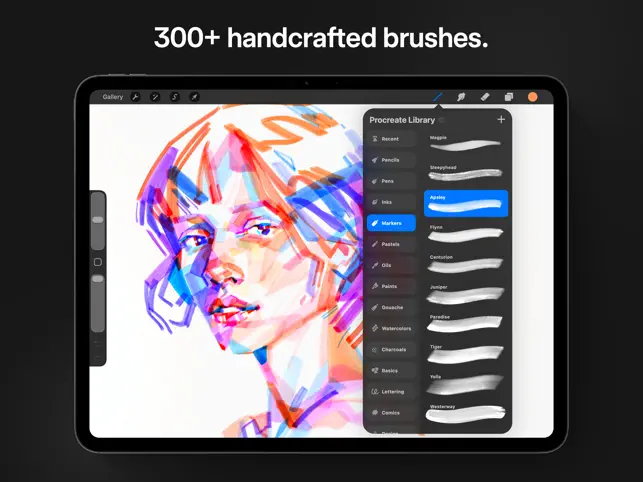
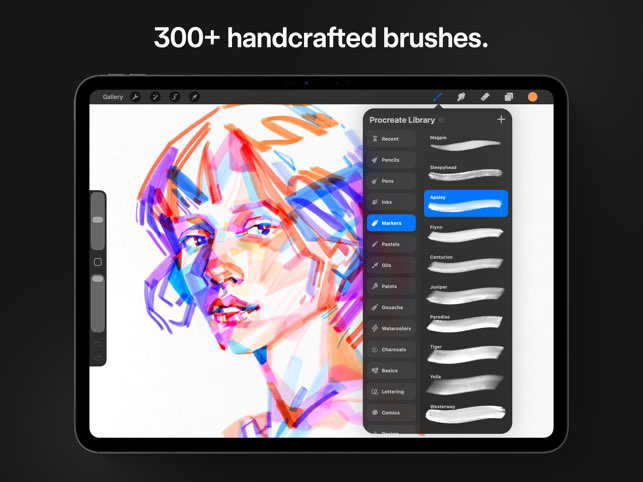
Procreate offers an extensive range of brushes that can be fully customized to fit your artistic style. You can modify size, shape, and texture, or even create your own brushes from scratch, allowing for endless creativity in your artwork.

High-Resolution Canvases

Procreate supports high-resolution canvases, enabling artists to create detailed and large-scale artworks without sacrificing quality. You can work on multiple layers and export your creations in various formats, ensuring that your hard work looks stunning on any platform.

Intuitive Gesture Controls

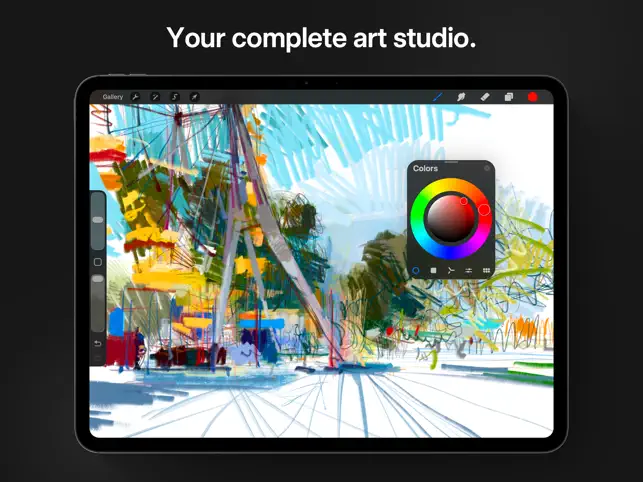
Procreate's intuitive gesture controls streamline your workflow, allowing you to zoom, rotate, and undo actions with simple finger movements. This means you can focus more on your creativity and less on navigating menus, enhancing your overall drawing experience.

Pros & Cons

Pros
  • Intuitive interface for seamless digital painting experience
  • Wide range of brushes for creative flexibility
  • High-resolution canvases for stunning detail
  • Robust layering system for complex artwork
  • Regular updates enhance features and improve performance
Cons
  • Limited to iOS devices only
  • Lacks advanced vector tools
  • No collaborative features available
  • Steeper learning curve for beginners

Real Experience Using Procreate

Application Scenarios

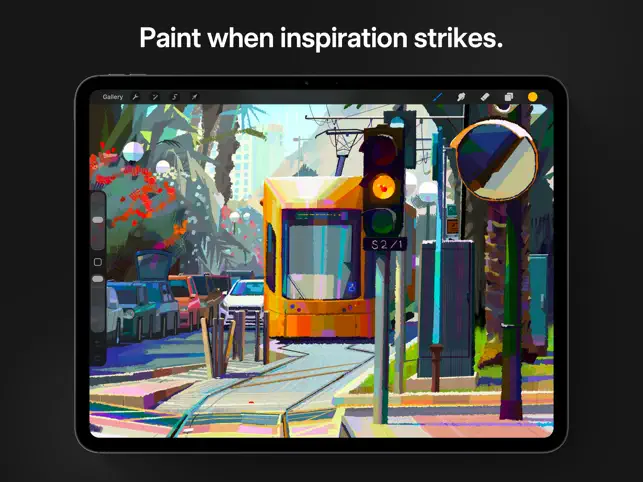
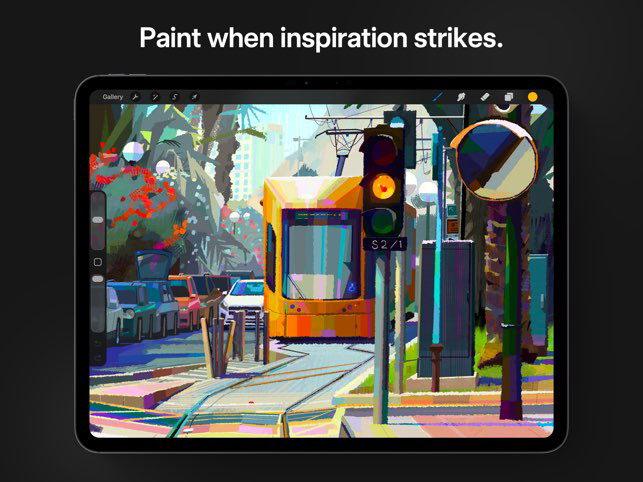
Procreate is a versatile digital painting app that caters to a wide array of artists, from hobbyists to professionals. It is predominantly used on the iPad, taking full advantage of the Apple Pencil to provide a natural drawing experience. Users can create intricate illustrations, stunning concept art, and detailed animations, making it an ideal tool for graphic designers, illustrators, and animators. Many users utilize Procreate for storyboarding, character design, and even tattoo design, showcasing its adaptability across various artistic fields. The app also supports a range of canvas sizes and resolutions, allowing artists to work on everything from social media graphics to large-scale prints, making it a valuable asset for both personal and commercial projects.

User Experience

The user experience in Procreate is nothing short of remarkable. Upon launching the app, users are greeted with an intuitive interface that is easy to navigate, even for beginners. The customizable toolbar allows users to access their favorite brushes, colors, and tools quickly. One standout feature is the extensive brush library, which offers a wide variety of brushes ranging from pencils and inks to textures and special effects. Users can also create and import their own brushes, giving them complete control over their artistic tools. The app’s responsiveness and lag-free performance, even with large canvases, contribute to a satisfying drawing experience. Additionally, the ability to record time-lapse videos of the creation process is a delightful feature for sharing artwork on social media, allowing users to showcase their techniques and creativity.

Pricing

Procreate operates on a one-time purchase model, with the app costing approximately $9.99. This pricing structure is highly appealing, especially when compared to subscription-based software that requires ongoing fees. The one-time fee grants users access to all future updates, ensuring that they can benefit from new features and improvements without additional costs. Many users find this pricing model to be a great value, especially considering the depth of features and tools available, making it accessible to a broad audience of artists.

Updates & Support

Procreate is consistently updated, with developers actively listening to user feedback to enhance the app's functionality. Regular updates often introduce new brushes, features, and performance improvements, keeping the app fresh and relevant. The Procreate community is robust, with numerous tutorials, forums, and user-generated content available online. The official Procreate website provides helpful resources and guides, ensuring that users can fully utilize the app's capabilities. Customer support is also responsive, addressing queries and issues in a timely manner, which adds to the overall positive experience with the app.

verified Security & Privacy Review

Procreate takes user privacy and data security seriously, implementing a range of measures to ensure that user information remains protected. The app does not require users to create an account or provide personal information, which significantly minimizes data exposure. This design choice allows artists to use the app freely without the worry of their data being collected or misused. In terms of permissions, Procreate requires access to the device's photo library for importing and exporting artwork, but it does not request permissions that are unnecessary for its core functionalities. This limited access helps to safeguard user data and maintain privacy. Furthermore, Procreate does not include ads or third-party tracking, ensuring that users can create without interruptions or concerns about targeted advertising. The app also does not store user data on external servers, which reduces the risks associated with data breaches. Overall, Procreate’s commitment to minimal data collection and robust privacy practices creates a secure environment for artists to express their creativity.

Reviews

4.4

“Incredible versatility for digital artists everywhere”

“User-friendly interface makes drawing a joy”

“Endless brush options inspire creativity”

“Regular updates keep the app fresh”

“Perfect for both beginners and professionals”

Editor's Choice