This site uses cookies to enhance your user experience. By clicking any link on this site you are giving your consent to our cookie policy. Read more
Reject
Accept All

Advertiser and Editorial Disclosures

Plex: Stream Movies & TV

Plex: Stream Movies & TV

verified

Plex, Inc.

3.7
Rating
50,000,000+ Downloads
/ Version
  • category

    Category: Entertainment

  • price

    Price: free

  • age rating

    Age Rating: Teen

  • rating

    Rating: 3.7

  • available on

    Available on: /

  • updated on

    Updated on: Jul 6, 2026

Screenshot 1
Screenshot 2
Screenshot 3
Screenshot 4
Screenshot 5
Screenshot 6
Screenshot 7
Screenshot 8
Screenshot 9
Screenshot 10
Screenshot 11
Screenshot 12
Screenshot 13
Screenshot 14
Screenshot 15
Screenshot 16
Screenshot 17
Screenshot 18
Screenshot 19
Screenshot 20
Screenshot 21
Screenshot 22
Screenshot 23
Screenshot 24
Screenshot 25
Screenshot 26
Screenshot 27
Screenshot 28
Screenshot 29
Screenshot 30
Screenshot 31
Screenshot 32

Features & Highlights

Content Discovery

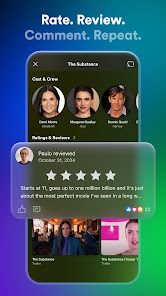
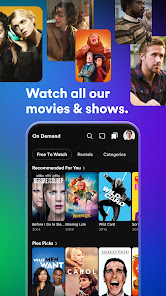
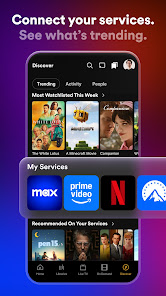
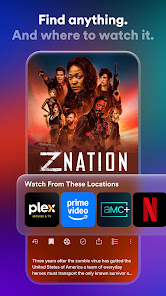
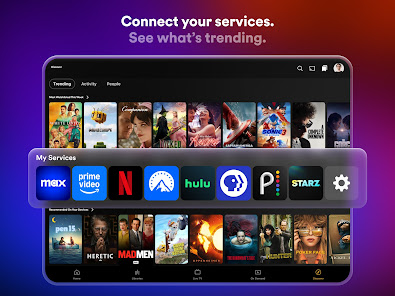
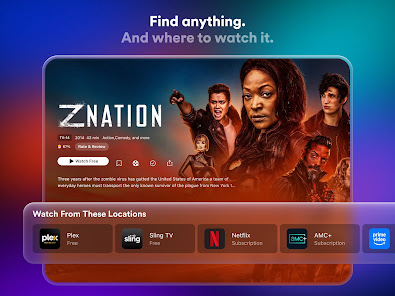
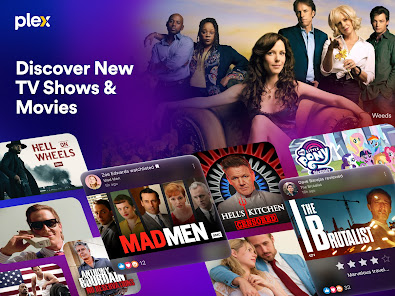
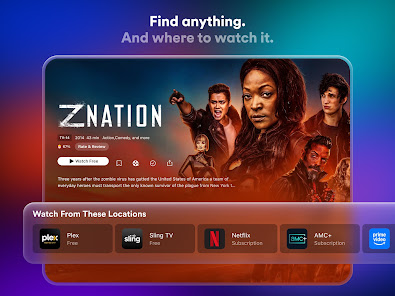
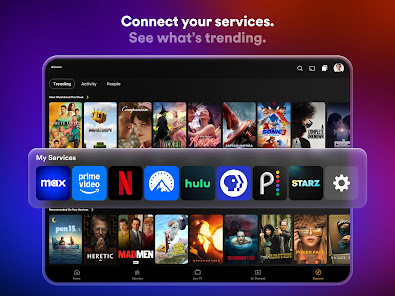
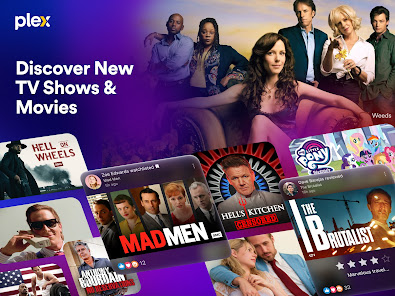
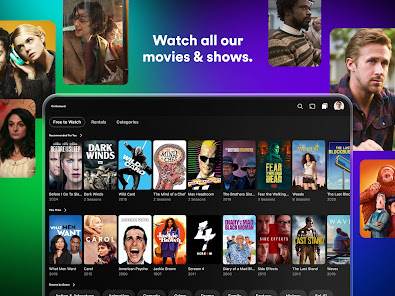
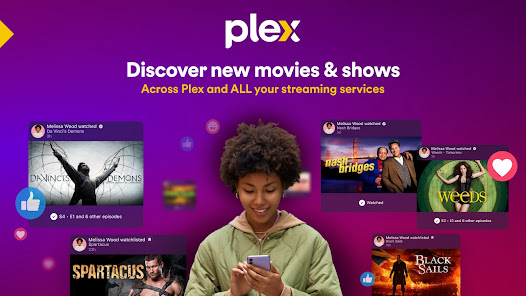
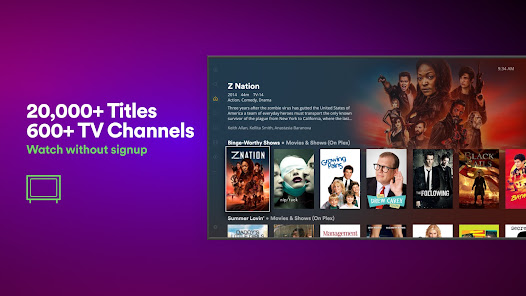
Discover new shows and movies with Plex's intelligent recommendations based on your viewing habits. The app curates personalized suggestions, making it simple to find hidden gems and trending titles that match your taste, ensuring you never run out of great content to watch.

Cross-Device Streaming

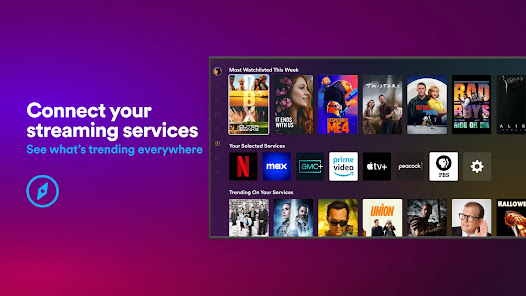
With Plex, you can stream your favorite content on any device, whether it's a smartphone, tablet, or smart TV. This seamless cross-device functionality ensures that your entertainment is always accessible, allowing you to pick up right where you left off, no matter where you are.

Live TV & DVR

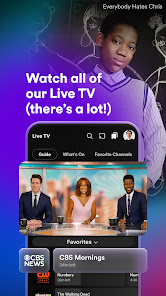
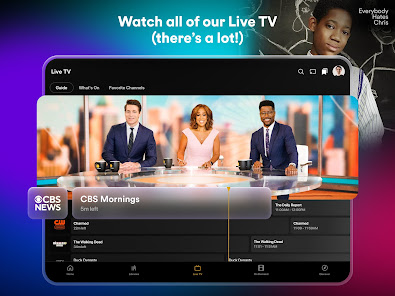
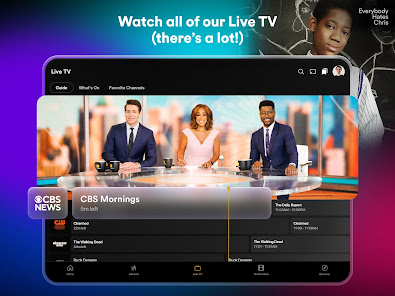
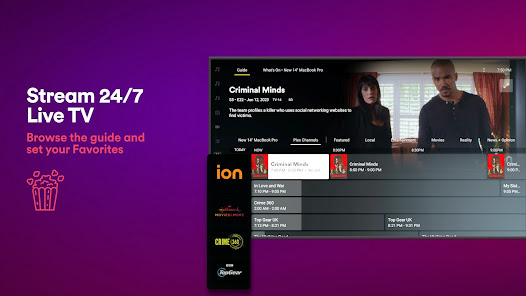
Plex offers live TV and DVR capabilities, enabling you to watch and record your favorite shows in real-time. You can easily manage your recordings and schedule, making it a great option for those who want to enjoy live broadcasts alongside their on-demand content.

Personalized Library

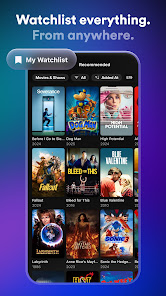
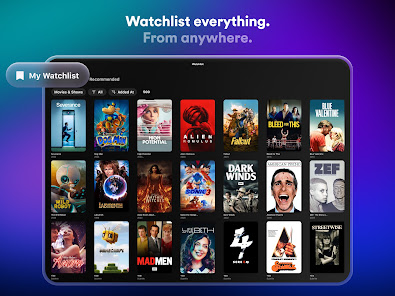
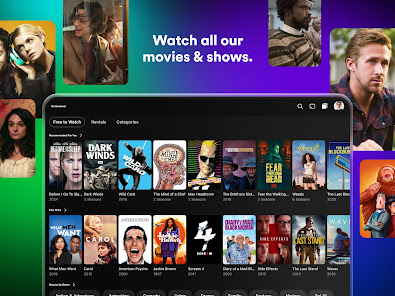
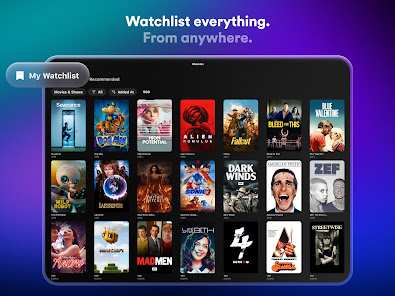
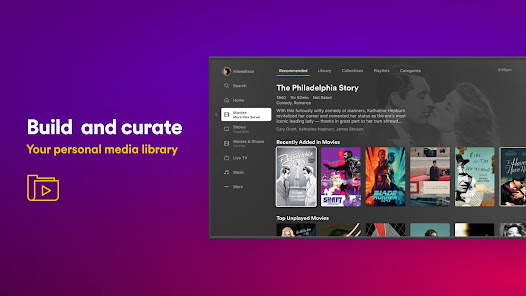
Plex allows you to create a personalized library that organizes all your movies, TV shows, and music in one place. Its intuitive interface makes it easy to navigate, and you can customize your collection with artwork and metadata for a visually appealing experience.

Pros & Cons

Pros
  • Access your personal media library anytime, anywhere
  • Enjoy a user-friendly interface for easy navigation
  • Stream content on multiple devices seamlessly
  • Organize your collection with powerful tagging options
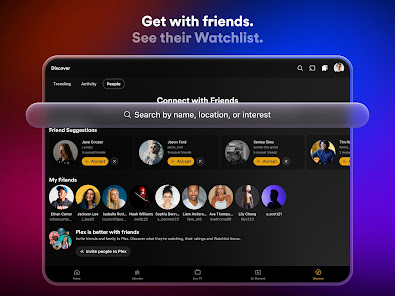
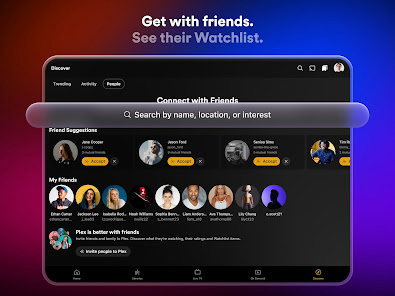
  • Share your library with family and friends effortlessly
Cons
  • Limited offline access for mobile users
  • Requires significant storage space
  • Complex setup for non-tech users
  • Subscription fees can add up over time

Real Experience Using Plex: Stream Movies & TV

Application Scenarios

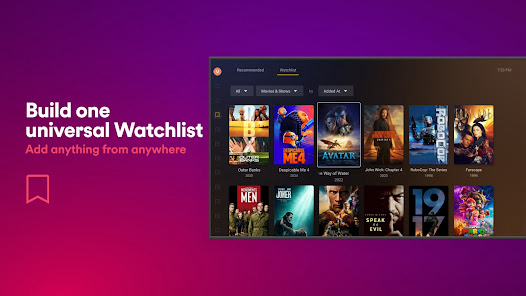
Plex: Stream Movies & TV is a versatile application that caters to various viewing scenarios. Whether you're at home on your smart TV, commuting on your mobile device, or lounging in a café with your tablet, Plex ensures seamless streaming of your favorite movies and TV shows. Users can create their own media library, allowing them to access personal collections stored on their home servers or on the cloud. This flexibility makes Plex suitable for binge-watching series, enjoying movie nights with friends, or catching up on episodes during travel. Additionally, Plex supports a wide range of devices, including smartphones, tablets, smart TVs, and streaming devices, making it accessible for nearly everyone.
User Experience

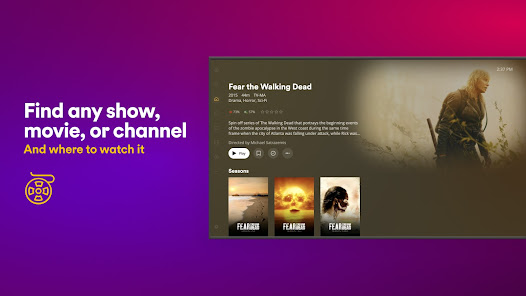
The user experience with Plex is generally smooth and intuitive. Upon launching the app, users are greeted with a clean interface that allows easy navigation through different categories like Movies, TV Shows, and Live TV. The search function is robust, enabling users to find specific content quickly. One standout feature is the personalized recommendation system, which learns user preferences over time, suggesting new movies and shows based on viewing history. The playback quality is impressive, supporting high-definition streaming, and the app automatically adjusts the quality based on internet speed to minimize buffering. Additionally, Plex offers offline viewing capabilities, allowing users to download content and watch it without an internet connection, a significant advantage for travel.

Pricing

Plex offers a free tier that provides access to a wide range of content, including ad-supported movies and TV shows. However, for users seeking an ad-free experience and additional features, Plex Pass is available for a monthly, yearly, or lifetime fee. This premium subscription unlocks features like Live TV, DVR capabilities, and advanced library management tools. The pricing is competitive compared to other streaming services, making it a cost-effective option for users who want a personalized media experience without breaking the bank.

Updates & Support

Plex is committed to providing regular updates that enhance functionality and security. Users can expect periodic improvements to the app, including new features, bug fixes, and performance enhancements. The Plex community is active, with a support forum where users can report issues and get assistance from both the Plex team and fellow users. Additionally, Plex offers comprehensive help documentation and tutorials, making it easier for new users to navigate the app and get the most out of their streaming experience. This dedication to support ensures that users feel valued and heard, fostering a loyal user base.

verified Security & Privacy Review

The Plex app takes user security and privacy seriously, employing robust encryption protocols to protect data during transmission. Users' personal information is stored securely, and Plex adheres to industry-standard practices to mitigate potential breaches. The app is transparent about its data collection policies, providing users with clear information on what data is gathered and how it is utilized. Plex collects information such as viewing habits, device information, and account details to enhance the user experience and provide personalized content recommendations. However, users have the option to control their privacy settings, including opting out of certain data collection practices. The app also ensures that any third-party services it interacts with comply with stringent privacy standards. Permissions required by Plex are primarily related to media access and device storage, allowing seamless streaming and organization of personal libraries. Users are encouraged to review these permissions during installation to ensure they are comfortable with the app’s access levels. Overall, Plex demonstrates a commitment to user privacy while offering a feature-rich streaming experience.

User Reviews

  • David B
    2026/05/14

    I've been pretty happy with Plex overall over the years (lifetime subscription). I'm very disappointed in the new update/layout of Plex done in 2025. I really dislike that I now have to have an additional two separate apps for photos and music now, so three Plex apps total. No way to add movies to a playlist. Definitely a big step backwards in my opinion.

  • Levi Combs
    2025/05/21

    I do not care about Live TV, On Demand, or Discover. I use Plex ONLY to watch my personal movie and TV library. I paid for a lifetime Plex Pass so I could support Plex without all the extra garbage. At the very least, Plex Pass users should be able to disable the Live TV, On Demand, and Discover buttons on the navigation bar. Also give me the ability to separate my movies & TV shows! This new layout is horrific.

  • Will West
    2025/08/14

    New update is... different. Which i can excuse. But chromecast streaming is broken. Doesn't work 95% of the time. (Works fine for other apps and occasionally works for Plex so it isn't a network issue. But I want to watch something... not spend hours restarting devices hoping it randonly works again.) Downgraded to 10.26.0.2578 and problems went away.

  • Nancy -Niece-Hensher
    2026/06/24

    very sad, on there live TV you had a channel called "Thrills & Chills" . That was my go-to everytime I used the app. It's gone & Why ? It was one of the best ones you had. Believe me there were a couple of others you could have gotten rid of instead of the other one. Now all you have is on demand. for horror. If I wanted to pick & choose I could just use any media app. Probably will delete your app now, good bye.Plex did get back with me with a link I can't go to on my mobile through Google play

  • Henry Deltoid
    2026/04/21

    The service for shows and movies is a good alternative to Tubi when you can't find a title on Tubi. But the media server: great design, awful execution. It fails to sync, fails to connect, error codes all over the place, isn't intuitive in the least. Had to uninstall and reinstall it 3 times in the last 2 weeks. The PS3 Media Server I had almost 20 years ago was more reliable.

Review Source: Google Play store public user reviews.

FAQ

1

Does Plex: Stream Movies & TV collect my personal data?

Yes, Plex: Stream Movies & TV may collect personal data to enhance user experience, provide personalized content recommendations, and for various other purposes outlined in their privacy policy.

2

Does Plex: Stream Movies & TV offer a free trial or free version?

Plex: Stream Movies & TV offers a free version that includes basic features, along with a premium subscription option that may provide additional features and a free trial period for new users.

3

Does Plex: Stream Movies & TV require an internet connection?

While Plex: Stream Movies & TV primarily requires an internet connection to stream content and access online features, you can also set it up to stream content from your local library without an internet connection once the media is downloaded.

4

How can I contact support or send feedback for Plex: Stream Movies & TV?

You can contact support or send feedback for Plex: Stream Movies & TV through the official Plex support website, where you can find help articles, submit a support ticket, or engage with the community forums.

5

How do I manage or cancel my Plex: Stream Movies & TV subscription?

You can manage or cancel your Plex: Stream Movies & TV subscription through your account settings on the Plex website or within the app, depending on how you initially subscribed.

How to use Plex: Stream Movies & TV

1

Can I activate Plex on multiple devices?

Yes, you can activate Plex on multiple devices using the same account credentials.

2

Do I need to activate my Plex app?

Yes, you may need to activate your Plex app by signing in or entering a code provided during setup.

3

How can I contact customer service for Plex?

You can reach Plex customer service through their official website's support section or via email at support

4

How can I reset my Plex password?

Go to the Plex website, click on "Sign In," then select "Forgot Password" to reset it via email.

5

How do I find the customer number for my Plex account?

Plex does not have a customer number; you can manage your account through the Plex website.

What's New

Bug fixes and performance improvements.Much more, see https://l.plex.tv/h9HDtkm

Editor's Choice