This site uses cookies to enhance your user experience. By clicking any link on this site you are giving your consent to our cookie policy. Read more
Reject
Accept All

Advertiser and Editorial Disclosures

PBS: TV Shows & Documentaries

PBS: TV Shows & Documentaries

verified

PBS

4.9
Rating
1,000,000+ Downloads
5.22.0 Version
  • category

    Category: Entertainment

  • price

    Price: free

  • age rating

    Age Rating: Teen

  • rating

    Rating: 4.9

  • available on

    Available on: /

  • updated on

    Updated on: Jul 1, 2026

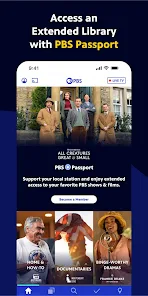
Screenshot 1
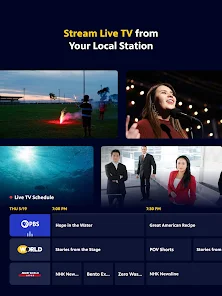
Screenshot 2
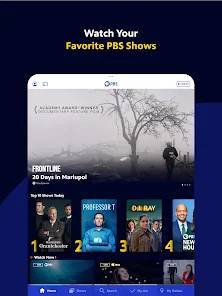
Screenshot 3
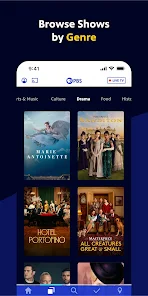
Screenshot 4
Screenshot 5
Screenshot 6
Screenshot 7
Screenshot 8
Screenshot 9
Screenshot 10
Screenshot 11
Screenshot 12
Screenshot 13
Screenshot 14
Screenshot 15
Screenshot 16
Screenshot 17
Screenshot 18
Screenshot 19
Screenshot 20
Screenshot 21
Screenshot 22
Screenshot 23
Screenshot 24
Screenshot 25
Screenshot 26
Screenshot 27
Screenshot 28
Screenshot 29
Screenshot 30

Features & Highlights

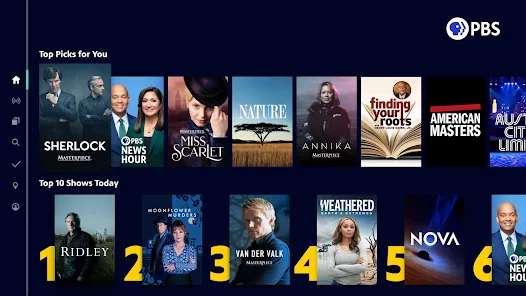
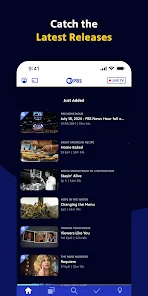
Curated Recommendations

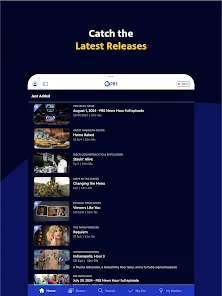
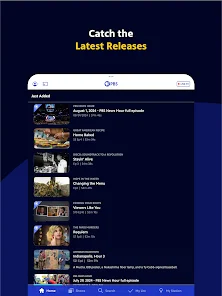
The app offers personalized recommendations based on your viewing history, helping you discover new shows and documentaries that align with your interests. This thoughtful feature enhances your streaming experience, making it easy to find content you'll love without endless scrolling.

Offline Viewing

PBS allows you to download select episodes and documentaries for offline viewing, making it perfect for travel or times when you might not have internet access. This feature ensures that you can enjoy your favorite content without interruptions, no matter where you are.

Stream Your Favorites

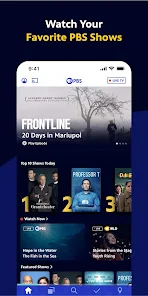
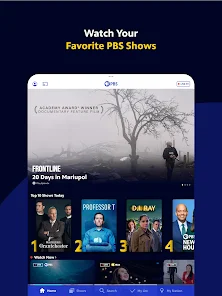
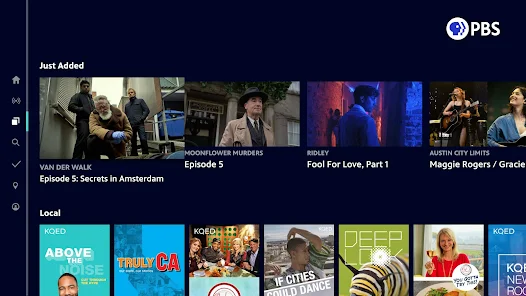
With PBS: TV Shows & Documentaries, you can easily stream a vast library of your favorite shows and documentaries anytime, anywhere. Whether you're in the mood for educational content or entertaining series, the app ensures you have access to high-quality programming at your fingertips.

User-Friendly Interface

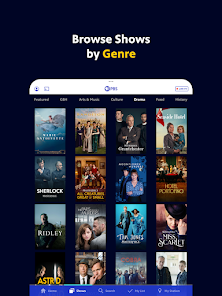
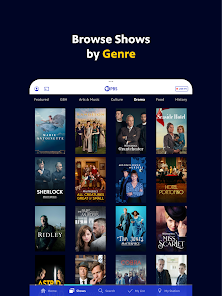
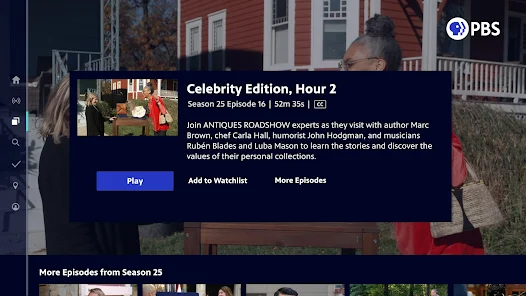
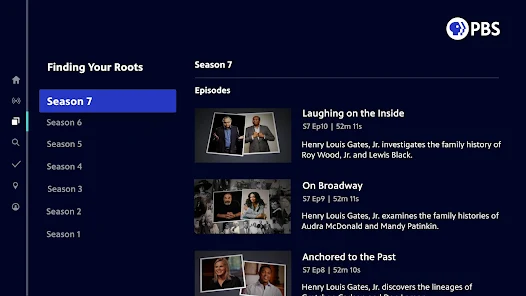
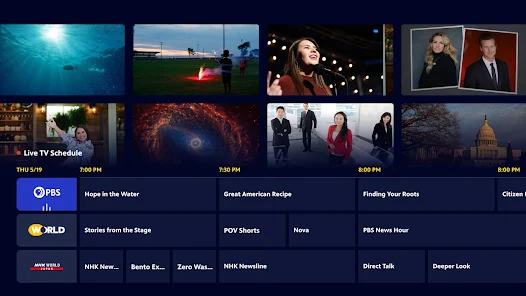
The app boasts a clean and intuitive interface that makes navigating through different categories and genres a breeze. With easy access to search functions and organized playlists, users can quickly find what they want to watch, enhancing the overall viewing experience.

Pros & Cons

Pros
  • High-quality programming for all ages and interests
  • Educational content that inspires curiosity and learning
  • Diverse perspectives from talented filmmakers and storytellers
  • Commercial-free viewing for an uninterrupted experience
  • Accessible online, anytime, for convenient watching
Cons
  • Limited variety of popular mainstream content
  • Funding constraints affect production quality
  • Scheduling can be inconsistent and confusing
  • Some regions lack access to PBS channels

Real Experience Using PBS: TV Shows & Documentaries

Application Scenarios

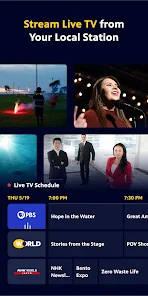
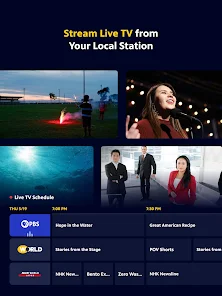
The PBS: TV Shows & Documentaries app caters to a diverse audience, making it an ideal companion for various scenarios. Whether you're looking to unwind after a long day, seeking educational content for your children, or preparing for a cozy weekend binge-watch session, this app has something for everyone. Users can easily navigate through a wide range of genres, including history, science, arts, and culture. Families can gather around to watch engaging educational programs that stimulate discussions, while enthusiasts can dive into in-depth documentaries that explore real-world issues. Additionally, the app is perfect for on-the-go viewing, allowing users to catch up on their favorite shows during commutes or while waiting in line. The inclusion of local PBS stations ensures that viewers can connect with content that resonates with their community.

User Experience

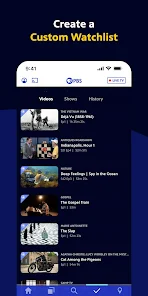
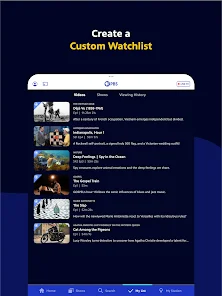
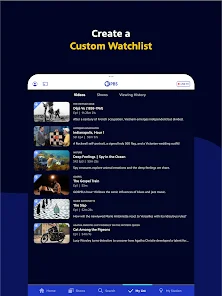
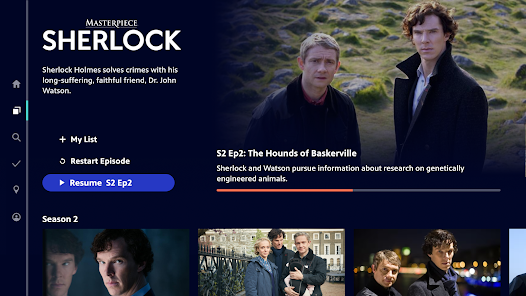
User experience is a significant highlight of the PBS app. The interface is intuitive, making it simple for users to discover new shows or revisit classic favorites. The search function is robust, allowing for quick access to specific titles or topics. Video quality is impressive, with options for HD streaming that enhance the viewing experience. However, some users have reported occasional buffering issues, particularly during peak usage times. The personalized recommendation feature adds a layer of convenience, suggesting content based on viewing history. Furthermore, the ability to create a watchlist helps users keep track of episodes they want to catch up on, enhancing overall engagement. The app also seamlessly integrates with Chromecast and AirPlay, making it easy to cast content to larger screens.

Pricing

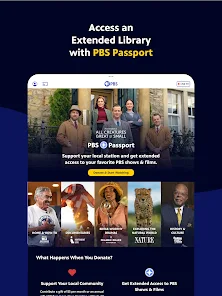
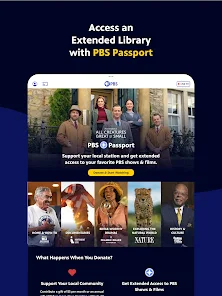
The PBS app operates on a free model, which allows users to access a vast library of content without any subscription fees. This makes it an attractive option for budget-conscious viewers or those who want to explore new documentaries and shows without commitment. However, while the core content is free, users may encounter occasional fundraising initiatives or prompts to support their local PBS station. These initiatives can be a gentle reminder of the value that public broadcasting provides, encouraging users to consider contributing to ensure the continuation of quality programming.

Updates & Support

The PBS app is regularly updated to enhance user experience and expand its content library. Updates often include bug fixes, performance improvements, and the introduction of new features. The developers are responsive to user feedback, frequently addressing issues raised in app reviews. Customer support is accessible through the app, offering assistance via FAQs and a direct contact option for more complex queries. This commitment to support ensures that users have a smooth experience and can enjoy their favorite shows without interruptions. Overall, the PBS: TV Shows & Documentaries app stands out as a valuable tool for anyone interested in quality educational content.

verified Security & Privacy Review

The PBS: TV Shows & Documentaries app prioritizes user security and privacy through robust data protection measures. The app employs encryption protocols to safeguard user data during transmission, ensuring that personal information remains confidential. Users are informed about the type of data collected, which primarily includes viewing preferences and app usage statistics, enabling PBS to enhance user experience without compromising privacy. Regarding permissions, the app requires minimal access to device features, primarily for functionality purposes. Users are prompted to grant permissions for features such as notifications and location services, ensuring transparency in data handling. PBS adheres to stringent privacy policies and complies with relevant regulations, providing users with control over their data. Users can easily manage their privacy settings within the app, allowing for the customization of data sharing preferences. Overall, PBS demonstrates a commitment to maintaining user trust by implementing responsible data practices and providing clear information about its privacy policies, making it a secure choice for fans of educational content.

User Reviews

  • Marilyn Petersen
    2026/05/30

    There is no way to remove an episode from the "continue watching" and if I try to scroll through to the end of the episode so it drops off the list, then the next episode will appear in the continue watching even though I have already watched it. A very awkward app. I do love the programming provided, shows that you can't get anywhere else.

  • Evan Rothmayer
    2026/04/20

    It feels weird chatting down a PBS app, but they require you pay a "donation" in order to watch, and the entry form feels downright deceptive. First, the lowest "donation" they accept is $5 per month, but their helpful pre-populated options have the lowest as $8. Very easy to skip over assuming they would make them the same. Much worse, if you enter a custom amount and use Google Pay, THEY STILL TRY TO CHARGE YOU $8, This is actually broken. Please fix both

  • Kathleen Hillman
    2025/08/29

    I love the programs on PBS, and being able to stream them is great. I gave 4 stars instead of 5 because the app doesn't keep track of where I left off, so I have to scroll through seasons and then episodes to find my place rather than just tapping "continue watching". I can use that feature, but it picks up in the wrong place every single time.

  • Mike Bagwell
    2021/02/05

    Excellent library of content. Netflix has really declined, so I cancelled it, and donated to PBS to become a member and gain access to Passport. I've enjoyed it a lot so far, except the video playback. The play/pause function is inconsistent and causes the time marker to jump around randomly, and there's no double-tap to fast forward or rewind a few seconds like most other video streaming apps have. So, great service and fairly good app, but the app could use some improvement.

  • A Google user
    2019/11/10

    The app is difficult to navigate and not intuitive . The playback controls are some of the worst of I've seen in an app. Moving forward or back in play results in a time count beginning from that moment, not from the start of the show. When using this with a chromecast, a screen (possibly buffering?) would often flash on the television showing the time and duration. This would flash for a fraction of a second. Very annoying.

Review Source: Google Play store public user reviews.

FAQ

1

Does PBS: TV Shows & Documentaries collect my personal data?

PBS: TV Shows & Documentaries may collect personal data such as viewing habits, preferences, and account information to enhance user experience and provide personalized recommendations. For detailed information, refer to the app's privacy policy.

2

Does PBS: TV Shows & Documentaries offer a free trial or free version?

PBS: TV Shows & Documentaries offers a free version with limited access to certain content, while some features and full episodes may require a subscription. Occasionally, they may provide free trials for premium content.

3

Does PBS: TV Shows & Documentaries require an internet connection?

Yes, PBS: TV Shows & Documentaries requires a stable internet connection to stream content. You cannot access the app or its features without being online.

4

How can I contact support or send feedback for PBS: TV Shows & Documentaries?

You can contact support or send feedback through the app's help section or by visiting the PBS website, where you will find options for customer support and feedback submission.

5

How do I manage or cancel my PBS: TV Shows & Documentaries subscription?

You can manage or cancel your subscription through your account settings in the app or on the PBS website. Follow the prompts to change your subscription status as needed.

How to use PBS: TV Shows & Documentaries

1

Can I change my customer number?

Unfortunately, customer numbers cannot be changed. For assistance, please contact customer service.

2

Can I log in to my PBS account on multiple devices?

Yes, you can log in to your PBS account on multiple devices as long as you use the same credentials.

3

How can I activate my PBS account?

After signing up, check your email for an activation link. Click it to activate your account.

4

How can I update my account information?

Log in to your PBS account, navigate to the settings section, and you can edit your personal information there.

5

How do I contact PBS customer service?

You can reach PBS customer service by calling their support number listed on the website or using the contact form.

What's New

- UI/UX improvements & bug fixes

Editor's Choice