Home
Home  Apps
Apps  Games
Games  Windows
  Topics
  Terms of Service
  Cookies & Privacy Policy
  About us
 Custom Alerts
Stay updated with personalized notifications for your favorite teams and players. Whether it's game start times, score updates, or breaking news, these alerts keep you in the loop and let you focus on the action without missing a beat.


NCAA Digital
 4.7
4.7 
Category: Sports

Price: free

Age Rating: Everyone

Rating: 4.7

Available on: /

Updated on: Mar 11, 2026
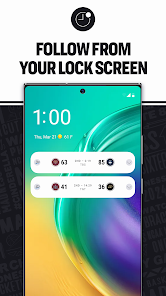
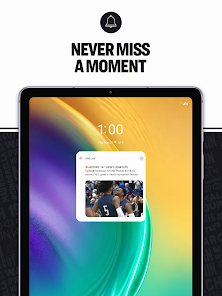
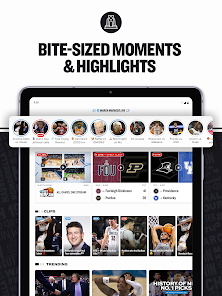
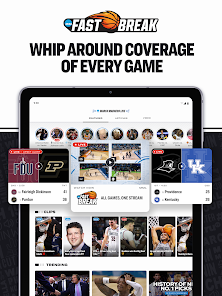
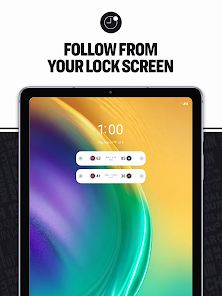

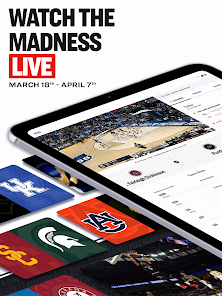
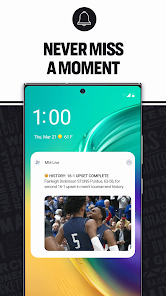
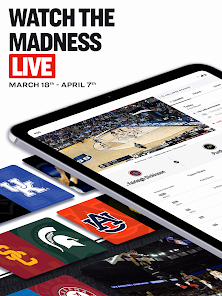
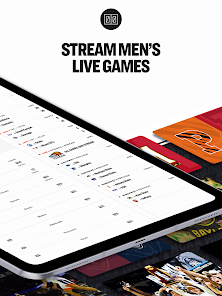
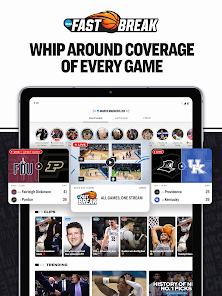
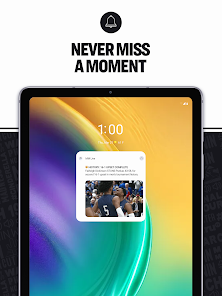
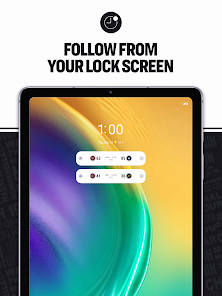
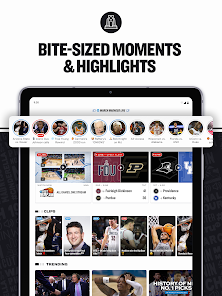
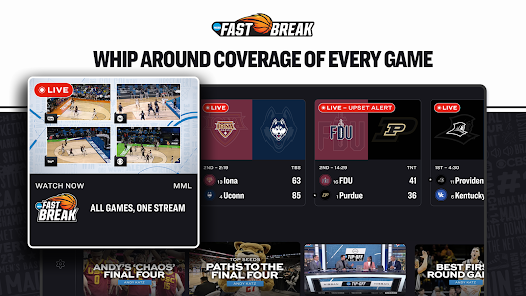
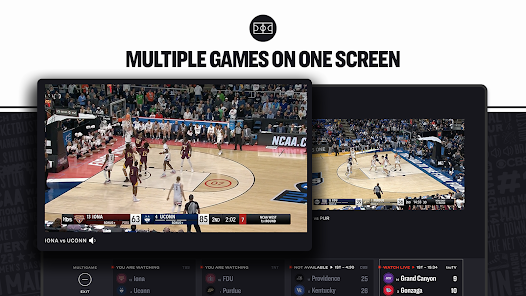
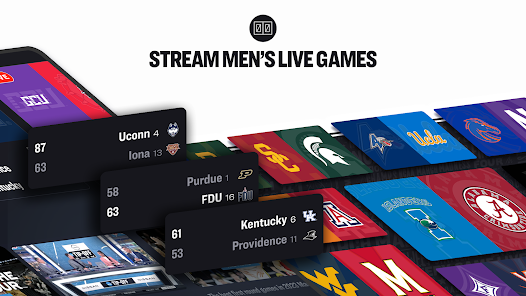
Stay updated with personalized notifications for your favorite teams and players. Whether it's game start times, score updates, or breaking news, these alerts keep you in the loop and let you focus on the action without missing a beat.
Get access to comprehensive stats and expert analysis to enhance your viewing experience. Dive deep into player performances, team rankings, and historical data, giving you a richer understanding of the tournament landscape and helping you make informed predictions.
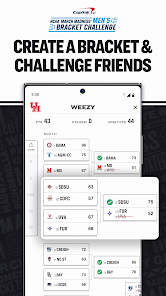
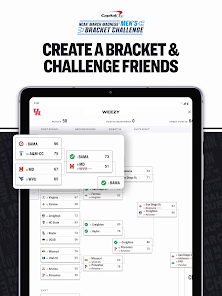
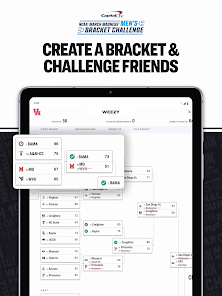
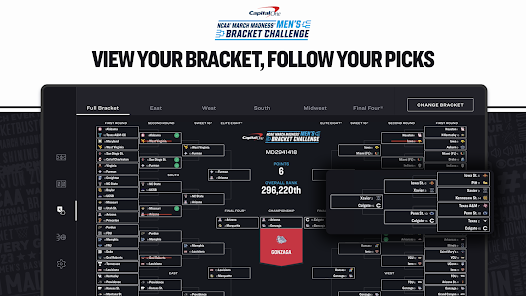
Join the excitement by filling out your own tournament bracket and compete against friends and fans. The interactive feature allows you to track your picks and see how they stack up against others, adding a fun layer of competition to your March Madness experience.
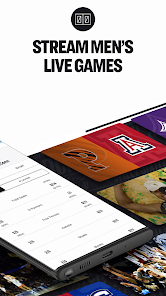
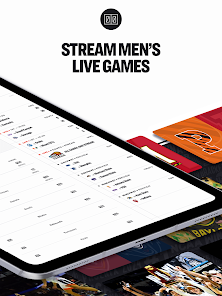
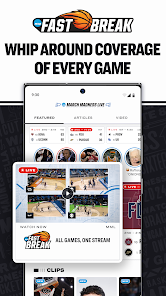
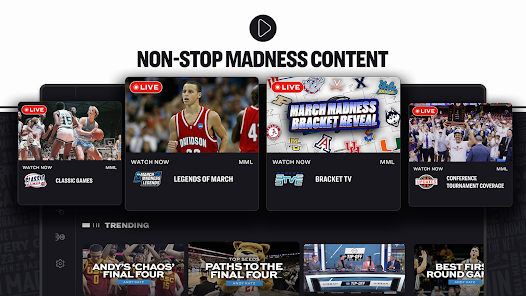
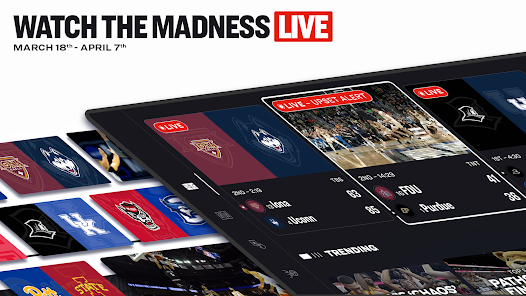
Catch every thrilling moment of the NCAA tournament with live streaming of all games. Whether you're at home or on the go, you can watch your favorite teams battle it out in real-time, ensuring you never miss a buzzer-beater or dramatic upset during March Madness.

 Watch live games from anywhere, anytime Access real-time scores and updates Enjoy expert analysis and commentary Customize your viewing experience with multiple streams Engage with interactive features and polls
 Limited access without cable subscription Frequent streaming glitches and delays Inconsistent video quality during peak times Limited features compared to other streaming services
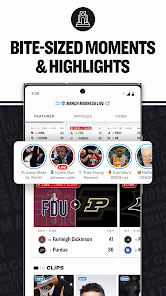
 The NCAA March Madness Live app is designed to be your ultimate companion during one of the most thrilling times in college basketball—the NCAA tournament. Whether you’re at home, at work, or on the go, the app allows fans to catch live game action, view real-time statistics, and keep up with bracket updates. It’s perfect for those who want to follow their favorite teams closely or engage in friendly competition with friends through bracket challenges. The app also shines during viewing parties and gatherings, where users can stream games live, share highlights, and stay up-to-date with scores and schedules. Whether you're a die-hard fan or a casual viewer, the app caters to all scenarios, making it an essential tool for anyone who loves March Madness.
The user experience of the NCAA March Madness Live app is intuitive and engaging. Upon opening the app, users are greeted with a clean interface that allows for easy navigation. The live-streaming feature is seamless, often offering high-definition quality and minimal buffering, which is crucial during crucial game moments. Notifications can be customized, ensuring fans receive alerts for their favorite teams or critical game updates without being overwhelmed. Additionally, the app provides insightful commentary and analysis, enhancing the viewing experience. The interactive features, such as live polls and social media integration, allow users to engage with other fans, making the entire experience more dynamic and communal. However, some users have reported occasional issues with app crashes during peak times, particularly during high-stakes games, which can disrupt the experience.
NCAA March Madness Live operates on a freemium model. Users can access a significant amount of content for free, including scores, highlights, and some live games. However, to unlock the full live streaming capabilities, including all tournament games, users need to subscribe to the premium version. The subscription pricing is competitive and typically offers several options, including monthly or one-time tournament passes. This flexibility allows fans to choose a plan that best suits their viewing habits. While some may find the pricing slightly steep, the value provided during the tournament season, with extensive coverage and features, often justifies the cost for avid basketball fans.
The developers of NCAA March Madness Live are committed to providing users with regular updates to enhance functionality and user experience. Frequent updates address bugs, improve streaming quality, and introduce new features based on user feedback. Customer support is accessible through various channels, including in-app support, email, and social media. Users have reported prompt responses from the support team, which is essential for resolving issues during the tournament when time is of the essence. Additionally, the app often incorporates user suggestions in updates, which reflects the developers’ dedication to creating a user-friendly experience. Overall, the commitment to updates and support makes the NCAA March Madness Live app a reliable choice for basketball enthusiasts.
Security & Privacy Review


Great app for getting with friends and making brackets. But when it comes to being able to watch the games, one of the biggest parts of the app, you get a 24 hour TRIAL!? If you dont have DirecTV, Dish, ect. you can't watch after the 24 hours! If you have those, you are probably watching on the tv, NOT YOUR PHONE! If this can be changed so people without those providers, like me, can watch all the games, LIKE YOU ADVERTISE, that would be great.
It is great to be able to watch games on the go, but there are issues with the app. The game summary does not include the score. I can quickly see which team has mor defensive rebounds, but not who is winning the game. The stream occasionaly hangs, even on wifi, and the app sometimes crashes when switching from portrait to landscape modes. The game days are wrong. For example, it says the third round starts today when it actually starts tomorrow. Great service but poor QC and bug fixes.
Same this year! 2025. Just get a Tablo to stream TV onto your mobile while at home, if your TVs are otherwise occupied, (by the wife or kids, LOL!) Just skip this app. Worst app ever. Refuses to load for several minutes on 5G or fiber Wi-Fi, so it's not a connection issue. If it ever loads, like others have said, don't click over to another app for any reason or it's crashed & gone. It is infested with ad-ware that bloats & clogs it all up. Needs a plunger! 🪠 It's ridiculous.
*2015* With every update there seem to be more bugs than the last time. Every time the damn resolution clears and it's not tin sounding and pixelated it freezes and refuses to play. Now it's stuck on a god damn loop and keeps freezing and replaying the same 30 seconds. ********** *2023* Here we are 7 years later and some how this is still one of the worst apps and platforms ever. I've had to reauthorize 7 times in 6 hours.
I've been using this app all afternoon (casting to my Chromecast) and it repeatedly stops the stream and breaks the connection with my Chromecast & the app freezes and requires a restart. Also, a LOT of buffering. It's not great, but if you're desperate, it's alright because all of the games are in one spot. I hope they fix the casting issues, otherwise March Madness is going to be March Sadness. *Edit* day 2 of use & I've officially spent more time dealing with buffers than watching basketball
Review Source: Google Play store public user reviews.
Yes, NCAA March Madness Live may collect personal data such as registration information, viewing habits, and device information to improve user experience and provide personalized content.
NCAA March Madness Live typically offers a free version with limited features, and sometimes provides a free trial for premium access during the tournament.
Yes, NCAA March Madness Live requires a stable internet connection to stream live games and access other features.
You can contact support or send feedback for NCAA March Madness Live through the app's help section, or by visiting the official NCAA website for customer support options.
You can manage or cancel your NCAA March Madness Live subscription through your account settings within the app or by visiting the subscription management section of the platform you used to subscribe.
You can reach customer service by visiting the official NCAA website or through the app's help section for support options.
Open the app, tap on the login button, and enter your credentials or sign in using a connected TV provider account.
If activation is necessary, follow the prompts in the app after logging in, or refer to the app's help section for detailed instructions.
The customer service number is typically found on the NCAA website or in the app’s support section; check there for the most current information.
Bug fixes and improvements
 Google Play
  App Store