This site uses cookies to enhance your user experience. By clicking any link on this site you are giving your consent to our cookie policy. Read more
Reject
Accept All

Advertiser and Editorial Disclosures

F1 TV

F1 TV

verified Verified App

Developer: Formula One Digital Media Limited

  • category

    Category: Sports

  • price

    Price: free

  • age rating

    Age Rating: Teen

  • rating

    Rating: 4.5

  • download

    Downloads: 5,000,000+

  • version

    Version: /

Screenshot 1
Screenshot 2
Screenshot 3
Screenshot 4
Screenshot 5
Screenshot 6
Screenshot 7
Screenshot 8
Screenshot 9
Screenshot 10
Screenshot 11
Screenshot 12
Screenshot 13
Screenshot 14
Screenshot 15
Screenshot 16
Screenshot 17
Screenshot 18
Screenshot 19
Screenshot 20
Screenshot 21
Screenshot 22
Screenshot 23
Screenshot 24

Features & Highlights

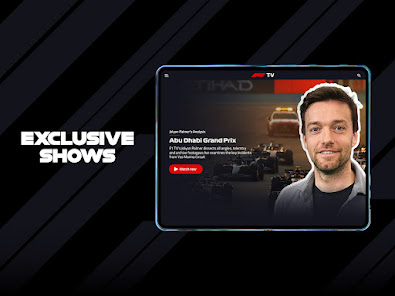
Documentaries and Shows

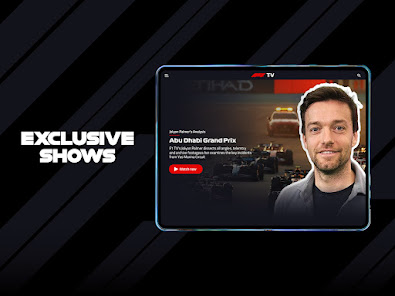
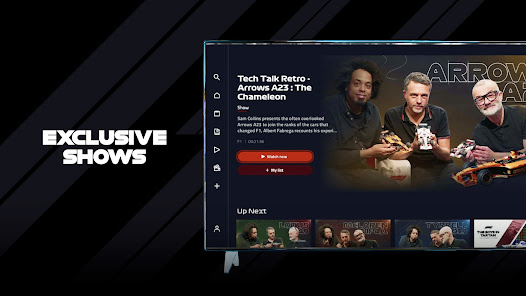
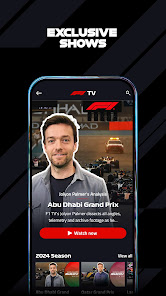
Explore the rich history of Formula 1 with F1 TV's extensive library of documentaries and original shows. From behind-the-scenes stories to driver profiles, these engaging features provide fans with a deeper understanding of the sport and its legendary figures.

Exclusive Team Radio

Get closer to the action with F1 TV's exclusive team radio feature, which allows you to listen in on real-time communications between drivers and their teams. This insight adds an extra layer of excitement, helping fans understand the strategies and challenges faced during each race.

Live Race Coverage

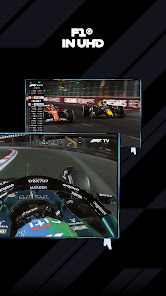
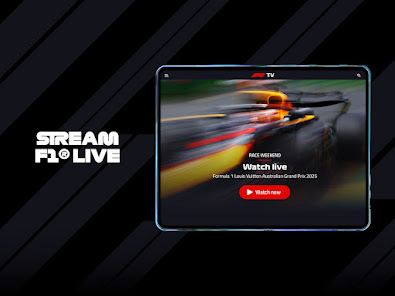
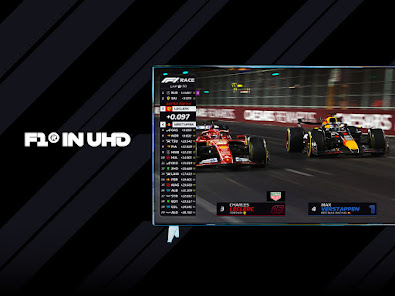
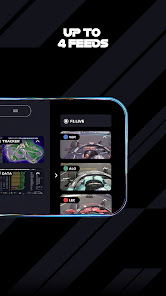
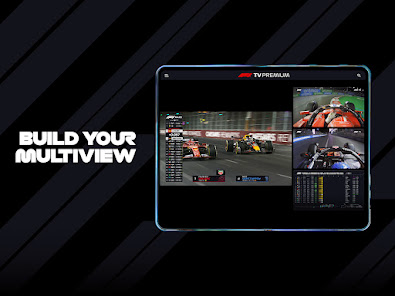
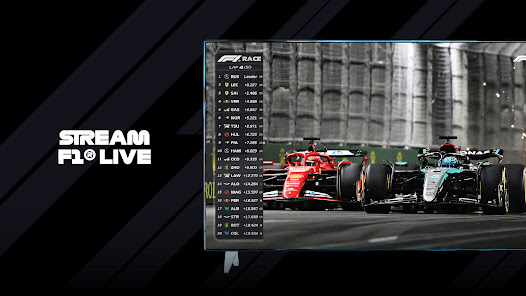
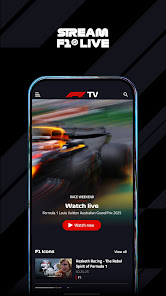
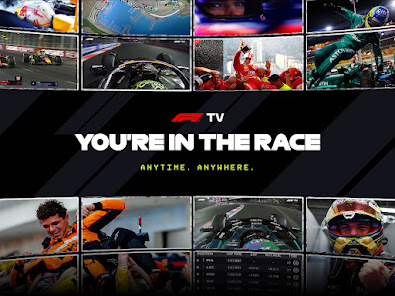
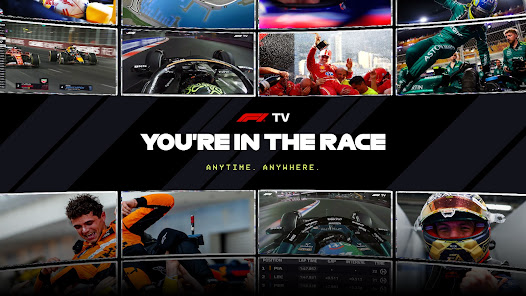
F1 TV offers uninterrupted live coverage of all Formula 1 races, including practice sessions and qualifying rounds. Fans can immerse themselves in the thrilling action with multiple camera angles, onboard footage, and expert commentary, ensuring they never miss a moment of the high-speed drama on the track.

On-Demand Replays

With F1 TV's on-demand replays, you can relive every thrilling moment at your convenience. Whether it's a stunning overtake or a dramatic crash, you have the power to pause, rewind, and watch key highlights whenever you want, ensuring you never miss the best parts of the race.

Pros & Cons

Pros
  • Access to live races worldwide
  • Exclusive behind-the-scenes content available
  • Comprehensive race replays and highlights offered
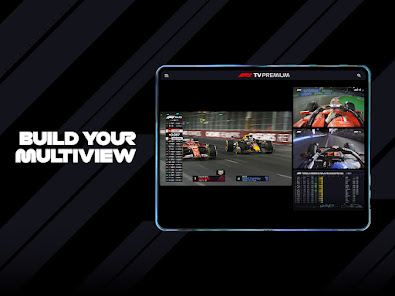
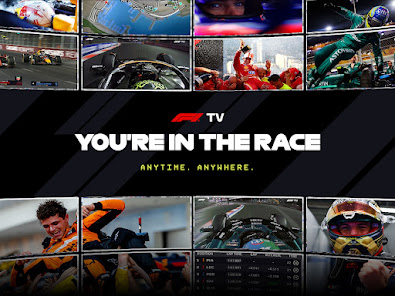
  • Multi-camera views enhance your viewing experience
  • Ad-free streaming ensures uninterrupted enjoyment
Cons
  • Limited availability in certain countries
  • Streaming quality can vary significantly
  • No live coverage of practice sessions
  • Lacks comprehensive additional content

Real Experience Using F1 TV

Application Scenarios

F1 TV serves as the ultimate companion for motorsport enthusiasts, offering a rich tapestry of content designed to elevate the viewing experience. Whether you're a die-hard Formula 1 fan or just a casual observer, the app provides an array of scenarios for engaging with F1 content. You can watch live races from the comfort of your home, access on-demand replays, or catch up on highlights whenever you wish. Additionally, the app features in-depth coverage of practice sessions and qualifying rounds, ensuring that no moment of the F1 season goes unnoticed. Fans can also delve into exclusive behind-the-scenes content, including interviews with drivers, team principals, and technical experts, providing a comprehensive view of the sport beyond the track.

User Experience

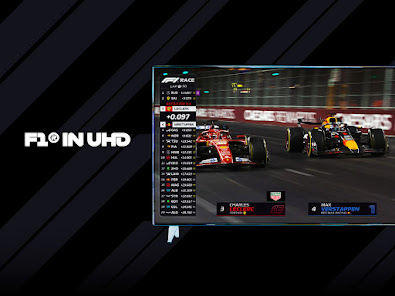
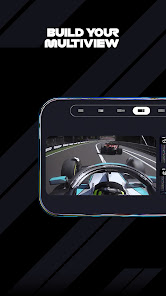
The user experience on F1 TV is designed to be intuitive and immersive. The layout is clean and easy to navigate, making it simple for users to find live events, archived races, and additional content. High-definition streaming ensures that viewers can enjoy every detail of the action, from the roar of the engines to the precision of the pit stops. The app also allows for personalized notifications, so users never miss a race or key event. A notable feature is the multi-camera view, which lets fans choose their preferred camera angles during live broadcasts, enhancing engagement. However, some users have reported occasional buffering issues during peak viewing times, which can detract from the overall experience.

Pricing

F1 TV offers a subscription-based model that is competitively priced, providing great value for avid fans. Users can choose between different tiers, such as F1 TV Pro, which includes live race coverage and exclusive content, and F1 TV Access, which offers a more limited selection of highlights and replays. The monthly subscription fees are reasonable, and there is often an option for annual subscriptions that provide further savings. While some users may find the pricing slightly higher than competing sports streaming services, the exclusive content and dedicated focus on F1 racing justify the cost for many fans.

Updates & Support

The F1 TV app is regularly updated to enhance functionality and fix any existing bugs. Users can expect periodic improvements that align with the evolving nature of the sport and technology. Customer support is accessible through various channels, including email and social media, ensuring that any issues are addressed promptly. While the app generally runs smoothly, the support team has received mixed reviews, with some users praising their responsiveness and others citing delays in resolution times. Overall, F1 TV shows a commitment to providing a robust and engaging platform for Formula 1 fans, making it an essential download for anyone passionate about the sport.

verified Security & Privacy Review

The F1 TV app prioritizes user security and privacy, implementing industry-standard encryption protocols to safeguard personal information. It collects user data primarily for enhancing the viewing experience and providing personalized content, including viewing habits and preferences. When installing the app, users are informed about the permissions required, which typically include access to internet connectivity and device storage. It is important for users to review these permissions and adjust them according to their comfort levels. The app's privacy policy outlines how data is collected, used, and shared, ensuring transparency in its practices. F1 TV does not sell user data to third parties, but it may share information with partners for analytics and marketing purposes, always under strict data protection measures. Users have the ability to manage their data settings within the app, allowing them to opt-out of certain data collection practices. Overall, F1 TV demonstrates a commitment to maintaining user privacy while providing a feature-rich experience, making it a reliable choice for Formula 1 enthusiasts.

Reviews

4.5

“Great coverage of F1 races and events!”

“User-friendly interface and easy navigation.”

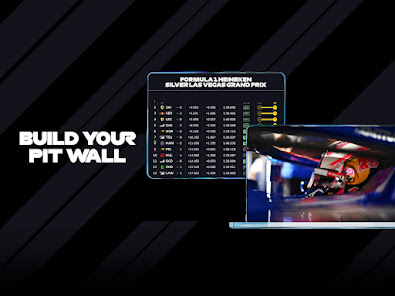
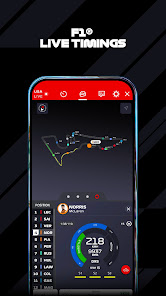
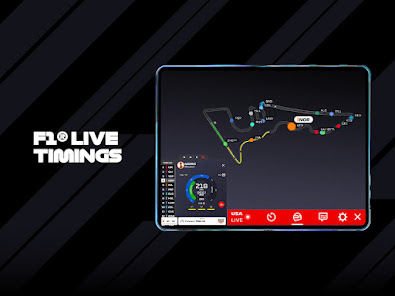
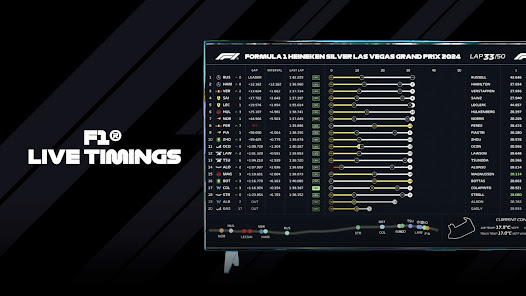
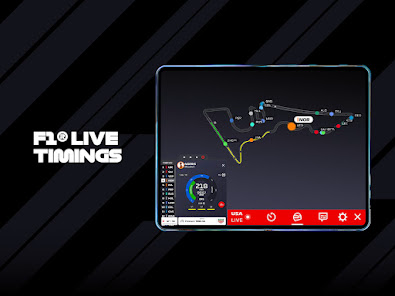
“Live timing features enhance the viewing experience.”

“Needs more content beyond just races.”

“Occasional streaming issues, but overall enjoyable.”

FAQ

1

Does F1 TV collect my personal data?

Yes, F1 TV collects certain personal data to enhance user experience and provide personalized content. This may include information such as your name, email address, and viewing preferences.

2

Does F1 TV offer a free trial or free version?

F1 TV may offer a free trial period for new users, allowing them to explore the service before committing to a subscription. However, there is no permanent free version of the app.

3

Does F1 TV require an internet connection?

Yes, F1 TV requires a stable internet connection to stream content. A high-speed connection is recommended for the best viewing experience.

4

How can I contact support or send feedback for F1 TV?

You can contact F1 TV support through the help section of the app or website, where you will find options for submitting inquiries or feedback. Additionally, you may find FAQs and troubleshooting guides to assist you.

5

How do I manage or cancel my F1 TV subscription?

You can manage or cancel your F1 TV subscription through the account settings within the app or website. Simply log in to your account, navigate to the subscription section, and follow the prompts to make changes.

How to use F1 TV

1

How can I contact F1 TV customer service?

You can reach F1 TV customer service through the help section on their website or by using the contact form provided there.

2

How do I activate my F1 TV subscription?

Activate your subscription by entering the activation code provided in your confirmation email on the F1 TV website or app.

3

How do I find my customer number for F1 TV?

Your customer number is typically found in your account settings or confirmation emails after subscription.

4

How do I log in to my F1 TV account?

To log in, visit the F1 TV website or app, enter your email and password, then click the login button.

Editor's Choice