This site uses cookies to enhance your user experience. By clicking any link on this site you are giving your consent to our cookie policy. Read more
Reject
Accept All
LEGO® Builder: 3D Instructions

LEGO® Builder: 3D Instructions

verified Verified App

Developer: LEGO System A/S

  • category

    Category: Entertainment

  • price

    Price: free

  • age rating

    Age Rating: Everyone

  • rating

    Rating: 4.8

  • download

    Downloads: 10,000,000+

  • version

    Version: 4.2.13

Screenshot 1
Screenshot 2
Screenshot 3
Screenshot 4
Screenshot 5
Screenshot 6
Screenshot 7
Screenshot 8
Screenshot 9
Screenshot 10
Screenshot 11
Screenshot 12
Screenshot 13
Screenshot 14
Screenshot 15
Screenshot 16
Screenshot 17
Screenshot 18
Screenshot 19
Screenshot 20
Screenshot 21
Screenshot 22
Screenshot 23
Screenshot 24

Features & Highlights

Augmented Reality Support

Utilize augmented reality features to overlay instructions directly onto your building space. This innovative approach enhances your building experience, allowing you to visualize how pieces fit together in real time, blending the physical and digital worlds for an exciting new way to build.

Interactive 3D Models

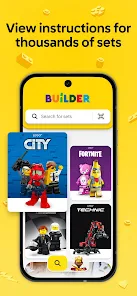
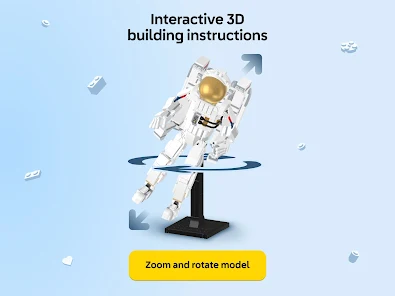
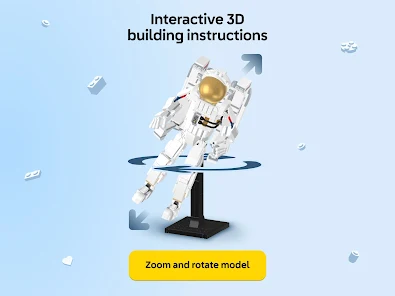
Experience building like never before with interactive 3D models that bring your LEGO sets to life. Rotate, zoom, and explore each piece from every angle, making it easier to visualize your build and ensuring you never miss a detail during assembly.

Set Management Tools

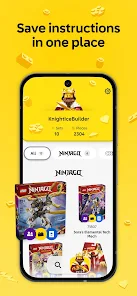
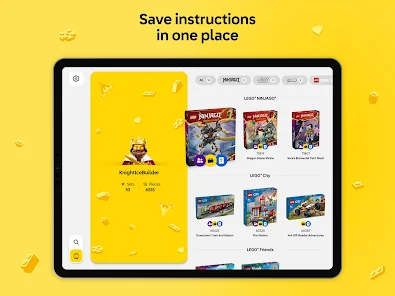
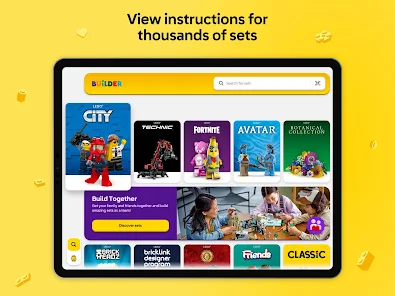
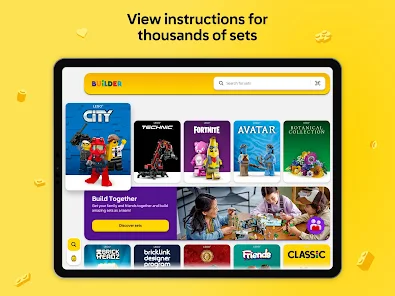
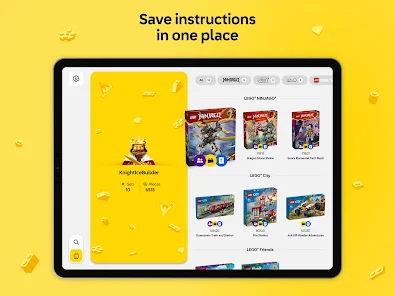
Keep track of all your LEGO sets with handy management tools. Organize your collection, view completed builds, and access a library of instructions, making it easier than ever to plan your next creative project and revisit your favorites.

Step-by-Step Guidance

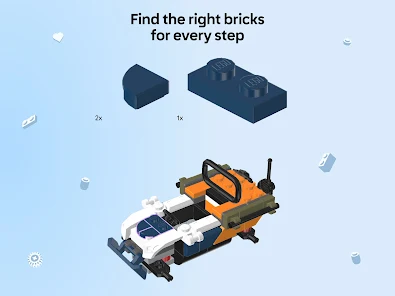
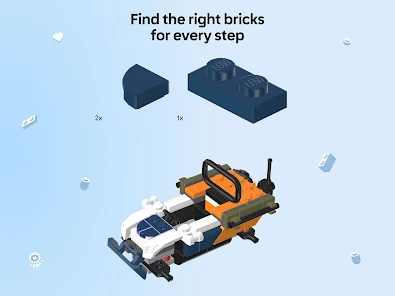
Follow clear, step-by-step instructions that guide you through each phase of your build. The intuitive interface simplifies the construction process, allowing builders of all ages to enjoy a seamless experience and complete their projects with confidence.

Pros & Cons

Pros
  • Interactive 3D models enhance building experience
  • Easy-to-follow instructions reduce confusion
  • Zoom and rotate features aid in precision
  • Access to a vast library of sets available
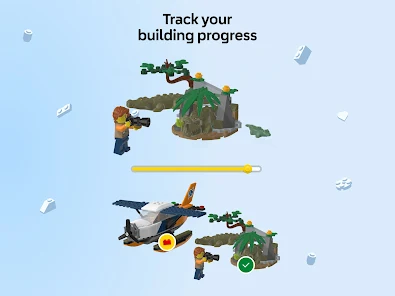
  • Personalized progress tracking keeps you motivated
Cons
  • Limited offline functionality can hinder usage.
  • Complex builds may overwhelm novice users.
  • Requires a compatible device, restricting accessibility.
  • Instructions may not always be easy to follow.

Real Experience Using LEGO® Builder: 3D Instructions

Application Scenarios

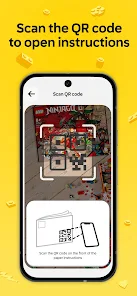
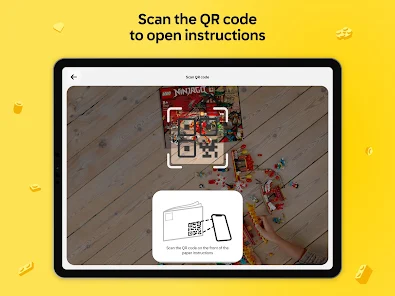
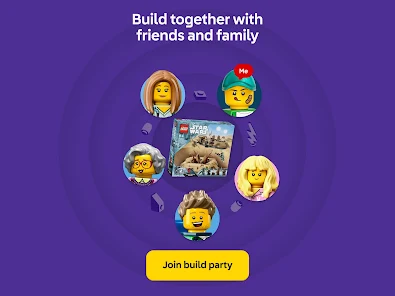
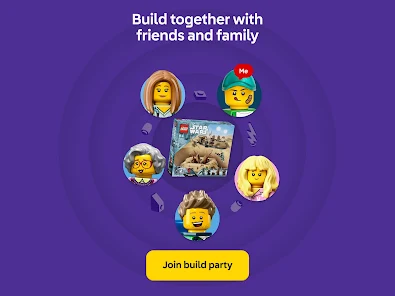
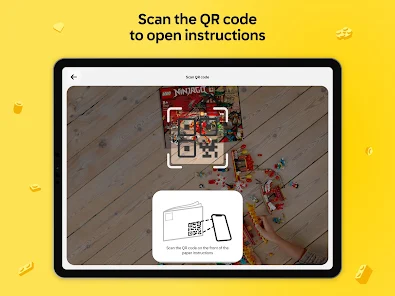
The LEGO® Builder: 3D Instructions app serves as an essential companion for LEGO enthusiasts of all ages. Whether you are a seasoned builder or a novice trying your hands at your first set, this app enhances the building experience significantly. It is particularly useful for tackling large and complex sets, where the physical instruction manuals can be cumbersome. Users can select their specific LEGO set and access interactive 3D instructions, making it easy to visualize each step of the construction process. This feature is especially beneficial in group settings, such as family activities or LEGO clubs, where multiple builders can follow along on their devices simultaneously. Additionally, the app’s augmented reality capabilities allow users to project their LEGO models in real-world settings, providing a unique way to showcase completed builds.

User Experience

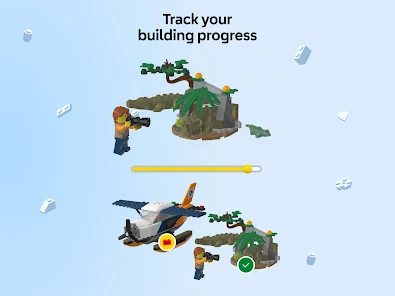
The user experience of LEGO® Builder is intuitive and engaging. The interface is designed with clarity in mind, allowing users to navigate through the various sections seamlessly. The 3D instructions are not only visually appealing but also interactive; users can rotate and zoom in on the models to get a better perspective of the building steps. The app also includes helpful features like a parts inventory and the ability to track progress, which make the building process more organized. Feedback from users indicates that the app reduces frustration often associated with traditional instruction manuals, as the visual aids can clarify complicated steps. In addition, the ability to save favorite sets and share completed projects with friends adds a social dimension to the building experience, fostering a sense of community among LEGO lovers.

Pricing

Updates & Support The developers of LEGO® Builder are committed to providing continuous updates, ensuring that the app stays current with new LEGO sets and features. Regular updates not only introduce new building instructions but also enhance existing functionalities and address user feedback. Customer support is readily available through the app, offering assistance for any technical issues or inquiries. The support team is known for being responsive, which adds to the overall positive experience of using the app. Users can also access a community forum within the app to connect with other builders, share tips, and seek advice, further enriching the user experience.

verified Security & Privacy Review

LEGO® Builder: 3D Instructions prioritizes user security and privacy through a transparent data handling policy. The app collects minimal personal information, focusing primarily on enhancing user experience without compromising privacy. It adheres to industry-standard encryption protocols to safeguard data during transmission and storage. The app requests permissions that are essential for its functionality, such as access to device storage for saving and loading projects. However, it does not require access to sensitive information like contacts or location, minimizing potential privacy risks. Users are informed about the data collected and can manage their preferences through the app settings. LEGO® Builder does not share personal data with third parties for advertising purposes, aligning with user expectations for privacy in children's applications. Regular updates and security patches are implemented to address vulnerabilities, ensuring a secure environment for users. Overall, LEGO® Builder demonstrates a commitment to protecting user data while providing an engaging building experience.

Reviews

4.8

“Intuitive interface makes building enjoyable and easy.”

“Great for organizing and following complex builds.”

“Love the interactive 3D instructions feature.”

“Helps kids build creativity and problem-solving skills.”

“Perfect companion for LEGO enthusiasts of all ages.”

Editor's Choice