This site uses cookies to enhance your user experience. By clicking any link on this site you are giving your consent to our cookie policy. Read more
Reject
Accept All

Advertiser and Editorial Disclosures

Galaxy Bowling 3D

Galaxy Bowling 3D

verified

Winterlight

4.5
Rating
10,000,000+ Downloads
15.35 Version
  • category

    Category: Sports

  • price

    Price: free

  • age rating

    Age Rating: Everyone

  • rating

    Rating: 4.5

  • available on

    Available on: Android, Windows*

  • updated on

    Updated on: Mar 5, 2026

Screenshot 1
Screenshot 2
Screenshot 3
Screenshot 4
Screenshot 5
Screenshot 6
Screenshot 7
Screenshot 8
Screenshot 9
Screenshot 10
Screenshot 11
Screenshot 12
Screenshot 13
Screenshot 14
Screenshot 15
Screenshot 16
Screenshot 17
Screenshot 18
Screenshot 19
Screenshot 20
Screenshot 21

Features & Highlights

Customizable Bowling Balls

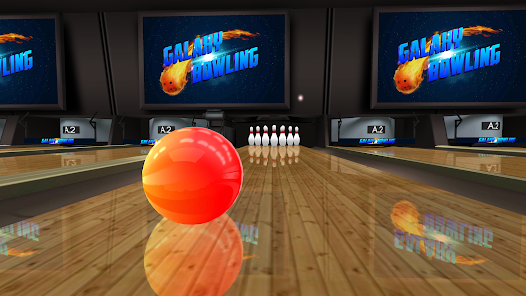
Personalize your gameplay with a variety of bowling balls that you can customize in terms of design and stats. Choose from a selection of colors, patterns, and weights to match your style and enhance your performance on the lanes.

Multiplayer Mode

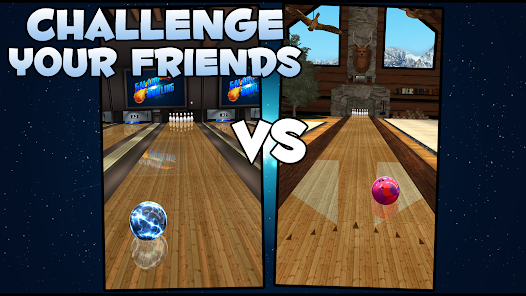
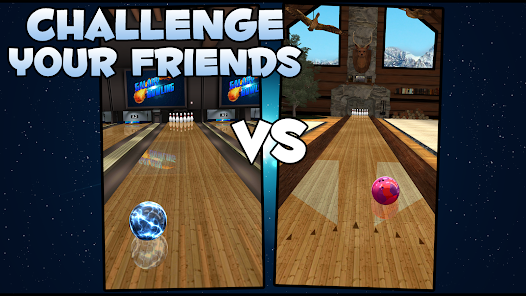
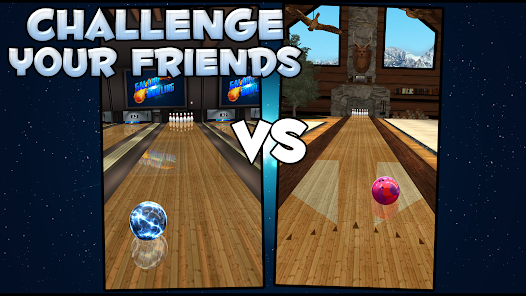
Challenge your friends or players from around the world in exciting multiplayer matches. Whether you're competing in tournaments or casual games, the social aspect adds an extra layer of fun to your bowling experience.

Realistic Physics

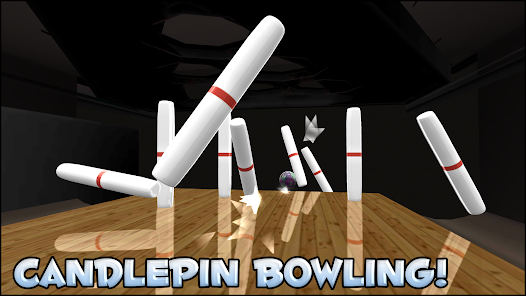
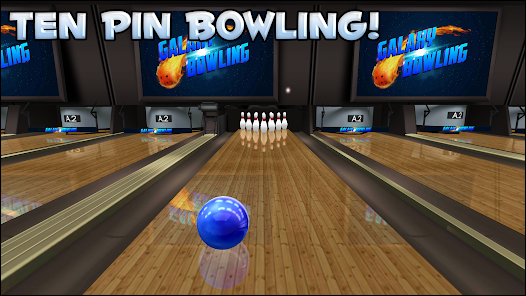
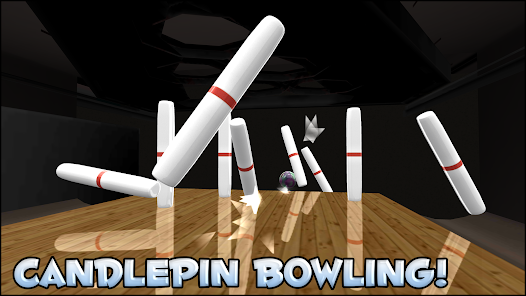
Experience the thrill of bowling like never before with our advanced physics engine that simulates real-world dynamics. Every roll, spin, and impact feels authentic, making you feel as if you're in a real bowling alley, whether you're a novice or a seasoned bowler.

Stunning Graphics

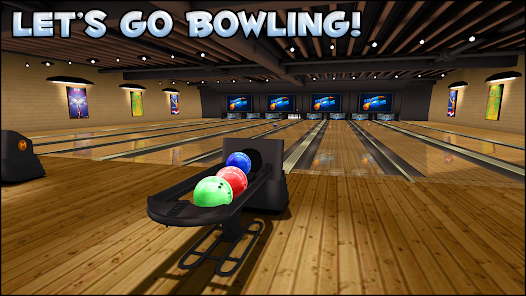
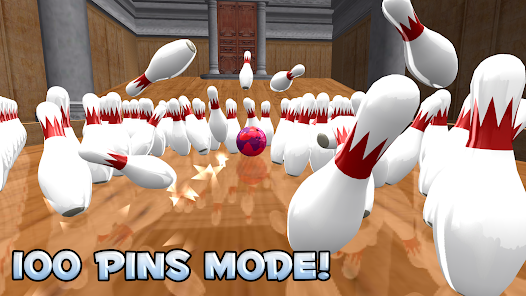
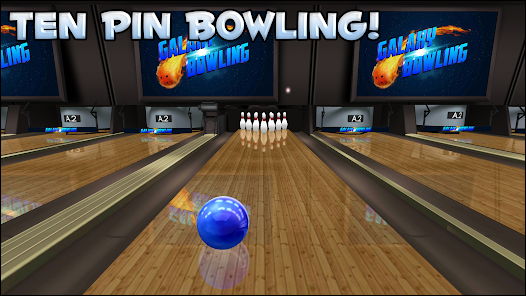
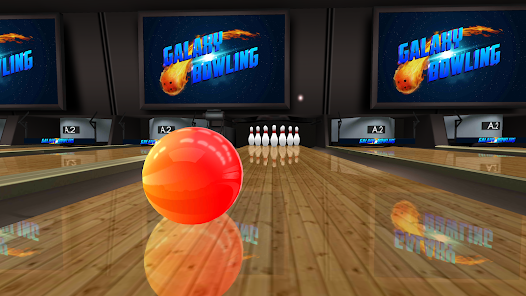
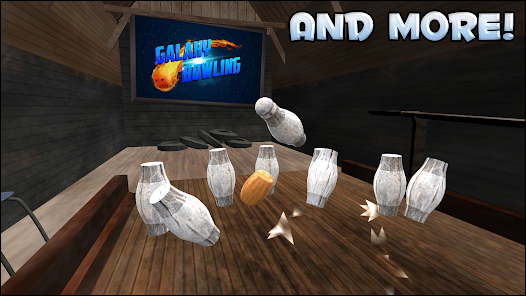
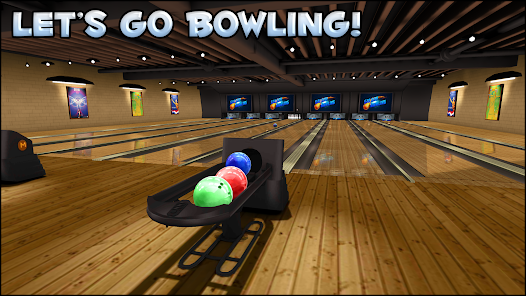
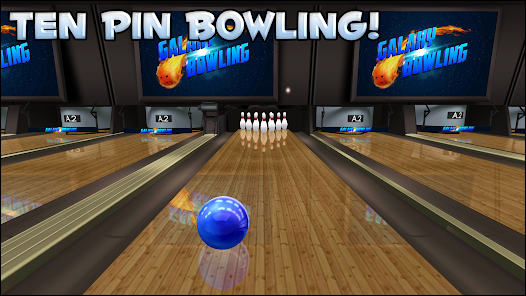
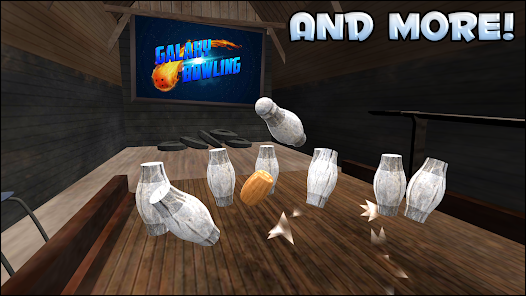
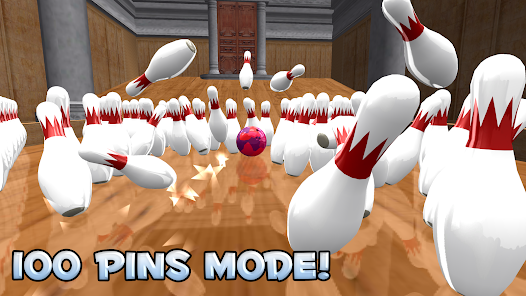
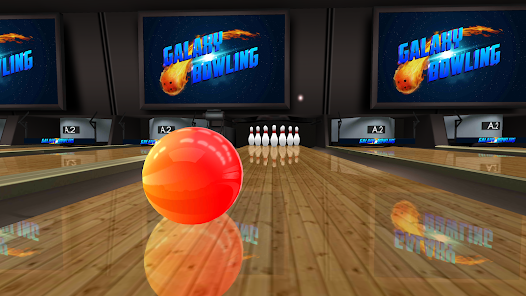
Immerse yourself in beautifully rendered environments that bring each bowling alley to life. From the glow of neon lights to the intricate details of the lanes, the stunning graphics elevate your gaming experience and keep you coming back for more.

Pros & Cons

Pros
  • Experience realistic 3D graphics that enhance your bowling game experience.
  • Enjoy intuitive controls for players of all skill levels.
  • Compete against friends in exciting multiplayer modes for added fun.
  • Customize your bowling ball and lane for a personalized experience.
  • Unlock achievements and rewards to keep you motivated and engaged.
Cons
  • Limited customization options for bowling balls and lanes can hinder personal expression.
  • The game's graphics may feel outdated compared to newer bowling simulations.
  • Multiplayer functionality can be frustrating due to connectivity issues and lag.

Real Experience Using Galaxy Bowling 3D

Application Scenarios

Galaxy Bowling 3D is designed for both casual and serious gamers who seek a fun and immersive bowling experience. Whether you're lounging at home or on the go, this app allows users to enjoy a game of bowling anytime and anywhere. It’s particularly perfect for social gatherings, where friends can compete against each other in friendly matches. The app can also serve as a great stress-reliever, providing an escape from daily routines. Additionally, it fits well into family game nights, as players of all ages can easily pick up the game and enjoy the colorful graphics and engaging gameplay. With multiple modes available, including tournaments and practice sessions, users can adapt their play style to fit their mood or skill level.

User Experience

The user experience in Galaxy Bowling 3D is crafted with attention to detail, offering stunning graphics and smooth gameplay that keeps players engaged. The controls are intuitive, allowing users to swipe and release the bowling ball with ease. The 3D environments are vibrant and well-designed, providing an immersive atmosphere that enhances the overall experience. Players can customize their bowling balls and lanes, adding a personal touch to their gameplay. The app also features realistic physics, which means players must develop their skills and strategies to excel. The sound effects and background music add to the overall ambiance, making each game feel lively and exciting. Overall, the user interface is clean and user-friendly, ensuring that both new and experienced players can navigate the app seamlessly.

Pricing

Galaxy Bowling 3D offers a flexible pricing structure that appeals to a broad audience. The app is available for free, allowing users to experience a portion of its features without any upfront costs. For those who wish to unlock additional content and enhance their gaming experience, in-app purchases are available. These include options for premium bowling balls, special lanes, and various customization elements. The pricing is competitive compared to similar apps in the genre, ensuring that players feel they are getting value for their investment. Regular promotions and discounts also add to the affordability, making it easy for users to enjoy the full range of features without breaking the bank.

Updates & Support

The developers of Galaxy Bowling 3D are committed to providing ongoing updates and support to enhance the user experience. Regular updates introduce new features, seasonal events, and bug fixes, ensuring that the app remains fresh and enjoyable. Players can expect timely responses to any inquiries or issues, with a dedicated support team available to assist with technical problems or feedback. The community surrounding the app is also active, with forums and social media channels where players can share tips, tricks, and their experiences. This sense of community, combined with the developers' commitment to improvement, ensures that Galaxy Bowling 3D remains a top choice for bowling enthusiasts looking for a dynamic and engaging mobile gaming experience.

verified Security & Privacy Review

Security & Privacy Review Galaxy Bowling 3D prioritizes user security and privacy by implementing robust data protection measures. The app requires minimal permissions, primarily accessing the device's storage and network to enhance gameplay and enable online features. This limited access helps to safeguard user data from unnecessary exposure. The app's privacy policy clearly outlines how user data is collected, used, and shared. It emphasizes that personal information is not sold to third parties, reinforcing user trust. Additionally, any data collected is utilized solely for improving in-app experiences and facilitating user interactions, such as multiplayer modes. Galaxy Bowling 3D employs encryption protocols to secure data transmission, ensuring that personal information remains protected during online interactions. Regular updates are provided to address potential vulnerabilities, demonstrating the developers' commitment to maintaining a secure environment. Overall, Galaxy Bowling 3D adopts sound security practices and transparent privacy policies, making it a trustworthy choice for users concerned about data security and privacy while enjoying their bowling experience.

User Reviews

  • Linda T
    2026/05/20

    after watching an ad to get my score so I did then I need to go to the main menu to try and leave a review but you get to the main menu I had to watch another ad. that's fine but there was no place to leave a review or rating. when playing the game whenever there are pins left on the outside of the lane you can't move the ball anywhere towards the side of the lane the ball is pulled into the gutter and it's a gutter ball. ridiculous!!!! they're a lot better bowling apps out there

  • sarah lambert
    2022/01/06

    By far my favorite bowling game! The ad between each game is annoying yes, but doable. What does make me annoyed and irritated is the cosmic balls are not unlocking when they should be!!! I have continuously been getting the target score, in the correct game, and nothing!!!! I even uninstalled and reinstalled the game without resolution.....guess ill keep practicing.

  • Marty
    2021/05/05

    Delivering the ball takes some getting used to but I am getting the hang of it. Was an avid bowler. Did a pro-am; one one of my most memorable days. A car accident knocked me out of competition but Galaxy Bolling has allowed me to feel that thrill once more!! I'm attempting to register and get errors. No internet or system error. How to register?? Been trying for 6 weeks.

  • ΛƧMӨDΣЦƧ
    2025/07/19

    One of my favorite games. I love the custom creations and the fact that I don't have ads with my Play Pass subscription. Plus, the fact that I have the option to unlock all ball styles and lane locations with Play Pass, or to play and unlock each one in the traditional sense via the settings menu whenever I choose is cool, allowing me to play in as competitively or as relaxed a setting as I want. Galaxy Bowling 3D also is as close to realistic as these games can get! Aim/throw like real life!!

  • Dolores Goff
    2021/05/11

    It's just OK. It kills time, but the pick up spares game is obviously rigged to never make it to 18. It's very annoying. Only expert bowlers will make it, and that takes all the fun out if it. And only getting five balls to do it, is a lot of the problem as well. No matter how many times I have played Spares, of which I am positive has been at least 100 times by now, getting to 18 is completely unattainable. The pin set ups are horrible, and 5 balls is not enough to get there. Full stop.

Review Source: Google Play store public user reviews.

FAQ

1

Can I submit suggestions or feedback to Galaxy Bowling 3D?

Yes, users can submit suggestions or feedback through the app's support section or by contacting customer service via email.

2

Does Galaxy Bowling 3D collect my personal data?

Yes, Galaxy Bowling 3D may collect personal data as outlined in its privacy policy, which includes information necessary for game functionality and user experience.

3

Does Galaxy Bowling 3D support offline use?

Yes, Galaxy Bowling 3D can be played offline, allowing users to enjoy the game without an internet connection.

4

How do I cancel my Galaxy Bowling 3D subscription?

To cancel your subscription, go to your device's settings, find the subscription management section, and follow the instructions to cancel.

5

How much does a subscription to Galaxy Bowling 3D cost?

The subscription to Galaxy Bowling 3D typically costs $4.99 per month, but prices may vary based on promotions or the user's location.

How to use Galaxy Bowling 3D

1

Can I change my customer number?

Unfortunately, customer numbers cannot be changed once assigned. Please contact customer service for assistance if you have concerns.

2

How can I contact customer service for Galaxy Bowling 3D?

You can reach customer service through the in-game support section or by emailing support

3

How do I activate my account for Galaxy Bowling 3D?

To activate your account, click the link sent to your email after registration and follow the prompts.

4

How do I check my customer service request status?

You can check the status of your request by logging into your account and visiting the support ticket section.

5

How do I update my customer information?

You can update your customer information by logging into your account and navigating to the settings section.

What's New

Added pins knocked down each frame to the scorecard. You can now optionally share your scores. Attempted to fix some devices showing a blank score. Please let me know if that happens on your device. Other bug fixes and improvements.

Editor's Choice