This site uses cookies to enhance your user experience. By clicking any link on this site you are giving your consent to our cookie policy. Read more
Reject
Accept All

Advertiser and Editorial Disclosures

Disney+

Disney+

verified Verified App

Developer: Disney

  • category

    Category: Entertainment

  • price

    Price: free

  • age rating

    Age Rating: Teen

  • rating

    Rating: 4.3

  • download

    Downloads: 500,000,000+

  • version

    Version: 4.21.1+rc3-2026.01.06

Screenshot 1
Screenshot 2
Screenshot 3
Screenshot 4
Screenshot 5
Screenshot 6
Screenshot 7
Screenshot 8
Screenshot 9
Screenshot 10
Screenshot 11
Screenshot 12
Screenshot 13
Screenshot 14
Screenshot 15

Features & Highlights

Classic Disney Vault

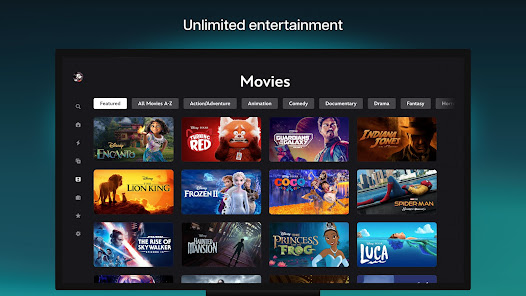
Relive your childhood with access to timeless Disney classics that have shaped generations. The Disney Vault houses beloved animated films and live-action favorites, allowing subscribers to experience the magic of Disney in one convenient location.

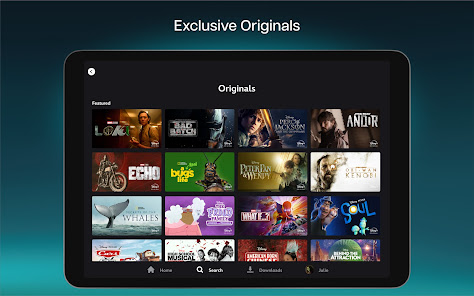
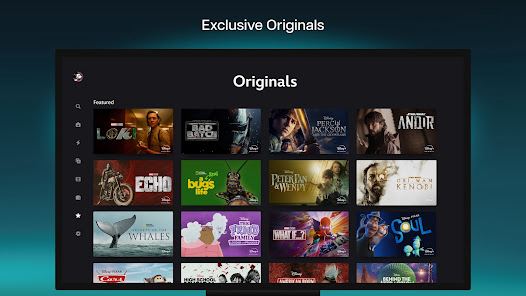
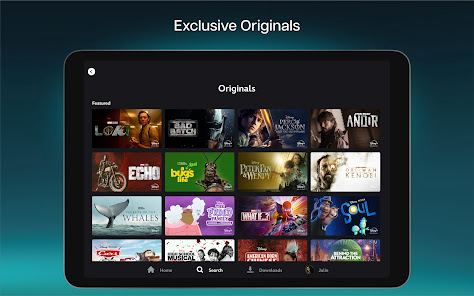
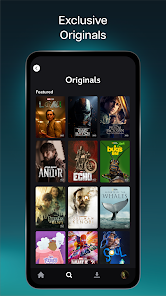
Exclusive Originals

Disney+ offers a vast library of exclusive original content, including popular series and films from the Disney universe. From the gripping storytelling of 'The Mandalorian' to enchanting family movies, there's something for everyone to enjoy and binge-watch at their leisure.

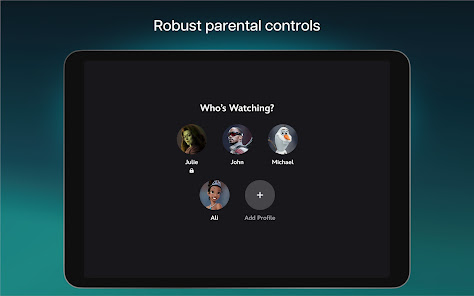
Multiple Profiles

With Disney+, you can create multiple user profiles tailored to individual preferences. Each profile can maintain its own watchlist and recommendations, ensuring that everyone in the household can enjoy their favorite shows and movies without interference.

Offline Downloads

Enjoy your favorite Disney+ content on the go with the offline download feature. Perfect for travel or areas with limited connectivity, this functionality allows you to save movies and episodes to your device, so you can watch anytime, anywhere.

Pros & Cons

Pros
  • Extensive library of classic Disney films
  • Exclusive original content and series available
  • User-friendly interface for easy navigation
  • Family-friendly programming for all ages
  • High-quality streaming options for optimal viewing
Cons
  • Limited content library compared to competitors
  • Frequent content removals can frustrate users
  • Higher subscription cost for premium offerings
  • User interface can be less intuitive than others

Real Experience Using Disney+

Application Scenarios

Disney+ is an ideal streaming service for a variety of scenarios, making it suitable for both individual viewers and families alike. Whether you’re unwinding after a long day, hosting a movie night, or looking for engaging content for the kids, Disney+ offers a rich library that caters to diverse tastes. For parents, the platform provides a safe environment with a wide array of family-friendly content, including animated classics, Pixar films, and educational programming. When traveling, users can download shows and movies to enjoy offline, ensuring entertainment is readily accessible wherever you are. Additionally, with the rise of binge-watching culture, Disney+ facilitates seamless viewing experiences through its user-friendly interface and personalized recommendations.

User Experience

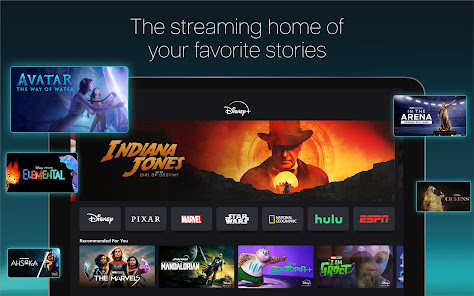
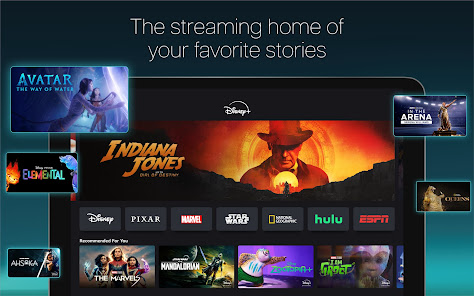
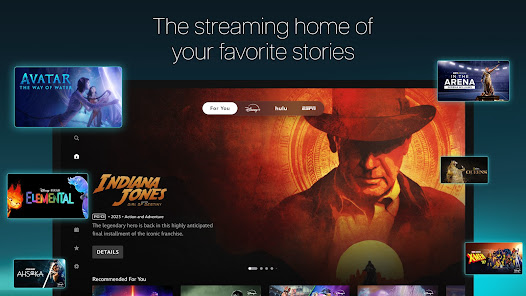
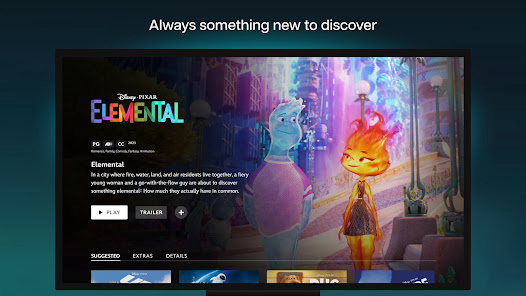
The user experience on Disney+ is generally positive, marked by an intuitive interface that makes navigation simple and enjoyable. Upon launching the app, users are greeted with vibrant visuals and categorized content ranging from Marvel and Star Wars to National Geographic. The search functionality is robust, allowing users to quickly find specific titles or explore new options based on their interests. One of the standout features is the ability to create multiple profiles, which allows family members to maintain their own watchlists and preferences. Streaming quality is impressive, with options for 4K UHD and HDR content, provided your internet connection can support it. However, some users have reported occasional buffering issues during peak times, although these instances are not frequent.

Pricing

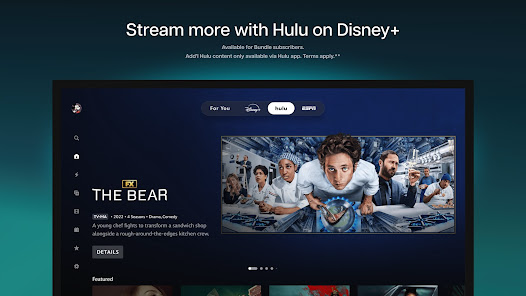
Disney+ offers a competitive pricing structure, making it accessible for a wide audience. The service provides various subscription plans, including a monthly option and an annual plan that offers savings for long-term users. Additionally, Disney+ is often bundled with other services like Hulu and ESPN+, providing even more value. The cost-effectiveness, combined with the vast library of exclusive content, makes it an appealing choice for both casual viewers and dedicated fans of Disney franchises. Frequent promotions and discounts also make it easier for new users to try out the service without a long-term commitment.

Updates & Support

Disney+ is committed to continuously improving its platform, with regular updates that enhance functionality and introduce new features. The developers actively listen to user feedback, which results in timely enhancements that address common issues. Customer support is readily available through various channels, including online chat, email, and a comprehensive help center filled with FAQs and troubleshooting tips. Users have reported satisfactory experiences with the support team, often receiving prompt and helpful responses to their queries. Overall, Disney+ demonstrates a commitment to user satisfaction through ongoing improvements and accessible support.

verified Security & Privacy Review

The security and privacy practices of the Disney+ app are designed to protect user information while delivering a seamless streaming experience. The app employs industry-standard encryption protocols to safeguard data during transmission, ensuring that personal details and payment information remain secure. Disney+ requires users to create an account, which involves providing personal information such as email addresses and payment details. The app implements strict access controls and authentication measures to prevent unauthorized access to user accounts. Additionally, it offers features like password management and two-factor authentication for enhanced security. In terms of data handling, Disney+ adheres to privacy regulations, including GDPR and COPPA, ensuring that user data is collected and processed transparently. Users have the ability to manage their privacy settings, including options to control data sharing and marketing preferences. However, the app does request permissions for device storage and location services, which users should review carefully to maintain their privacy. Overall, Disney+ demonstrates a commitment to user privacy and data security, making it a reliable choice for streaming content while protecting personal information.

Reviews

4.3

“Great selection of classic Disney movies!”

“User-friendly interface, easy to navigate.”

“Streaming quality is consistently excellent.”

“Original series are fantastic and engaging.”

“Love the nostalgic content for all ages!”

Compare APP

FAQ

1

Does Disney+ collect my personal data?

Yes, Disney+ collects personal data to enhance user experience, provide recommendations, and for service improvement, in accordance with their privacy policy.

2

Does Disney+ offer a free trial or free version?

Disney+ does not currently offer a free trial or free version, but it may have promotional offers from time to time.

3

Does Disney+ require an internet connection?

Yes, Disney+ requires an internet connection to stream content, although you can download select titles for offline viewing.

4

How can I contact support or send feedback for Disney+?

You can contact Disney+ support through their help center on the website or app, where you can find FAQs, chat support, and other assistance options.

5

How do I manage or cancel my Disney+ subscription?

You can manage or cancel your Disney+ subscription through your account settings on the Disney+ website or app.

How to use Disney+

1

Can I change my Disney+ account email?

Yes, log into your account, go to Account settings, and select "Edit" next to your email address to update it.

2

How can I contact Disney+ customer service for assistance?

You can reach Disney+ customer service through their Help Center on the website or by using the app's support option. You can also call their customer support number available in the Help section.

3

How do I activate my Disney+ account?

To activate, visit the Disney+ website or app, log in with your registered email, and follow the prompts to complete your account setup.

4

How do I cancel my Disney+ subscription?

To cancel, go to your Account settings, select "Subscription," and follow the prompts to cancel your subscription.

5

How do I log in to my Disney+ account?

To log in, open the Disney+ app or website, enter your email and password, and click "Log In." If you forget your password, use the "Forgot Password?" link.

Editor's Choice