This site uses cookies to enhance your user experience. By clicking any link on this site you are giving your consent to our cookie policy. Read more
Reject
Accept All

Advertiser and Editorial Disclosures

Channel 4

Channel 4

verified Verified App

Developer: Channel 4 Television Corporation

  • category

    Category: Entertainment

  • price

    Price: Share

  • age rating

    Age Rating: Teen

  • rating

    Rating: 3.2

  • download

    Downloads: 10,000,000+

  • version

    Version: /

Screenshot 1
Screenshot 2
Screenshot 3
Screenshot 4
Screenshot 5
Screenshot 6
Screenshot 7
Screenshot 8
Screenshot 9
Screenshot 10
Screenshot 11
Screenshot 12
Screenshot 13
Screenshot 14
Screenshot 15
Screenshot 16
Screenshot 17
Screenshot 18

Features & Highlights

Catch Up TV

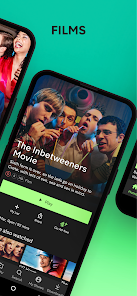
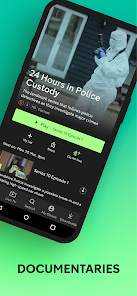
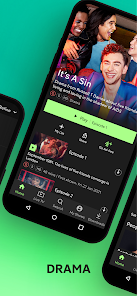
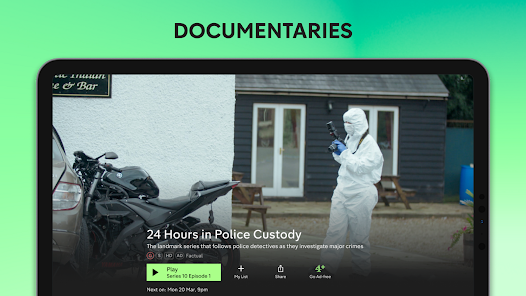
Never miss your favorite shows with Channel 4's Catch Up TV feature, allowing you to watch programs on demand. Whether it's drama, comedy, or documentaries, you can enjoy a wide selection of content at your convenience, right from your device anytime you want.

Live Streaming

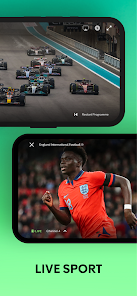
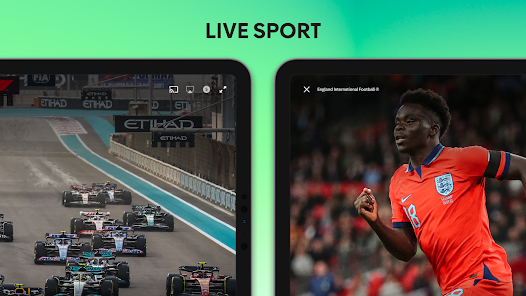
Channel 4 offers live streaming of its broadcast channels, giving you access to real-time programming wherever you are. This feature ensures that you can stay updated with news, sports, and entertainment as it happens, making it easier to enjoy your favorite live events on the go.

Personalized Recommendations

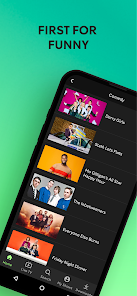
Discover new content tailored just for you with Channel 4's personalized recommendations. Based on your viewing habits, the app suggests shows and movies that align with your preferences, enhancing your viewing experience and helping you find your next binge-worthy series effortlessly.

User-Friendly Interface

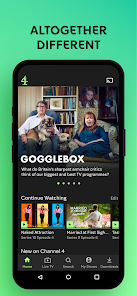
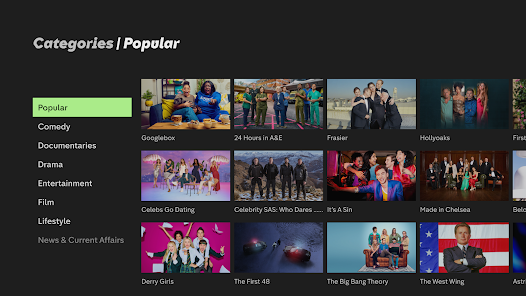
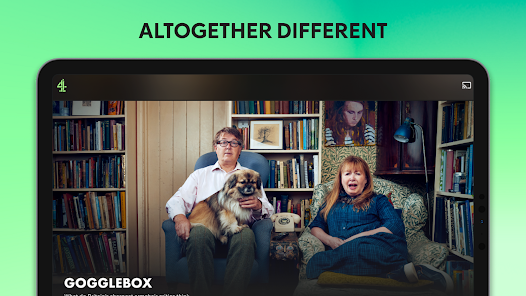
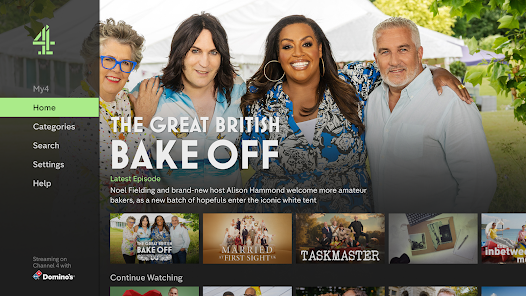
The Channel 4 app boasts a user-friendly interface designed for easy navigation. With intuitive menus and quick access to popular categories, you can spend less time searching and more time enjoying high-quality content, making it a breeze to explore everything the platform has to offer.

Pros & Cons

Pros
  • Channel 4 offers a diverse range of innovative programming.
  • It prioritizes underrepresented voices and perspectives.
  • Viewers enjoy free access to high-quality content.
  • Engaging documentaries and dramas keep audiences informed and entertained.
  • Strong commitment to creative storytelling fosters unique viewing experiences.
Cons
  • Limited availability outside the UK restricts international access to content.
  • Reliance on advertising may disrupt viewing experience with frequent interruptions.
  • Content diversity can lead to inconsistent quality across different programs.

Real Experience Using Channel 4

Application Scenarios

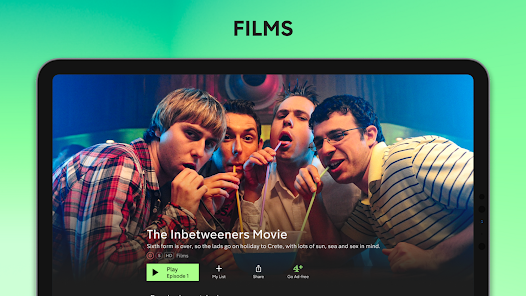
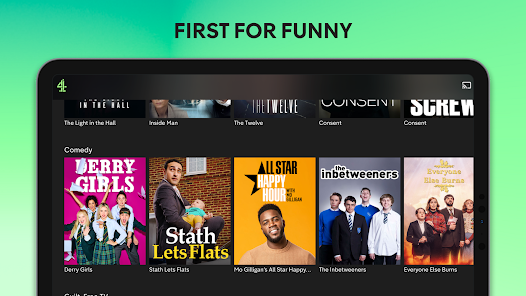
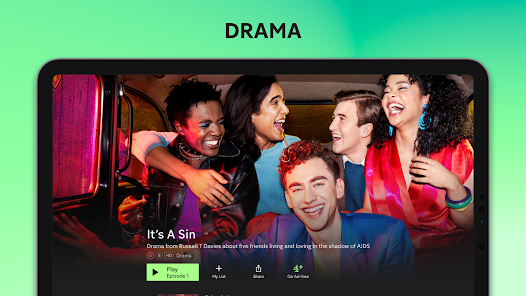
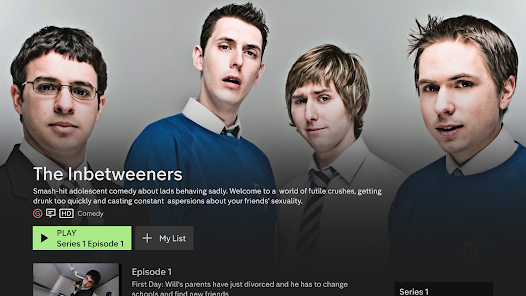
The Channel 4 app serves as a versatile platform for streaming a wide array of content, making it perfect for various scenarios. Whether you're lounging at home, commuting, or taking a break at work, the app allows you to catch up on your favorite shows, documentaries, and films. Users can easily dive into the latest episodes of popular series like "Derry Girls" and "The Great British Bake Off," ensuring that they never miss out on trending content. The app is particularly useful for binge-watchers, as it provides a seamless way to continue watching from where you left off, regardless of the device you are using. Additionally, the app caters to diverse interests with a selection of categories ranging from drama and comedy to lifestyle and news, making it suitable for users of all ages.

User Experience

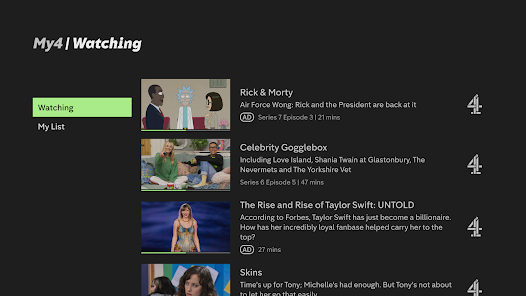
The user experience of the Channel 4 app is generally smooth and intuitive. Upon opening the app, users are greeted with a clean interface that makes browsing easy. The search functionality is robust, allowing users to find specific shows or genres quickly. Playback quality is commendable, with options for various resolutions depending on the user's internet speed. The app also features personalized recommendations based on viewing history, enhancing user engagement and satisfaction. However, some users may experience occasional buffering issues, particularly during peak times, which can detract from the overall experience. The inclusion of a 'Watch Later' feature is a notable highlight, enabling users to bookmark content for future viewing.

Pricing

The Channel 4 app is free to download and offers access to a substantial amount of content without any subscription fees. Users can enjoy catch-up TV and on-demand programming without financial commitment, which is a significant advantage over many competitors. However, the app does contain advertisements, which can interrupt viewing. For those who prefer an ad-free experience, Channel 4 has been exploring premium subscription options, but as of now, the basic service remains free, making it accessible to a broad audience.

Updates & Support

Channel 4 is committed to enhancing user experience through regular updates. The development team frequently rolls out new features, bug fixes, and performance enhancements to ensure the app runs smoothly across devices. Users can easily access support through the app, with options for FAQs and direct contact for more complex issues. The responsiveness of the support team has received positive feedback, ensuring that users feel valued and heard. Overall, the combination of regular updates and effective customer support contributes to a reliable and user-friendly app experience.

verified Security & Privacy Review

The Channel 4 app takes user security and privacy seriously, implementing robust measures to protect personal data. The app utilizes encryption protocols for data transmission, ensuring that sensitive information remains secure during communication. Users are informed about what data is collected, including viewing history and preferences, which is essential for personalized content delivery. When it comes to permissions, the app requests access to device features such as location and storage on a need-to-use basis. Users are given clear options to grant or deny these permissions, maintaining transparency in how their data is utilized. Additionally, the app provides comprehensive privacy settings, allowing users to manage their data preferences and opt out of certain data collections. Channel 4 also adheres to GDPR regulations, ensuring that users in applicable regions have rights over their data, including access, rectification, and deletion. Overall, the app demonstrates a commitment to safeguarding user information while providing a tailored viewing experience, making it a reliable choice for users concerned about privacy and data security.

Reviews

3.2

“Great variety of shows and genres available!”

“User-friendly interface makes browsing easy.”

“Streaming quality is generally excellent.”

“Occasional ads can be disruptive.”

“Love the catch-up feature for missed episodes!”

FAQ

1

Can I submit suggestions or feedback to Channel 4?

Yes, users can submit suggestions or feedback through the app or the official Channel 4 website's contact form.

2

Does Channel 4 collect my personal data?

Yes, Channel 4 may collect personal data to enhance user experience, but they adhere to privacy policies and regulations regarding data usage.

3

Does Channel 4 support offline use?

Yes, the Channel 4 app allows users to download select content for offline viewing.

4

How do I cancel my Channel 4 subscription?

To cancel your subscription, you can go to your account settings within the app or the website and follow the cancellation instructions.

5

How much does a subscription to Channel 4 cost?

A subscription to Channel 4 is typically free, but premium content may require payment or a subscription to associated services.

How to use Channel 4

1

How can I contact Customer Service for the Channel 4 app?

You can reach Channel 4 Customer Service by calling their helpline at 0345 073 0040 or visiting their website for live chat support.

2

How do I activate the Channel 4 app on my device?

To activate the app, download it, open it, and follow the on-screen instructions to enter the activation code provided on your TV or device.

3

How do I find the Customer Number for the Channel 4 app?

The Customer Number is usually found in the app settings under 'Help' or 'Contact Us.' You can also check your account details on the Channel 4 website.

4

How do I log in to the Channel 4 app?

Open the app, tap on 'Log In,' and enter your email and password. If you don't have an account, you can sign up directly within the app.

Editor's Choice