This site uses cookies to enhance your user experience. By clicking any link on this site you are giving your consent to our cookie policy. Read more
Reject
Accept All

Advertiser and Editorial Disclosures

Update Software App: Updates

Update Software App: Updates

verified Verified App

Developer: Vidmark Inc.

  • category

    Category: Libraries & Demo

  • price

    Price: free

  • age rating

    Age Rating: Everyone

  • rating

    Rating: 4.4

  • download

    Downloads: 1,000,000+

  • version

    Version: 2.1.10

Screenshot 1
Screenshot 2
Screenshot 3
Screenshot 4
Screenshot 5
Screenshot 6
Screenshot 7
Screenshot 8
Screenshot 9
Screenshot 10
Screenshot 11
Screenshot 12
Screenshot 13
Screenshot 14
Screenshot 15
Screenshot 16
Screenshot 17
Screenshot 18
Screenshot 19
Screenshot 20
Screenshot 21
Screenshot 22
Screenshot 23
Screenshot 24
Screenshot 25
Screenshot 26
Screenshot 27
Screenshot 28
Screenshot 29
Screenshot 30
Screenshot 31

Features & Highlights

Automatic Updates

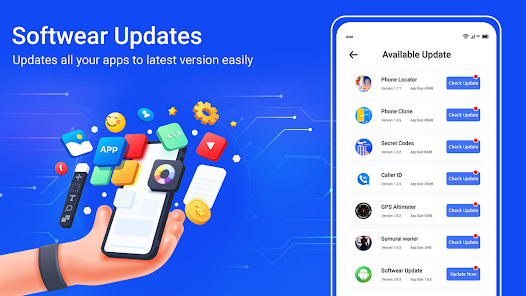
Stay worry-free with the Automatic Updates feature that ensures your apps are always running the latest versions. This functionality runs in the background, checking for updates regularly to save you time and effort, allowing you to focus on what truly matters while keeping your apps secure and efficient.
Custom Notification Settings

Personalize your update experience with Custom Notification Settings. You can choose when and how you want to be notified about available updates, ensuring you never miss an important app upgrade while minimizing distractions based on your preferences.

Detailed Update History

Keep track of all your app updates with the Detailed Update History feature. This handy tool provides a comprehensive log of previous updates, allowing you to see what has changed in your apps over time and making it easier to identify any issues that may arise after an update.

User-Friendly Interface

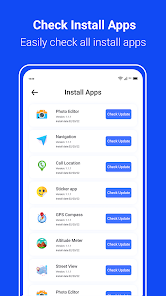
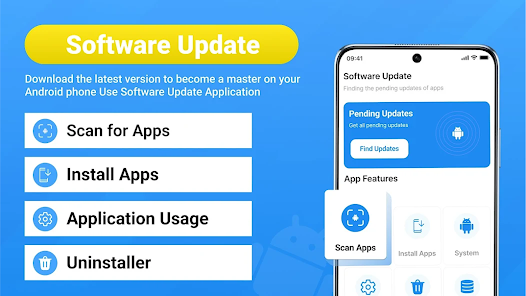
Navigating through the Update Software App is a breeze thanks to its intuitive user interface. The clean design and straightforward layout make it incredibly easy to find and manage your app updates, even for those who aren’t tech-savvy.

Pros & Cons

Pros
  • Ensures your apps are always up to date
  • Saves time by automating the update process
  • Enhances device security with the latest patches
  • Improves app performance with new features
  • User-friendly interface for easy navigation
Cons
  • Can consume significant device storage space
  • May cause system performance issues
  • Updates can introduce new bugs or glitches
  • User interface changes may confuse existing users

Real Experience Using Update Software App: Updates

Application Scenarios

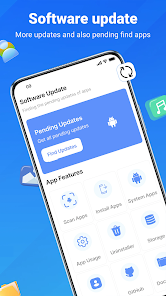
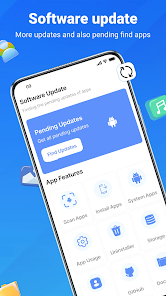
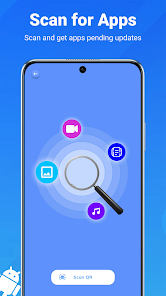
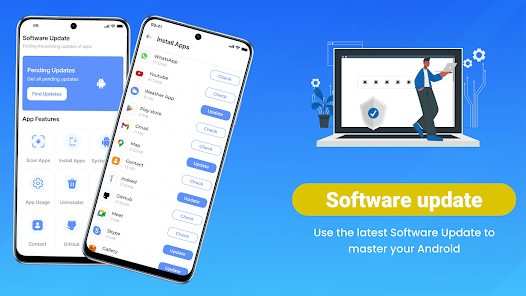
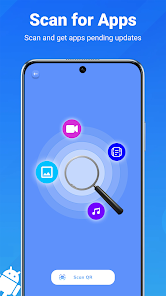
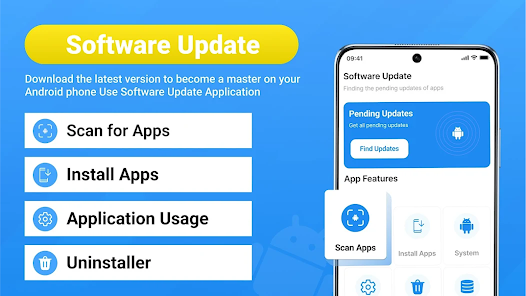
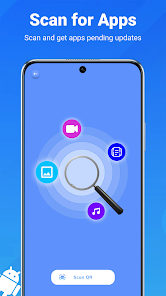
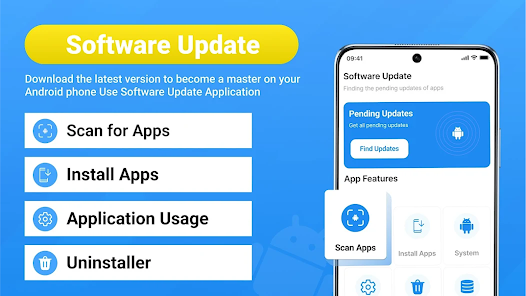
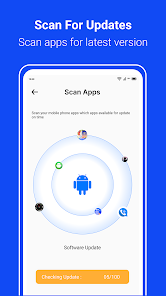
The Update Software App: Updates is designed to streamline the process of keeping your devices and applications up to date. It is particularly useful for users who juggle multiple devices, such as smartphones, tablets, and computers. Whether you are a tech-savvy individual, a busy professional, or simply someone who prefers not to deal with the hassle of manual updates, this app is tailored for you. It can automatically scan your devices for outdated software, suggesting necessary updates that ensure optimal performance and security. Furthermore, it is ideal for users in environments that rely on specific software versions, such as businesses or educational institutions, where maintaining compatibility is crucial. The app provides a comprehensive overview of pending updates, making it easier to manage software across various platforms seamlessly.

User Experience

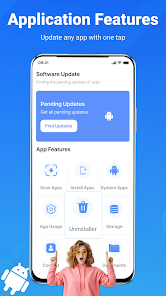
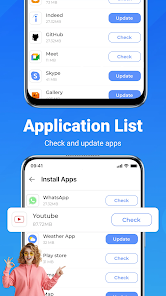
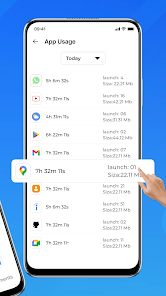
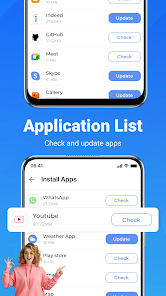
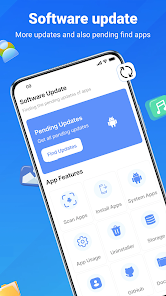
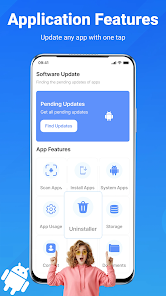
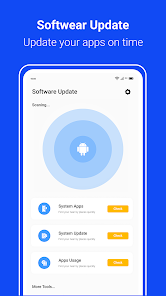
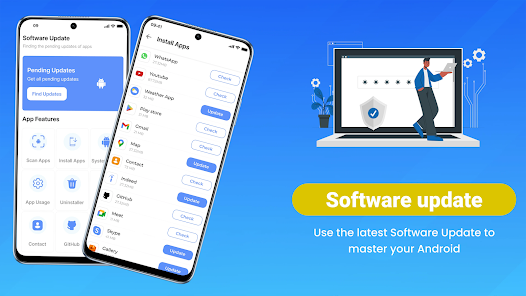
The user experience offered by the Update Software App is commendable. Upon launching the app, users are greeted with a clean and intuitive interface that simplifies navigation. The dashboard provides a summary of all applications and system software that require attention, allowing users to address updates with a single click. Users appreciate the detailed information provided about each update, including the benefits of installing new versions, which helps them make informed decisions. The app runs smoothly, with minimal lag, and is designed to work in the background without interrupting users' workflows. Moreover, the notifications are timely but not intrusive, striking a balance that keeps users informed without overwhelming them. Overall, the user experience is polished and user-friendly, making it accessible to both novice and experienced users alike.

Pricing

The Update Software App: Updates adopts a freemium model, providing basic features at no cost while offering premium features through a subscription plan. The free version is quite functional, allowing users to perform essential updates for their applications and system software. However, the premium version unlocks additional functionalities, such as automatic scheduling of updates, advanced reporting tools, and priority support. The pricing is competitive relative to similar applications on the market, offering a good value for those who require more comprehensive features. Users often find the premium version worth the investment, particularly for businesses that need to maintain consistent software performance across multiple devices.

Updates & Support

The developers of the Update Software App are committed to providing regular updates, ensuring that the app remains compatible with the latest operating systems and software applications. Users can expect frequent enhancements and bug fixes, which contribute to the app’s reliability. Customer support is available through various channels, including email and live chat, with a dedicated FAQ section that addresses common concerns. Users have reported prompt responses from the support team, which adds to the overall positive experience of using the app. With ongoing updates and responsive customer support, users can trust that they are using a product that is well-maintained and designed to grow with their needs.

verified Security & Privacy Review

The Update Software App: Updates prioritizes user security and privacy through its robust data protection practices. The app employs advanced encryption techniques to safeguard sensitive information during transmission, ensuring that personal data remains secure from unauthorized access. In terms of permissions, the app requires minimal access, primarily to check for software updates and provide relevant notifications. Users can expect transparency regarding any permissions requested, allowing them to make informed decisions about their data sharing. Moreover, the app adheres to strict data handling protocols, ensuring that user data is not sold or shared with third parties without explicit consent. The privacy policy is clearly outlined, detailing the types of data collected and the purposes for which it is used. Regular updates to the app include security patches, which further enhance its resilience against potential threats. Overall, the Update Software App: Updates demonstrates a solid commitment to maintaining user privacy and data security, making it a trustworthy choice for those looking to keep their software up to date.

Reviews

4.4

“User-friendly interface makes updates a breeze”

“Quickly finds necessary updates”

“Reliable performance and minimal bugs”

“Saved me time on software management”

“Highly recommend for hassle-free updates”

FAQ

1

Can I schedule updates with the Update Software App?

Yes, many versions of the Update Software App allow you to schedule updates at your convenience. You can set specific times or intervals for the app to check for updates and install them, ensuring that your device remains current without interrupting your daily activities. Check the app settings for scheduling options.

2

Can I use the Update Software App without an internet connection?

No, the Update Software App requires an active internet connection to check for and download updates. Without internet access, the app will not be able to perform its primary function of keeping your software up to date. Ensure you are connected to Wi-Fi or mobile data when using the app.

3

Does the Update Software App consume a lot of battery?

The Update Software App is designed to be efficient and should not consume a significant amount of battery. However, extensive background activity, such as frequent updates or downloading large files, may impact battery life. To minimize battery usage, adjust the app's settings to limit background data and update frequency.

4

How can I uninstall the Update Software App?

To uninstall the Update Software App, go to your device's settings, find the app in the list of installed applications, and select the option to uninstall or remove it. Alternatively, you can press and hold the app icon on your home screen and select the uninstall option that appears. Confirm the action to complete the uninstallation process.

5

How do I download the Update Software App?

You can download the Update Software App from your device's official app store, such as the Apple App Store for iOS devices or Google Play Store for Android devices. Simply search for "Update Software App," select it from the search results, and follow the prompts to install it. Make sure your device has sufficient storage space for the download.

How to use Update Software App: Updates

1

Do I need to log in to update the Updates app?

Yes, you need to be logged in to your account to access and download updates for the Updates app.

2

How can I contact customer service for the Updates app?

You can contact customer service by visiting the app's official website and using the support chat feature or by calling the customer service number listed there.

3

How do I activate the Updates app after installation?

To activate the Updates app, simply log in with your registered account credentials after installation. Follow on-screen instructions to complete activation.

4

What is the customer number for the Updates app?

The customer number for the Updates app can be found in the app settings under "Help" or on the official website's contact page.

Editor's Choice