This site uses cookies to enhance your user experience. By clicking any link on this site you are giving your consent to our cookie policy. Read more
Reject
Accept All

Advertiser and Editorial Disclosures

Navionics® Boating

Navionics® Boating

verified Verified App

Developer: Garmin

  • category

    Category: Navigation

  • price

    Price: free

  • age rating

    Age Rating: /

  • rating

    Rating: 2.9

  • download

    Downloads: /

  • version

    Version: 24.1

Screenshot 1
Screenshot 2
Screenshot 3
Screenshot 4
Screenshot 5
Screenshot 6
Screenshot 7
Screenshot 8
Screenshot 9
Screenshot 10
Screenshot 11
Screenshot 12
Screenshot 13
Screenshot 14
Screenshot 15
Screenshot 16
Screenshot 17
Screenshot 18
Screenshot 19
Screenshot 20
Screenshot 21
Screenshot 22
Screenshot 23
Screenshot 24
Screenshot 25
Screenshot 26
Screenshot 27
Screenshot 28
Screenshot 29
Screenshot 30
Screenshot 31
Screenshot 32
Screenshot 33
Screenshot 34
Screenshot 35
Screenshot 36
Screenshot 37
Screenshot 38
Screenshot 39
Screenshot 40
Screenshot 41
Screenshot 42
Screenshot 43
Screenshot 44
Screenshot 45
Screenshot 46
Screenshot 47
Screenshot 48
Screenshot 49
Screenshot 50
Screenshot 51
Screenshot 52
Screenshot 53
Screenshot 54
Screenshot 55
Screenshot 56
Screenshot 57
Screenshot 58
Screenshot 59
Screenshot 60
Screenshot 61
Screenshot 62
Screenshot 63
Screenshot 64
Screenshot 65
Screenshot 66
Screenshot 67
Screenshot 68
Screenshot 69
Screenshot 70
Screenshot 71
Screenshot 72
Screenshot 73
Screenshot 74
Screenshot 75
Screenshot 76
Screenshot 77
Screenshot 78

Features & Highlights

Auto-Route Planning

The auto-route planning feature simplifies your journey by generating optimal routes based on your preferences and boat specifications. It saves you time and effort, allowing you to focus on enjoying your day on the water. With customizable options, you can tailor your route to suit your unique boating style.
Community Insights

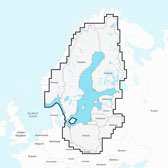
Leverage insights from the Navionics community, where users share tips, waypoints, and local knowledge. This collaborative feature enhances your boating experience, providing you with valuable information about hidden gems and potential hazards. You'll feel more connected to fellow boaters and discover new adventures along the way.

Interactive Maps

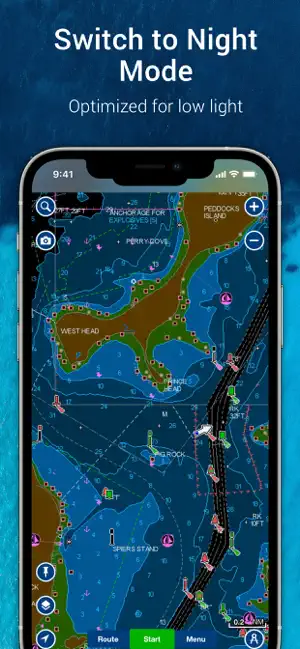
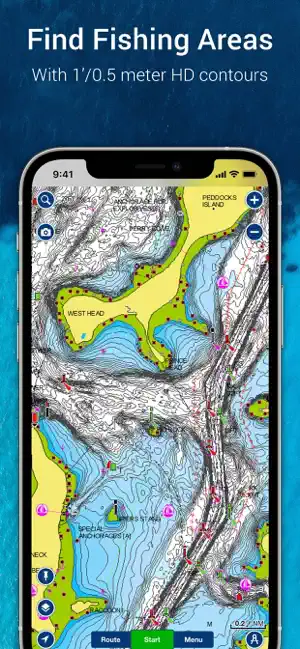
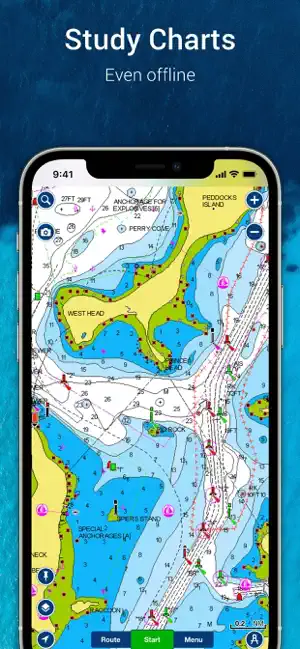
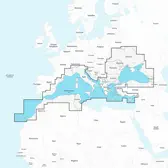
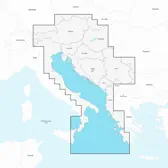
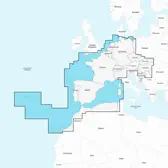
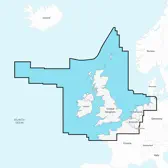
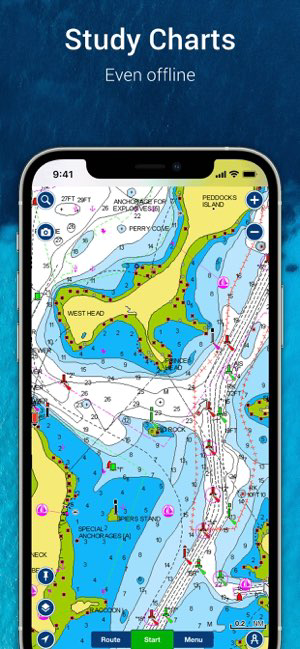
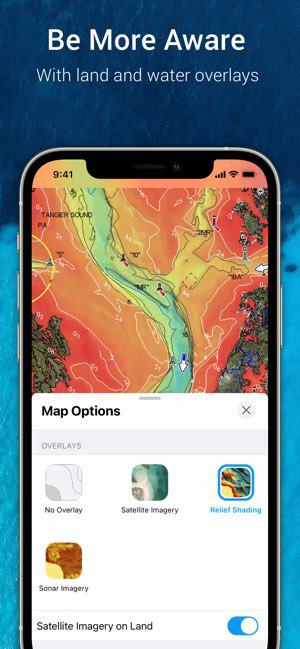
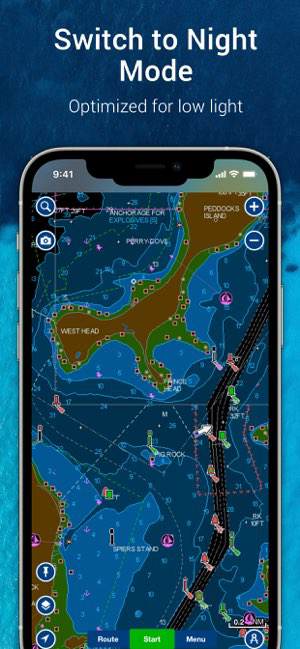
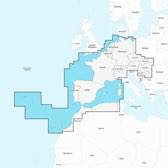
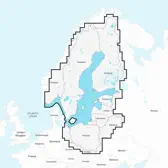
Navionics® Boating offers interactive maps that provide detailed nautical charts, allowing boaters to explore their favorite waterways with ease. Users can zoom in and out, ensuring they have the most precise navigation information right at their fingertips, enhancing safety and confidence while on the water.

Real-Time Data

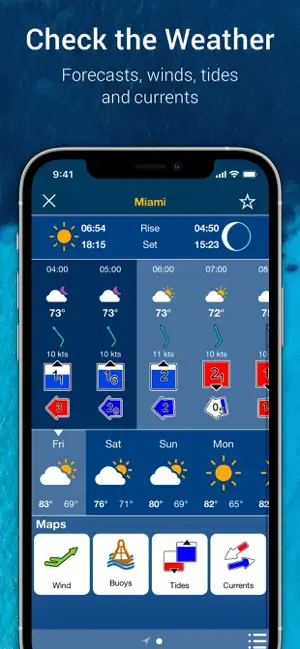
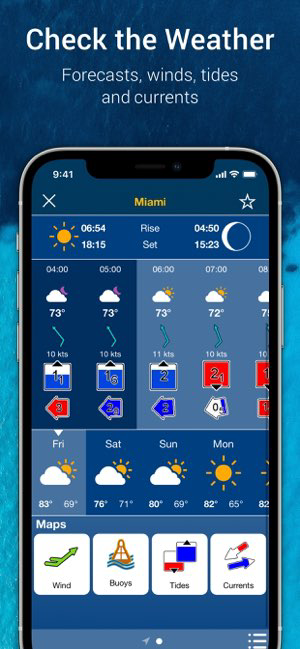
Stay informed with real-time data updates that include weather forecasts, tides, and currents. This feature helps boaters make informed decisions, ensuring a smoother experience on the water. With timely alerts and updates, you can navigate with peace of mind regardless of changing conditions.

Pros & Cons

Pros
  • Comprehensive marine charts for accurate navigation
  • Real-time updates ensure current information always
  • User-friendly interface enhances ease of use
  • Integrated weather forecasts for safer outings
  • Customizable routes for personalized boating experiences
Cons
  • Limited offline functionality can hinder navigation
  • Subscription fees may accumulate over time
  • User-generated data can be inaccurate or outdated
  • Interface may be complex for new users

Real Experience Using Navionics® Boating

Application Scenarios

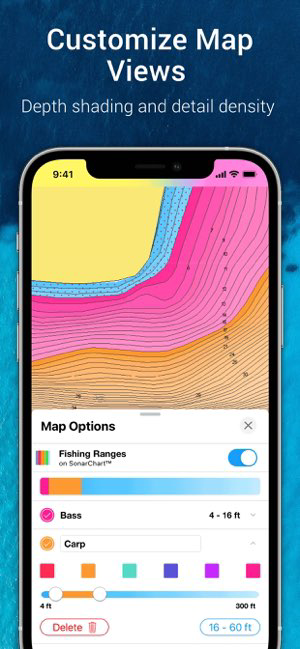
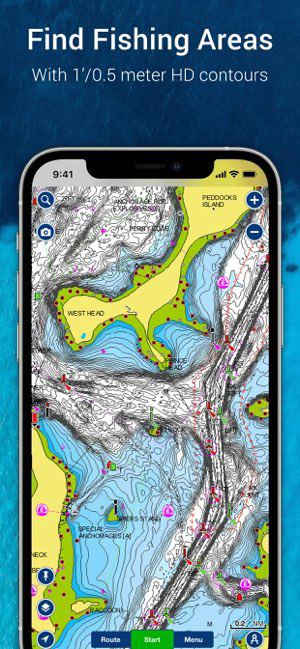
Navionics® Boating is designed for a wide range of maritime activities, making it an essential tool for boaters, fishermen, and water sports enthusiasts. One of the most common application scenarios is navigating unfamiliar waters, where users can leverage the app's detailed nautical charts and customizable routes to ensure safe passage. The app is particularly useful for anglers, as it includes features like sonar charts and fishing spots, allowing users to identify the best locations for catching fish. Additionally, recreational boaters can utilize the app's weather forecasts and tide information to plan their outings effectively, ensuring a more enjoyable experience on the water.

User Experience

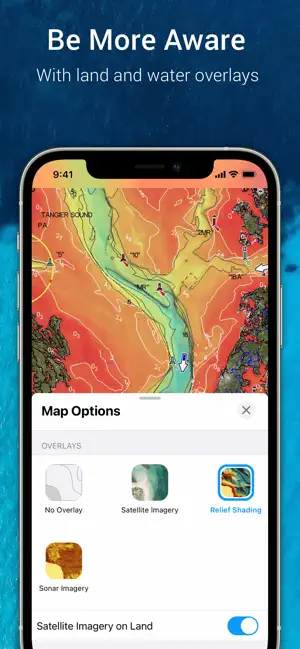
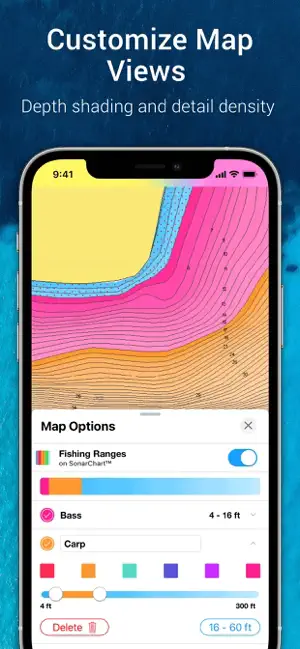
The user experience of Navionics® Boating is generally praised for its intuitive interface and comprehensive features. Upon launching the app, users are greeted with a visually appealing map that is easy to navigate. The pinch-to-zoom functionality allows for precise adjustments when examining detailed charts. Users can customize their map display by toggling various layers, such as depth contours and navigation aids, which enhances their overall experience. The app's route planning feature is straightforward; users can create and modify routes with just a few taps. However, some users have noted that the app can drain battery life quickly, particularly when utilizing GPS features, so it is advisable to have a power source available during extended trips.

Pricing

Navionics® Boating operates on a subscription model, offering various pricing tiers based on the level of access desired. Users can choose between a one-year subscription for a specific region or opt for a more extensive subscription that covers additional areas. The cost is relatively competitive compared to other nautical apps, especially given the extensive features and regularly updated charts included. While there is a free trial available, many users find that investing in a subscription is worthwhile for the enhanced functionality and peace of mind it provides while navigating on the water.

Updates & Support

Navionics® is committed to keeping its app up-to-date with the latest nautical data and features. The app receives regular updates that address user feedback, enhance functionality, and improve overall performance. Users can expect new features and map updates several times a year, ensuring that they have access to the most current information available. Additionally, customer support is readily accessible through various channels, including in-app assistance, email, and online forums. This robust support system helps users troubleshoot issues quickly, ensuring that they can continue enjoying their time on the water without unnecessary disruptions.

verified Security & Privacy Review

The Navionics® Boating app prioritizes user security and privacy through robust practices and transparent policies. The app requires certain permissions to function effectively, including access to the device's location, storage, and network capabilities. These permissions are essential for providing accurate navigation and mapping services. Users are informed about data collection practices, which primarily focus on enhancing app performance and user experience. The app may collect anonymous usage data to improve features and address potential issues. However, personal information, such as user identity or payment details, is handled with care and in accordance with applicable privacy laws. Navionics employs industry-standard encryption methods to protect any transmitted data, ensuring that sensitive information remains secure. Users are encouraged to review the privacy policy for detailed insights into data handling practices. Overall, Navionics® Boating maintains a strong commitment to safeguarding user data while providing essential boating services.

Reviews

2.9

“Invaluable for navigation on the water”

“User-friendly and intuitive interface”

“Great maps and detailed charts”

“Essential tool for boating enthusiasts”

“Excellent customer support and updates”

FAQ

1

Does Navionics® Boating collect my personal data?

Yes, Navionics® Boating may collect personal data as outlined in their privacy policy, which includes information necessary for account management and app functionality.

2

Does Navionics® Boating offer a free trial or free version?

Navionics® Boating typically does not offer a free version, but it may provide a trial period for new users to explore its features before committing to a subscription.

3

Does Navionics® Boating require an internet connection?

While Navionics® Boating can function offline with previously downloaded maps, an internet connection is needed for certain features like updating charts and accessing the latest weather data.

4

How can I contact support or send feedback for Navionics® Boating?

You can contact support or send feedback through the app's help section, the Navionics® website, or by emailing their customer service team directly.

5

How do I manage or cancel my Navionics® Boating subscription?

You can manage or cancel your Navionics® Boating subscription through your app store account settings, or by visiting the Navionics® website for further instructions.

How to use Navionics® Boating

1

Can I change my customer number?

Unfortunately, customer numbers cannot be changed. If you have concerns, please contact customer service for assistance.

2

How can I activate my Navionics® account?

To activate your account, follow the instructions in the activation email sent to you upon purchase.

3

How do I contact customer service for Navionics® Boating?

You can reach customer service through the support section on our website or by calling the provided phone number.

4

How do I update my customer information?

You can update your customer information by logging into your account and navigating to the profile section.

5

I can't log in to my account after activation. What should I do?

If you can't log in after activation, ensure you're using the correct credentials. If needed, reset your password through the "Forgot Password" link.


Editor's Choice