
 Home
Home  Apps
Apps  Games
Games  Windows
  Terms of Service
  Cookies & Privacy Policy
  About us
Pango Build & Explore City


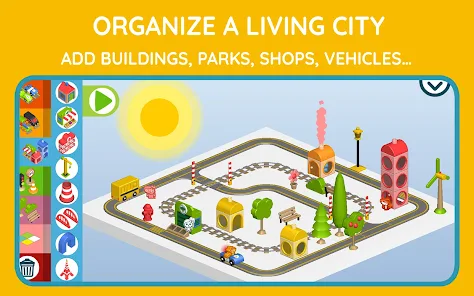
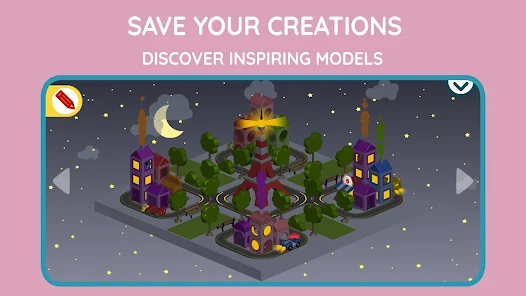
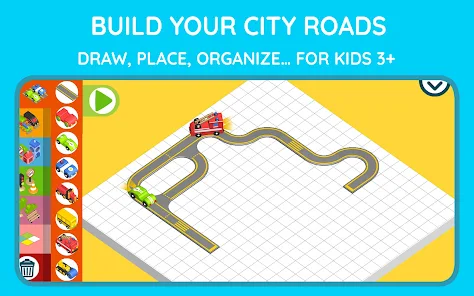
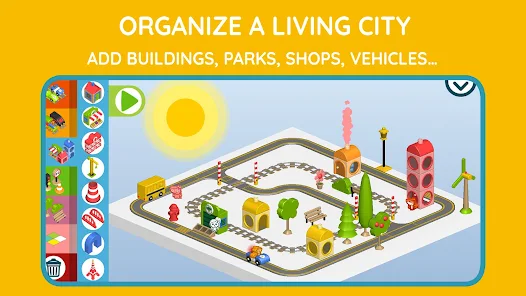
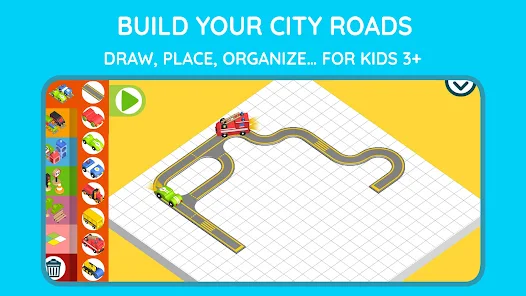
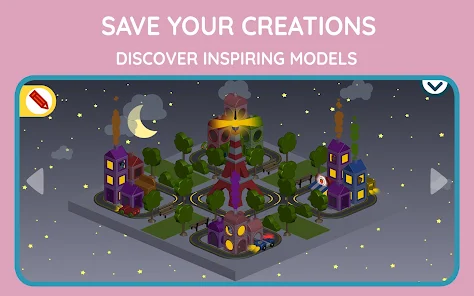
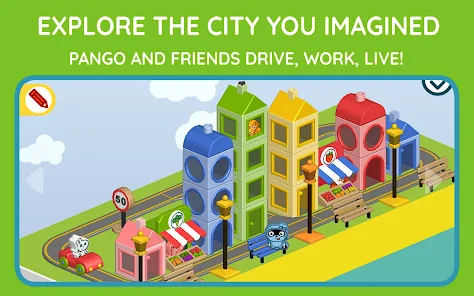
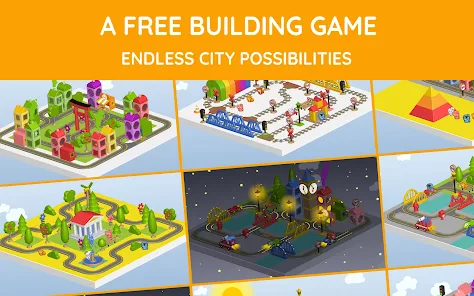
Information
- Category: Simulation
- Price: 5.99
- Age Rating: Everyone
- Rating: 3.8
- Developer: Studio Pango - Kids Fun preschool learning games
- Version: 2.0.2
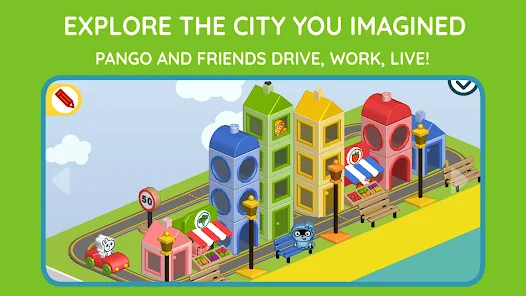
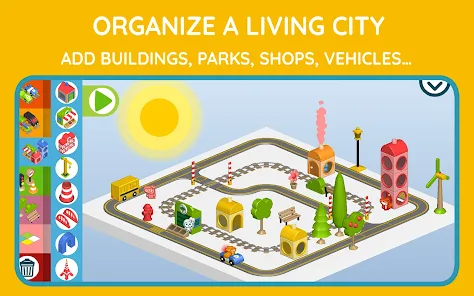
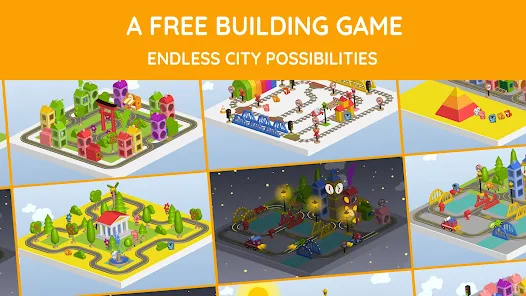
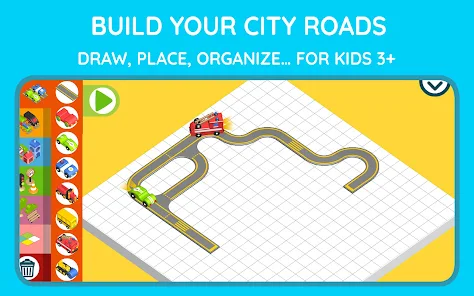
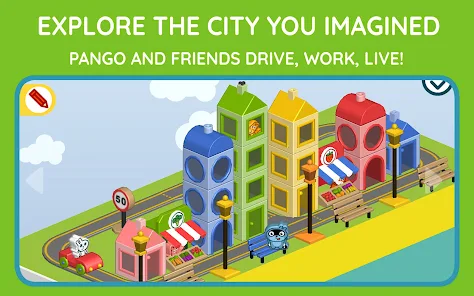
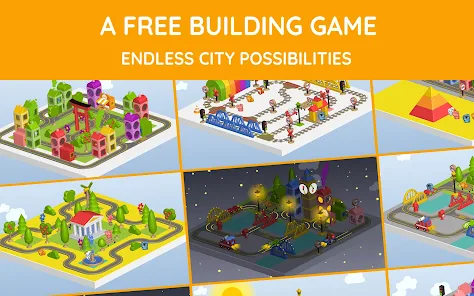
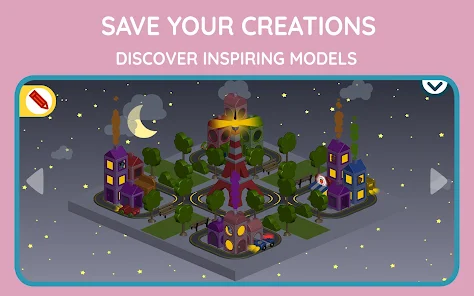
Welcome to "Pango Build & Explore City," where creativity meets adventure! Dive into a vibrant world where you can design and construct your own city, filled with unique buildings, parks, and bustling streets. Unleash your imagination as you explore various themes and interact with charming characters. Perfect for young architects and explorers, this app encourages problem-solving and creativity while providing endless fun. Start building your dream city today!
Features & Highlights
Pango Build & Explore City is an engaging app designed to stimulate creativity and encourage imaginative play in children. With its charming graphics and interactive features, this app offers a delightful experience for young users. Here are some of its core features that stand out:
Real Experience Using Pango Build & Explore City
Application Scenarios
My experience with Pango Build & Explore City has been nothing short of delightful. As a parent, I often find myself on the lookout for educational yet entertaining apps for my child. This app has become a go-to for us during family downtime, especially during rainy days when outdoor play isn't an option. It’s also a great tool for screen time that I feel good about, as it fosters creativity while keeping my child engaged. For example, during a recent weekend, we set up a family game night where my child used the app to create a vibrant city, which we then played in together, discussing the various characters and storylines that emerged from her creations.
User Experience
The user interface of Pango Build & Explore City is bright and inviting, with intuitive navigation that even younger users can master quickly. I observed my child easily navigating through the options, thanks to the colorful icons and clear instructions. The feature workflow is smooth; building a city feels seamless as children drag and drop elements into place. The performance of the app is impressive as well; it runs without lagging, even on older devices, which is a significant plus in our household. Overall, my feelings after using the app are overwhelmingly positive—it's engaging, educational, and provides a wonderful way for my child to express creativity while I enjoy watching her imaginative processes unfold.
Pricing
Pango Build & Explore City offers a reasonable pricing model that caters to various budgets. The app is available for a one-time purchase, which means there are no sneaky in-app purchases or subscriptions to worry about. This straightforward pricing has made it easier for me to decide to invest in the app without feeling anxious about ongoing costs.
Updates & Support
The developers of Pango Build & Explore City are proactive in providing updates that enhance user experience, introducing new features and mini-games periodically. I have noticed updates that include new characters and seasonal content, which keep the app feeling fresh. Additionally, their customer support is commendable; I reached out once with a question about a feature, and they responded promptly with helpful information. This level of support adds to my overall satisfaction with the app.
Security & Privacy Review
As an American parent, I have specific concerns regarding security and privacy when it comes to apps for my child. Pango Build & Explore City is available on both the App Store and Google Play, which gives me confidence in its legitimacy. The app requires minimal registration and does not ask for excessive personal data, which is a significant relief. I appreciate that it keeps the focus on play rather than data collection, and there are no external ads or tracking behaviors that could compromise my child's experience. This is a critical factor for me, as I prioritize my child's safety in digital spaces. Overall, Pango Build & Explore City strikes a good balance between fun, education, and privacy, making it a top choice in my book.
Pros 
-
 Discover a vibrant cityscape
 - Unleash your creativity and build
- Engage in fun exploration quests
- Interact with unique characters
- Learn urban planning basics
Cons 
-
 Limited educational value
 - Repetitive gameplay elements
- In-app purchases can add up
- Occasional technical glitches
Get Installation Details  Google Play
  App Store
Google Play App Store FAQ
Can I submit suggestions or feedback to Pango Build & Explore City?
Yes, users can submit feedback and suggestions through the app's support or contact section.
Does Pango Build & Explore City collect my personal data?
Pango Build & Explore City prioritizes privacy and does not collect personal data from users.
Does Pango Build & Explore City support offline use?
Yes, the app can be used offline once downloaded, allowing kids to play without an internet connection.
How do I cancel my Pango Build & Explore City subscription?
You can cancel your subscription through your device’s app store settings before the next billing cycle.
How much does a subscription to Pango Build & Explore City cost?
Pricing varies based on the subscription plan chosen, typically offering monthly or yearly options for premium content.
How to use Pango Build & Explore City
Can I change my username in the Pango app?
Currently, usernames cannot be changed. You may need to create a new account if you desire a different username.
How can I contact customer service for the Pango Build & Explore City app?
You can reach customer service by emailing support
How can I report a bug in the Pango Build & Explore City app?
To report a bug, email support
How do I log in to my Pango Build & Explore City account?
To log in, open the app and enter your registered email and password in the login screen. Tap "Login" to access your account.
How do I update my payment information in the Pango Build & Explore City app?
Go to the "Account" section in the app, select "Payment Information," and follow the prompts to update your details.
Similar Games
















You May Like

Little Farm Story: Idle Tycoon
Simulation
4.2

Mother Hospital Doctor Games
Simulation
3.4

Venue - Interior Design Games
Simulation
4.6

Vehicle Expert Truck Drive 3D
Simulation
4

Train Station 3
Simulation
4.3

Tizi Modern Home & Room Design
Simulation
4.7

Super Loop
Simulation
4.7

Satisfying Skincare ASMR Game
Simulation
4.2

RoboCraft World Block Building
Simulation
3.3

Pokémon Sleep
Simulation
4.4

Papa's Hot Doggeria To Go!
Simulation
4.6

Master Hospital
Simulation
3