This site uses cookies to enhance your user experience. By clicking any link on this site you are giving your consent to our cookie policy. Read more
Reject
Accept All

Advertiser and Editorial Disclosures

Bus Simulator: City Driver 3D

Bus Simulator: City Driver 3D

verified Verified App

Developer: MTS Technologies

  • category

    Category: Simulation

  • price

    Price: free

  • age rating

    Age Rating: Everyone

  • rating

    Rating:

  • download

    Downloads: 50,000+

  • version

    Version: 0.4

Screenshot 1
Screenshot 2
Screenshot 3
Screenshot 4
Screenshot 5
Screenshot 6
Screenshot 7
Screenshot 8
Screenshot 9
Screenshot 10
Screenshot 11
Screenshot 12
Screenshot 13
Screenshot 14
Screenshot 15
Screenshot 16
Screenshot 17
Screenshot 18
Screenshot 19
Screenshot 20
Screenshot 21

Features & Highlights

Challenging Missions and Tasks

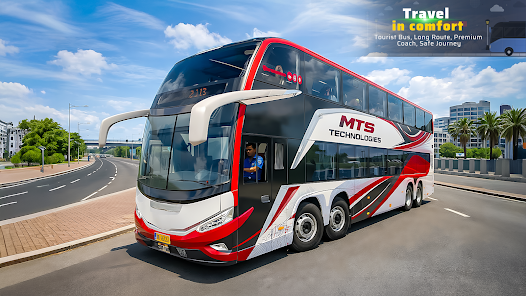
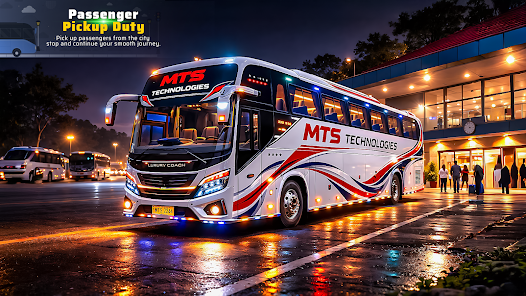
Players can engage in a variety of missions and tasks that test their driving skills and time management. From picking up passengers at busy terminals to navigating complex routes, each challenge adds depth to the gameplay, ensuring that players remain engaged as they progress through the game.

Diverse Bus Fleet

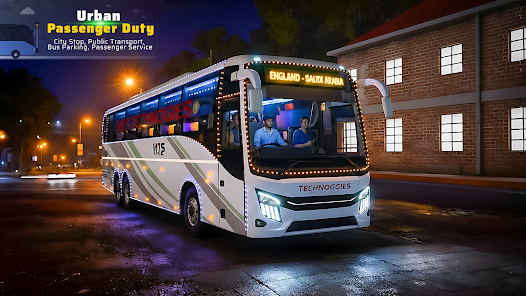
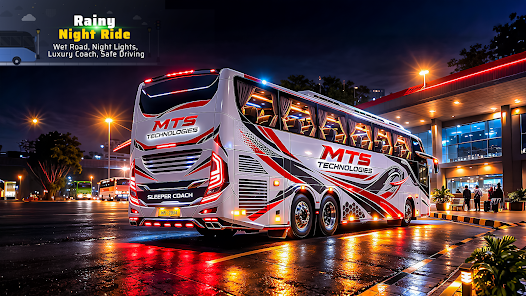
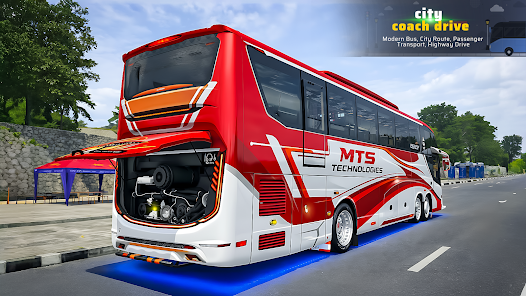
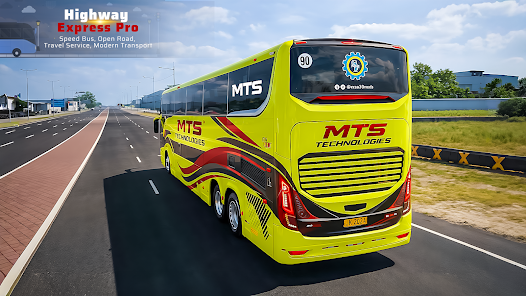
With a wide range of buses to choose from, players can select their favorite models, each with unique specifications and characteristics. This diversity allows for personalized gameplay, whether you prefer a classic city bus or a modern coach, catering to various driving styles and preferences.

Dynamic City Environment

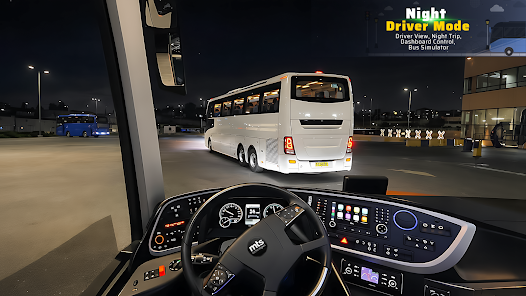
The game features a vibrant, dynamic city that changes with different weather conditions and time of day. This realistic environment not only enhances the aesthetic appeal but also influences driving conditions, challenging players to adapt their strategies as they transport passengers safely across the bustling urban landscape.

Realistic Driving Experience

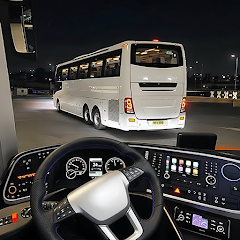
Bus Simulator: City Driver 3D offers an incredibly immersive driving experience with realistic controls and physics. Players can enjoy the sensation of handling a bus through various city environments, making every turn and stop feel authentic and engaging as they navigate through traffic and respond to passenger demands.

Pros & Cons

Pros
  • Experience realistic driving physics for an immersive gameplay experience.
  • Enjoy a variety of bus models to choose from and customize.
  • Navigate through detailed city environments with dynamic traffic systems.
  • Master challenging routes that enhance your driving skills and strategy.
  • Engage in exciting missions and scenarios that keep gameplay fresh.
Cons
  • Graphics may appear outdated compared to newer simulators.
  • Gameplay can become repetitive over time.
  • Limited customization options for buses and routes.
  • AI traffic behavior can be unrealistic and frustrating.

Real Experience Using Bus Simulator: City Driver 3D

Real Experience Application Scenarios

Bus Simulator: City Driver 3D immerses players in a realistic urban environment, providing a multitude of scenarios that replicate real-life bus driving experiences. From navigating congested city streets to adhering to strict schedules, players can experience the challenges faced by professional bus drivers. The game features various modes, including a career mode where players can build their own bus company, and a free mode where they can explore the city at their own pace. The attention to detail in the game, such as traffic rules, passenger interactions, and weather effects, adds to the authenticity, making each gameplay session feel unique and engaging. With multiple buses to choose from and different routes to follow, players can enjoy a rich variety of driving scenarios that keep the gameplay fresh and interesting.

User Experience

The user experience in Bus Simulator: City Driver 3D is designed to be intuitive yet challenging. The controls are responsive, allowing players to steer, accelerate, and brake with ease. The game's graphics are impressive, showcasing detailed environments and realistic bus models that enhance immersion. Additionally, the sound design, featuring authentic engine noises and the chatter of passengers, contributes to the overall atmosphere. Players can customize their buses and unlock new features as they progress, which adds an extra layer of excitement. However, some users have noted occasional bugs that can disrupt gameplay, but the developers are actively working on updates to address these issues. Overall, the user experience is rewarding, striking a balance between realism and fun.

Pricing

Bus Simulator: City Driver 3D is available for free download, making it accessible to a wide audience. While the base game offers a substantial amount of content, players have the option to purchase in-game currency and additional content through microtransactions. This pricing model allows users to enjoy the game without any upfront costs, while still providing opportunities for those who wish to enhance their experience. The in-game purchases are not mandatory, enabling players to progress and enjoy the game at their own pace, which is a significant plus for those who prefer a free-to-play model.

Updates & Support

The developers of Bus Simulator: City Driver 3D are committed to enhancing the game through regular updates and support. Players can expect frequent patches that address bugs, improve performance, and introduce new content. The support team is responsive to user feedback, actively engaging with the community to understand their needs and suggestions. This dedication to maintaining and improving the game ensures that players have a continuously evolving experience, making it a worthwhile investment for both casual and dedicated gamers alike.

verified Security & Privacy Review

Security & Privacy Review Bus Simulator: City Driver 3D prioritizes user security and privacy through its data handling practices. The app collects minimal personal information, primarily for enhancing user experience and ensuring functionality. Users should be aware of the permissions required upon installation, including access to storage and location services, which are essential for realistic gameplay and navigation features. The app employs industry-standard encryption protocols to protect user data during transmission, minimizing the risk of unauthorized access. However, players should exercise caution when sharing personal information and consider adjusting privacy settings according to their comfort levels. Regular updates are provided to address potential security vulnerabilities, demonstrating the developer's commitment to maintaining a secure environment. Nonetheless, users are encouraged to review the privacy policy for a comprehensive understanding of data collection practices and user rights. Overall, Bus Simulator: City Driver 3D offers a balanced approach to security and privacy, but awareness and proactive measures from users are essential for optimal protection.

Reviews

“Great graphics and realistic driving experience!”

“The controls feel clunky and unresponsive.”

“Fun gameplay but lacks variety in missions.”

“Addictive and immersive city driving simulator.”

“Bugs and glitches ruin the overall experience.”

FAQ

1

Does Bus Simulator: City Driver 3D collect my personal data?

Bus Simulator: City Driver 3D may collect certain user data as outlined in its privacy policy, but it typically focuses on gameplay-related information rather than personal data.

2

Does Bus Simulator: City Driver 3D offer a free trial or free version?

Yes, Bus Simulator: City Driver 3D offers a free version with limited features, allowing players to try out the game before deciding to purchase additional content or features.

3

Does Bus Simulator: City Driver 3D require an internet connection?

No, Bus Simulator: City Driver 3D can be played offline, allowing you to enjoy the game without an active internet connection.

4

How can I contact support or send feedback for Bus Simulator: City Driver 3D?

You can contact support or send feedback for Bus Simulator: City Driver 3D through the app's settings menu or by visiting the developer's official website for further assistance.

5

How do I manage or cancel my Bus Simulator: City Driver 3D subscription?

You can manage or cancel your Bus Simulator: City Driver 3D subscription directly through your device's app store settings or by following the instructions provided in the app.

How to use Bus Simulator: City Driver 3D

1

Can I change my username in Bus Simulator: City Driver 3D?

Yes, you can change your username in the account settings section of the app. Follow the prompts to update your information.

2

How can I contact customer service for Bus Simulator: City Driver 3D?

You can reach customer service through the app's support section or visit the official website for contact details.

3

How can I reset my password for Bus Simulator: City Driver 3D?

Use the "Forgot Password" option on the login screen to receive a reset link via email. Follow the instructions provided.

4

How do I log in to my account in Bus Simulator: City Driver 3D?

Open the app, go to the login section, and enter your credentials. If you don’t have an account, you can create one from the same screen.

5

How do I report a bug in Bus Simulator: City Driver 3D?

You can report bugs through the app's support feature or by contacting customer service via email. Provide detailed information about the issue.

Editor's Choice