This site uses cookies to enhance your user experience. By clicking any link on this site you are giving your consent to our cookie policy. Read more
Reject
Accept All

Advertiser and Editorial Disclosures

Sudoku.com - Classic Sudoku

Sudoku.com - Classic Sudoku

verified Verified App

Developer: Easybrain

  • category

    Category: Puzzle

  • price

    Price: free

  • age rating

    Age Rating: Everyone

  • rating

    Rating: 4.6

  • download

    Downloads: 50,000,000+

  • version

    Version: 7.3.0

Screenshot 1
Screenshot 2
Screenshot 3
Screenshot 4
Screenshot 5
Screenshot 6
Screenshot 7
Screenshot 8
Screenshot 9
Screenshot 10
Screenshot 11
Screenshot 12
Screenshot 13
Screenshot 14
Screenshot 15
Screenshot 16
Screenshot 17
Screenshot 18
Screenshot 19
Screenshot 20
Screenshot 21
Screenshot 22
Screenshot 23
Screenshot 24
Screenshot 25
Screenshot 26

Features & Highlights

Clean, Intuitive Interface

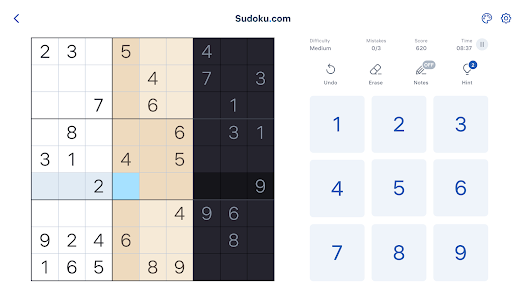
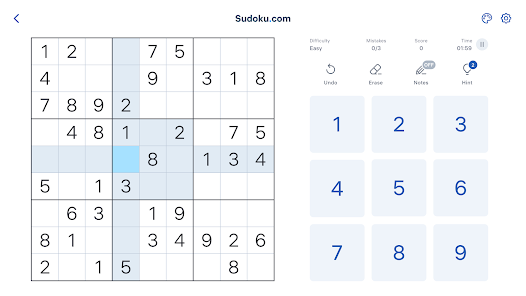
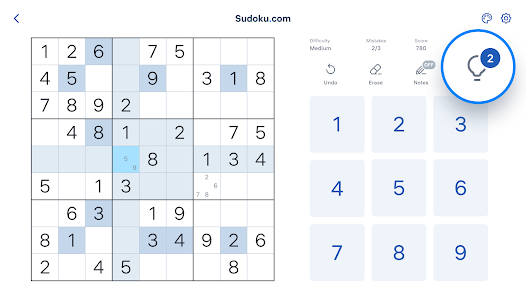
Enjoy a seamless Sudoku experience with a clean and intuitive interface that makes navigation a breeze. The app is designed for easy gameplay, allowing you to focus on solving puzzles without distractions. You’ll appreciate the thoughtful layout and user-friendly features that enhance your overall experience.

Daily Challenges

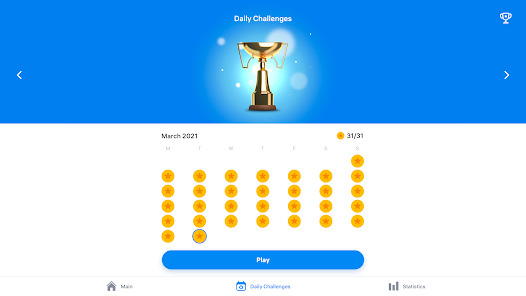
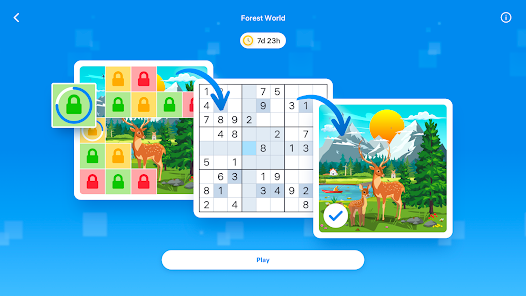
Engage your mind with fresh puzzles every day! The Daily Challenges feature offers unique Sudoku puzzles that encourage you to improve your skills and compete against others for top scores. It's a great way to stay motivated and keep your Sudoku-solving abilities sharp.

Helpful Hints

Stuck on a tricky puzzle? The Helpful Hints feature provides valuable assistance, offering tips and suggestions to guide you through challenging moments. This tool is perfect for players looking to learn and grow, making your Sudoku journey both enjoyable and educational.

Multiple Difficulty Levels

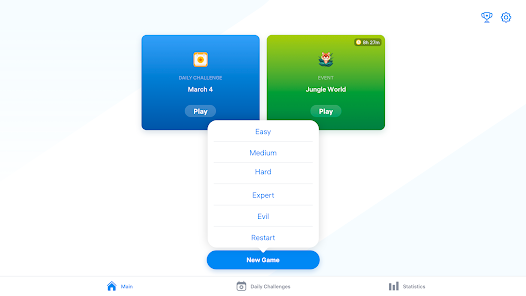
Whether you're a novice or a seasoned pro, Sudoku.com - Classic Sudoku has you covered with various difficulty levels. Choose from easy, medium, or hard puzzles to match your skill level, ensuring a rewarding experience that enhances your problem-solving prowess.

Pros & Cons

Pros
  • Enjoy a user-friendly interface that enhances your gaming experience.
  • Access a wide range of difficulty levels suitable for all skill types.
  • Challenge yourself with daily puzzles to improve your skills regularly.
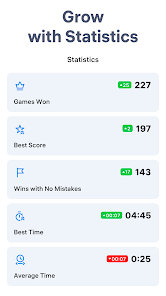
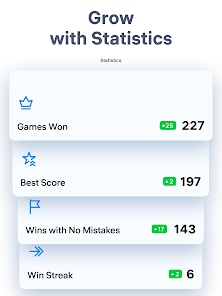
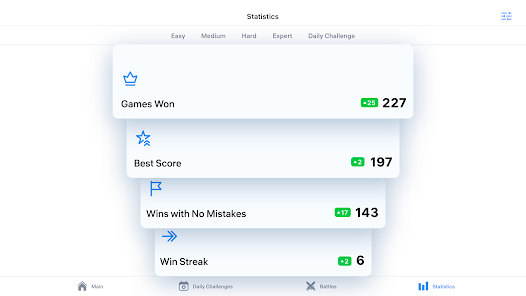
  • Track your progress and see improvements over time with stats.
  • Play seamlessly across devices for convenience and flexibility.
Cons
  • Limited difficulty levels may not challenge experienced players sufficiently.
  • Ads can disrupt the gameplay experience and focus.
  • No option for customizable grid sizes to diversify puzzles.

Real Experience Using Sudoku.com - Classic Sudoku

Application Scenarios

Sudoku.com - Classic Sudoku is designed for enthusiasts of all skill levels, from beginners to seasoned players. The app is perfect for a variety of scenarios, whether you are commuting on public transport, waiting in line, or simply relaxing at home. Its user-friendly interface allows players to dive straight into the game without the need for extensive tutorials. The app features multiple difficulty levels, which makes it an excellent choice for both casual gamers looking to pass the time and serious Sudoku fans eager to challenge their logical reasoning. Additionally, the app's offline mode ensures that you can enjoy a game of Sudoku anytime and anywhere, without the need for an internet connection.

User Experience

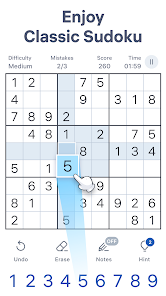
The user experience in Sudoku.com is seamless and engaging. The clean design makes navigation intuitive, and the touch controls are responsive, allowing for a smooth gameplay experience. One of the standout features is the hint system, which provides players with guidance when they are stuck, helping them learn and improve their skills. The app also includes a note-taking feature that allows users to jot down possible numbers in each cell, a crucial tool for strategizing. The easy-to-read numbers and the option to customize the grid colors enhance the overall experience, making it visually appealing. Furthermore, the app tracks your progress, displaying statistics like time taken and accuracy, which can motivate users to improve their performance over time.

Pricing

Sudoku.com - Classic Sudoku operates on a freemium model, offering a wealth of free content while also providing in-app purchases for users seeking an ad-free experience or additional puzzles. The free version includes a generous selection of daily puzzles and a variety of challenges that keep the gameplay fresh. For those who prefer uninterrupted play, the premium subscription unlocks exclusive features, such as advanced statistics and additional difficulty levels. This pricing structure makes it accessible for casual players while still catering to dedicated Sudoku enthusiasts who may want more from their gaming experience.

Updates & Support

The developers of Sudoku.com are committed to enhancing user experience through regular updates. These updates often include new puzzle packs, features, and improvements based on user feedback, ensuring that the game remains engaging and challenging. Customer support is readily available through the app, allowing users to report issues or seek assistance quickly. The developers maintain an active presence on social media, where they share tips, engage with the community, and announce new updates, fostering a sense of connection among players. Overall, the combination of consistent updates and reliable support contributes to a positive and evolving user experience.

verified Security & Privacy Review

Security and privacy are crucial considerations for any mobile application, and Sudoku.com - Classic Sudoku takes these aspects seriously. The app implements robust data encryption protocols to safeguard user information during transmission. This means that any personal data shared is protected against unauthorized access. When it comes to permissions, Sudoku.com requires minimal access to device features. Users typically need to grant permission for network access to support features such as online leaderboards and multiplayer options. Importantly, the app does not request access to sensitive personal data such as contacts or location, which helps minimize privacy risks. The app's privacy policy outlines its commitment to user data protection, stating that any collected information is used solely for enhancing gameplay and user experience. For users concerned about data sharing, the app does not sell personal information to third parties, ensuring that user data remains confidential. In summary, Sudoku.com - Classic Sudoku prioritizes user security and privacy through careful data handling practices and limited permissions, making it a trustworthy choice for puzzle enthusiasts.

Reviews

4.6

“Great variety of puzzles for all skill levels”

“User-friendly interface makes playing enjoyable”

“Ads can be intrusive at times”

“Helpful hints improve gameplay experience”

“Love the daily challenges and rewards system”

FAQ

1

Can I submit suggestions or feedback to Sudoku.com - Classic Sudoku?

Yes, users are encouraged to submit suggestions or feedback through the app's support section or official website to help improve future updates.

2

Does Sudoku.com - Classic Sudoku collect my personal data?

The app may collect some personal data to enhance user experience and for app functionality, but it adheres to privacy policies to protect users' information.

3

Does Sudoku.com - Classic Sudoku support offline use?

Yes, Sudoku.com - Classic Sudoku can be played offline, allowing users to enjoy puzzles without an internet connection.

4

How do I cancel my Sudoku.com - Classic Sudoku subscription?

Users can cancel their subscription through their app store settings, either on iOS or Android devices, following the specific instructions provided by the platform.

5

How much does a subscription to Sudoku.com - Classic Sudoku cost?

The subscription pricing can vary based on the plan chosen, typically offering monthly, yearly, and lifetime options, which can be checked within the app.

How to use Sudoku.com - Classic Sudoku

1

Can I change my customer number?

Customer numbers are unique and cannot be changed. If you have issues, please contact customer service for alternatives.

2

How can I update my account information after logging in?

Once logged in, go to your account settings to update your personal information and preferences.

3

How do I activate my Sudoku.com account after signing up?

After signing up, check your email for an activation link. Click the link to activate your account. If you don’t see the email, check your spam folder.

4

How do I contact customer service for Sudoku.com?

You can reach our customer service team via the support section on our website or through the contact form. We’re here to help!

5

How do I log in to my Sudoku.com account?

To log in, click on the "Log In" button on the homepage and enter your email and password.

Editor's Choice