This site uses cookies to enhance your user experience. By clicking any link on this site you are giving your consent to our cookie policy. Read more
Reject
Accept All
codeSpark - Coding for Kids

codeSpark - Coding for Kids

verified Verified App

Developer: codeSpark

  • category

    Category: Puzzle

  • price

    Price: free

  • age rating

    Age Rating: Everyone

  • rating

    Rating: 3.5

  • download

    Downloads: 1,000,000+

  • version

    Version: 4.30.01

Screenshot 1
Screenshot 2
Screenshot 3
Screenshot 4
Screenshot 5
Screenshot 6
Screenshot 7

Features & Highlights

Age-Appropriate Content

The app is tailored for young learners, featuring age-appropriate coding concepts that grow with the child. This ensures that kids of all skill levels can progress at their own pace while remaining challenged and engaged, making learning to code a delightful experience.

Creative Game Design

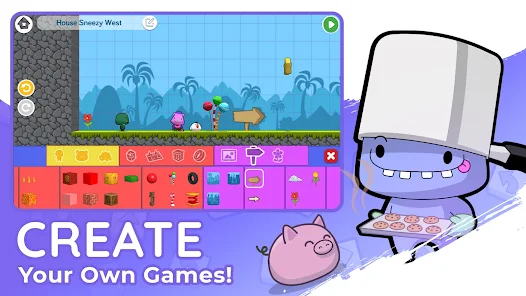
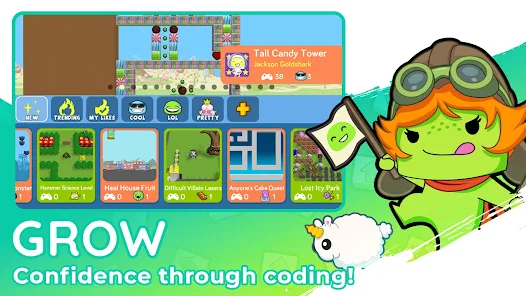
With codeSpark, kids can unleash their creativity by designing their own games and stories. This feature encourages them to apply coding concepts in a hands-on way, allowing for unique creations that they can share with friends and family, fostering a sense of accomplishment and pride.

Interactive Learning

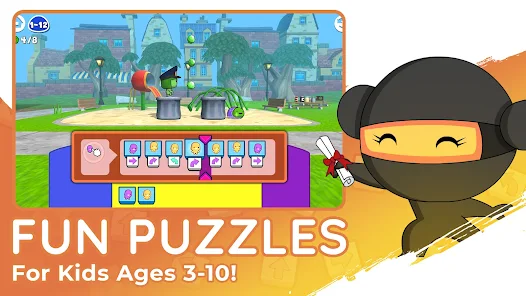
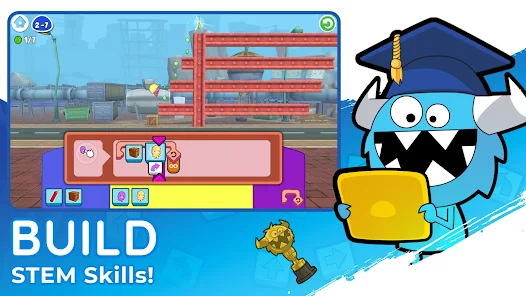
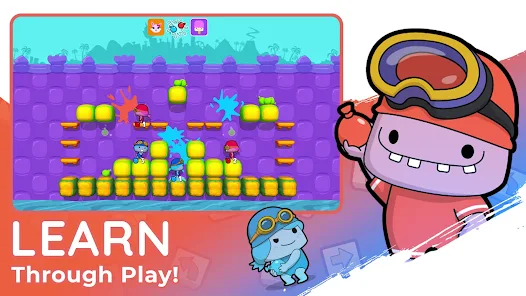
codeSpark offers an engaging platform where kids can learn coding through fun and interactive games. By solving puzzles and completing challenges, children develop critical thinking and problem-solving skills while having a blast with colorful characters and imaginative storylines.

Safe Learning Environment

codeSpark prioritizes safety by providing a secure platform where kids can learn without the distractions of social media. Parents can rest easy knowing that their children are exploring coding in a controlled environment, focused solely on education and creativity.

Pros & Cons

Pros
  • Engaging games make learning fun and interactive
  • Promotes problem-solving and critical thinking skills
  • Encourages creativity through coding projects
  • User-friendly interface designed for young learners
  • Supports collaboration with peers and friends
Cons
  • Limited advanced coding concepts are covered
  • Subscription costs can add up over time
  • User interface may be confusing for some kids
  • Content may not engage older children effectively

Real Experience Using codeSpark - Coding for Kids

Application Scenarios

CodeSpark is designed for children aged 5 to 10 years, making it an ideal tool for early coding education. Parents can utilize the app at home to supplement their child’s learning, while educators can integrate it into classroom activities to enhance digital literacy. The app provides a variety of engaging activities that introduce coding concepts through fun games and challenges. Whether it's creating simple animations, solving puzzles, or building interactive stories, CodeSpark caters to various scenarios where children can explore programming in a playful environment. It's particularly effective for fostering teamwork and collaboration when children work together on projects, making it suitable for family game nights or classroom group work.

User Experience

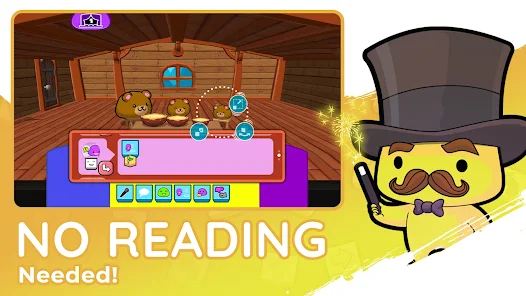
The user experience of CodeSpark is remarkably intuitive and visually appealing. The colorful graphics and friendly characters immediately capture the attention of young learners. Navigation is straightforward, with clear icons and prompts that guide children through the coding activities. The app employs a game-based learning approach, which keeps children engaged and motivated as they progress through levels. One of the standout features is the ability to customize characters and environments, allowing kids to express their creativity while learning coding fundamentals. Feedback is immediate, providing a sense of achievement as they master new skills. Parents have noted that their children often return to the app willingly, showcasing its ability to make learning enjoyable rather than a chore.

Pricing

CodeSpark offers a subscription-based pricing model that provides access to all features and content. Users can choose between a monthly or annual subscription, with the annual plan offering a discount for long-term commitment. The pricing is competitive compared to other coding education apps, and the value is evident in the breadth of activities and resources available to users. For those hesitant to commit, CodeSpark also provides a free trial, allowing parents and children to explore the app's offerings before making a financial decision. This flexibility is a significant advantage for families seeking to make informed choices about educational tools.

Updates & Support

The development team behind CodeSpark is committed to continuous improvement, regularly releasing updates that enhance functionality and introduce new content. These updates often address user feedback, ensuring that the app evolves to meet the needs of its audience. The support system is robust, with a comprehensive FAQ section and responsive customer service available via email and social media. Parents can feel assured knowing that assistance is readily available should they encounter any issues. The commitment to user satisfaction and regular content updates demonstrates CodeSpark's dedication to providing a high-quality learning experience for children.

verified Security & Privacy Review

codeSpark - Coding for Kids prioritizes the security and privacy of its young users. The app does not collect personally identifiable information from children, ensuring that their data remains protected. Instead, it utilizes anonymous data collection methods to improve user experience and app functionality. The app requires minimal permissions, focusing on features essential for its operation. Users are not prompted for access to sensitive device features, thereby reducing potential privacy risks. codeSpark also adheres to COPPA (Children's Online Privacy Protection Act) guidelines, which reinforces its commitment to safeguarding children's online privacy. Additionally, codeSpark implements robust encryption protocols to protect any data that may be collected in compliance with legal standards. The app features a comprehensive privacy policy that outlines its data handling practices, providing transparency for parents and guardians. Overall, codeSpark demonstrates a strong commitment to maintaining a secure and private environment for kids as they learn to code.

Reviews

3.5

“Engaging and fun way to learn coding!”

“Perfect for kids' creativity and problem-solving skills.”

“User-friendly interface keeps kids motivated.”

“Great educational tool with interactive challenges.”

“Parents love the progress tracking feature!”

Editor's Choice